PostgreSQL 14 Is Dead: Upgrade to 18

This guide is a companion to the video PostgreSQL 14 Is Dead: Upgrade to 18, which is the starting point for everything described here. The video runs 6 minutes 16 seconds, was uploaded 2026-11-24, and walks a real Debian guest from a live PostgreSQL 14 cluster to PostgreSQL 18 through backup, preflight, pg_upgrade, verification, and cleanup, closing with a verdict of 18 over 19.
Two honesty notes up front. The video's description credits its step frames as recreations from verbatim bench transcripts with on-frame labels, so treat on-screen terminals as illustrations of a real bench, not live footage. And this guide author did not execute any of the commands below, so every hands-on step is marked untested here. Video claims and added research are kept separate throughout.
Why version 14 is really dead
Added research, re-verified for this guide. The official versioning table lists 14.25 as not supported, with first release 2021-09-30 and final release 2026-11-12, while 18 and 19 remain supported. The 14.25 release notes, dated 2026-11-12, state outright that this is expected to be the last PostgreSQL release in the 14.X series and encourage users to update to a newer branch soon.
End of life means no more fixes of any kind, including security fixes. The video's point stands on its own: distribution repositories and old compose files will still happily hand you version 14, so check what you are actually running before assuming you are safe.
Land on 18, not 19
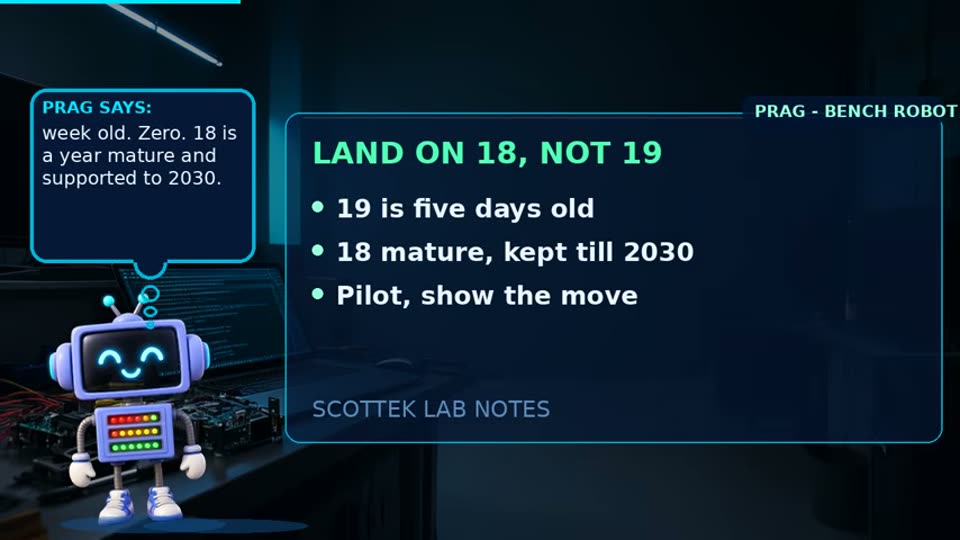
This section follows the video's verdict, which is a presenter call rather than a measured result. The video argues for 18.7 over 19 on maturity grounds: 19 arrived 2026-11-19, only days before the video, while 18 has been out about a year and is supported to 2030-11-14 per the versioning table. Added research confirms the 19 side of that comparison through the PostgreSQL 19 release announcement, which headlines the REPACK (CONCURRENTLY) command, the pg_plan_advice extension, and read-your-writes consistency on standbys.
If you want the 19 side of the story, the channel's related install guide covers it separately at PostgreSQL 19 on Ubuntu: Install, Verify, Prove It Works. That guide is a related companion, not a sequel, and this guide still recommends the video's 18 target for existing 14 clusters.
Back up before anything else
This section follows the video's steps 1 through 4. The video starts by proving the patient is really on 14 with psql --version, pg_lsclusters, and SELECT version(); reporting 14.25, then seeds a demo database named homelab_demo with a devices table holding 5000 rows plus a jsonb column to keep the upgrade honest (untested).
The step that matters most is the backup. The video's linked command list runs pg_dumpall into a single SQL file under /var/backups/ and then lists it with ls -la, and the bench log records a 221439-byte file (untested). It then proves the parachute opens by grepping the dump for the demo database and table names and counting lines with wc -l (untested). The rule stated on camera is worth repeating verbatim in spirit: a backup you have not inspected is a rumor, so verify the file exists before continuing.
Preflight, migrate, and verify
This section follows the video's steps 5 through 11, with commands from the video's linked list, all untested here.
- Install the future alongside the past with
sudo apt install -y postgresql-18, then confirmpg_lsclustersshows 14 online and 18 installed but stopped (untested) - Run the preflight check,
pg_upgrade --check, pointing old binaries and data directory at 14 and new ones at 18, including the-oand-Oconfig file flags for the Debian layout, and require a compatible result with zero warnings (untested) - Stop the old engine with
sudo pg_ctlcluster 14 main stopand verify both clusters show as stopped, since downtime starts here (untested) - Run the live migration with
pg_upgrade --linkusing the same flags, and look for the success line (untested) - Start the new cluster with
sudo pg_ctlcluster 18 main startand confirmpsql --versionandSELECT version();report 18.7 (untested) - Count everything with
SELECT COUNT() FROM devices;and require the same 5000 rows, then run a realjsonbquery plusANALYZE devices;so the planner starts smart (untested*)
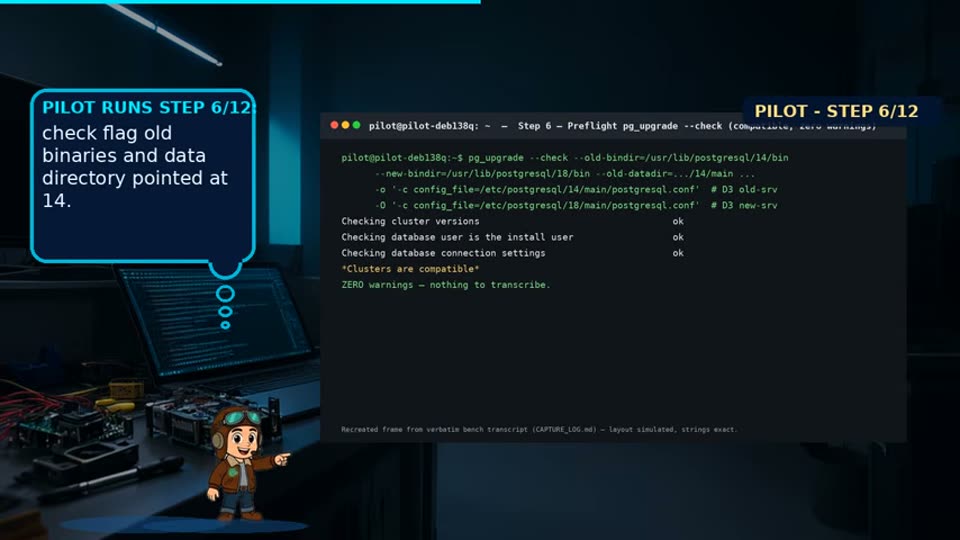
Added research corroborates the method: the official pg_upgrade documentation describes upgrading by reusing old user data files with new system tables, and documents the --check flag for verifying clusters without changing data and the --link mode used in the video.
Retire the old cluster
Warning: the commands in this section destroy the old cluster, so do not run them until the new cluster has passed every check in the previous section, and keep the dump file regardless.
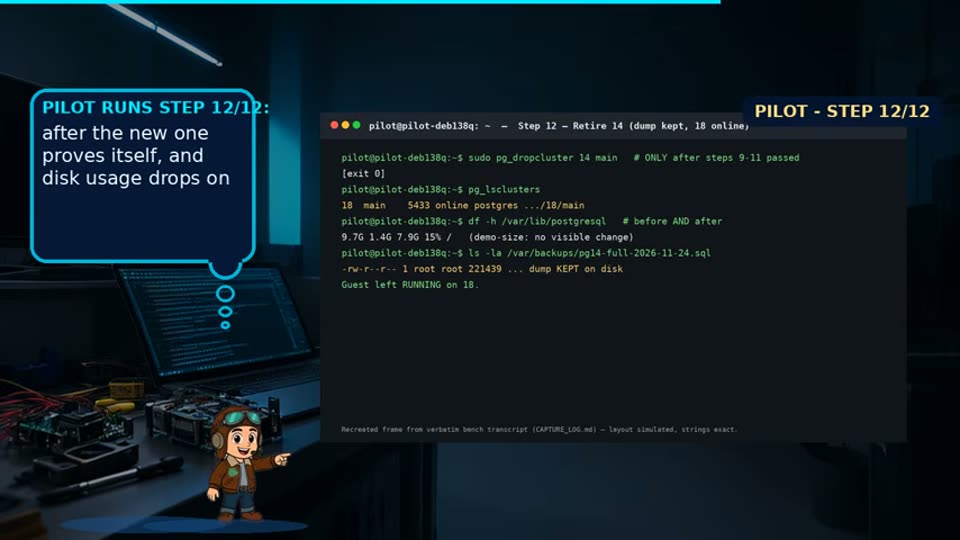
This section follows the video's step 12. Only after 18 is online, row counts match, and a client query gets answers, the video removes 14 with sudo pg_dropcluster 14 main, confirms with pg_lsclusters that only 18 remains online, and shows the dump file still on disk as the retained parachute (untested).
What the demo does not cover
This section repeats the video's closing warnings, which are presenter advice rather than demonstrated steps, and all carry-over commands are untested here.
- Extensions are the number one upgrade killer in the video's words: builds like the vector search ones Immich needs must exist for 18 before migrating, or preflight fails, so check yours first
- Docker users get a different vehicle with the same parachute discipline: back up from the 14 container, start an 18 container on a fresh volume, restore into it, and carry authentication files over by hand with a diff of your configs
- Timing honesty: small databases migrate in seconds as shown, but multi-hundred-gigabyte clusters take real downtime, and nothing in 19 retroactively shortens a 14 migration, so size the maintenance window from your data, not from the demo
- The homelab urgency behind the video is independently verifiable: the Immich compose file pins a Postgres 14 database image, and Immich v3.4.2 shipped 2026-11-18, six days after 14 went end of life, with the move off 14 still pending