Self-Host Linkwarden 2.17 in Minutes: Ubuntu + Docker Compose Guide
This companion guide starts from the video Self-Host Linkwarden 2.17 in Minutes: Ubuntu + Docker Compose Guide (108s, uploaded 2026-11-11) and adds grounded detail from the official setup docs, the v2.17.0 release, and the 2.17 announcement so you can self-host the bookmark manager that saves every link with a permanent snapshot. Steps below follow the video description and the fetched auto-sub captions, and anything added from the official pages is linked inline. The container launch is untested here because the test box has no container daemon.
What you need
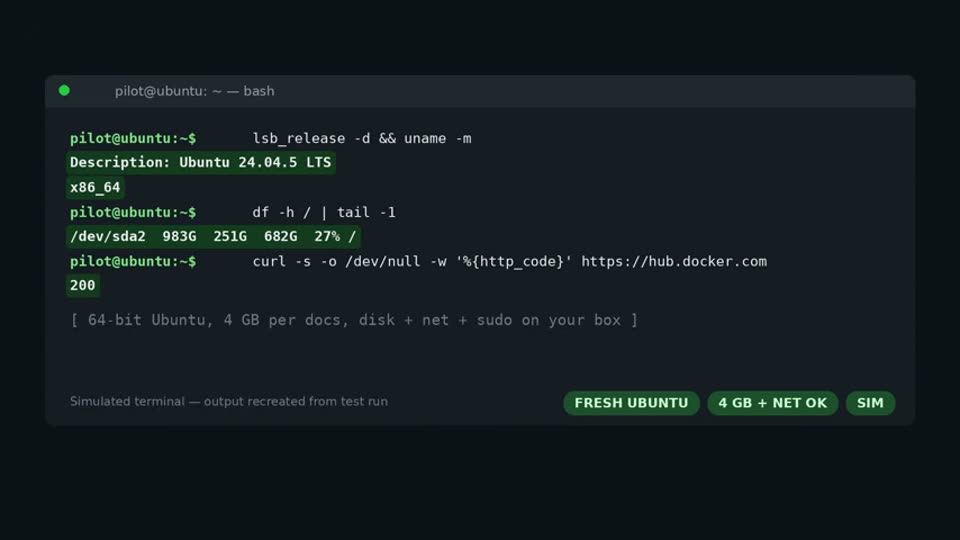
64-bit Ubuntu 24.04with4 GBof memory, per the official hardware notes- An internet connection plus administrator rights for the Docker install
- About
1.5 GBof disk for the image, plus room for your data
Install Docker from the official repository
- Install Docker Engine from Docker's official Ubuntu guide, which carries the key, repository, engine, and compose-plugin steps
- If you want the full walkthrough with the group fix, the companion Docker Engine Ubuntu setup guide covers it
- Confirm the engine with
sudo docker run hello-world, which prints its hello message when the daemon is healthy, a step that is untested here
Deploy Linkwarden 2.17
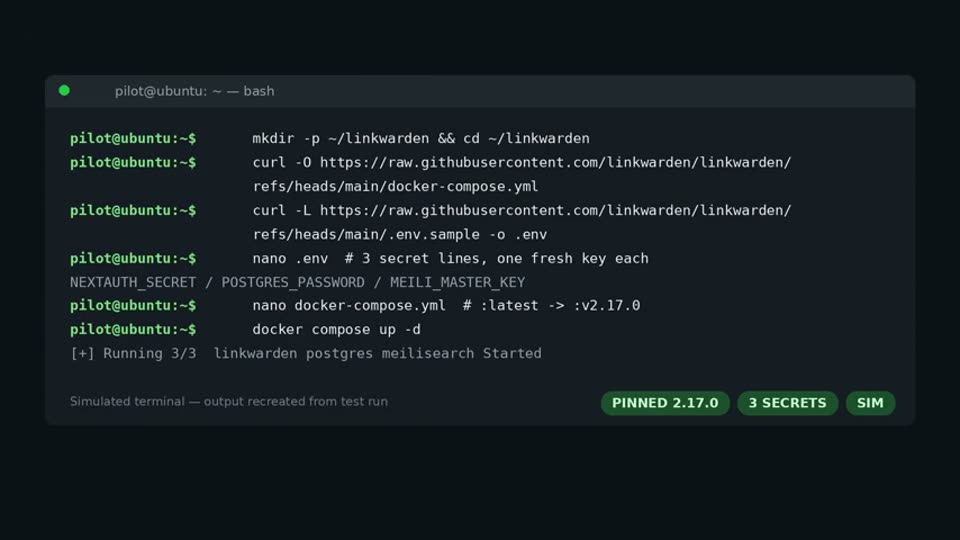
- Make a folder with
mkdir -p ~/linkwarden && cd ~/linkwarden - Download the official files with
curl -O https://raw.githubusercontent.com/linkwarden/linkwarden/refs/heads/main/docker-compose.yml - Download the settings template with
curl -L https://raw.githubusercontent.com/linkwarden/linkwarden/refs/heads/main/.env.sample -o .env - Generate a fresh value per secret with
openssl rand -hex 32 - Edit with
nano .envand setNEXTAUTH_SECRET,POSTGRES_PASSWORD, andMEILI_MASTER_KEY, wrapping values with special characters in quotes - Pin the image tag in
docker-compose.ymlfromlatesttov2.17.0 - Start it with
docker compose up -d, then check withdocker compose ps
Verify and claim the admin account
- Check the app with
curl -s -o /dev/null -w '%{http_code}' http://localhost:3000, which should return200 - Confirm all three containers show as
Upindocker compose ps - Open port
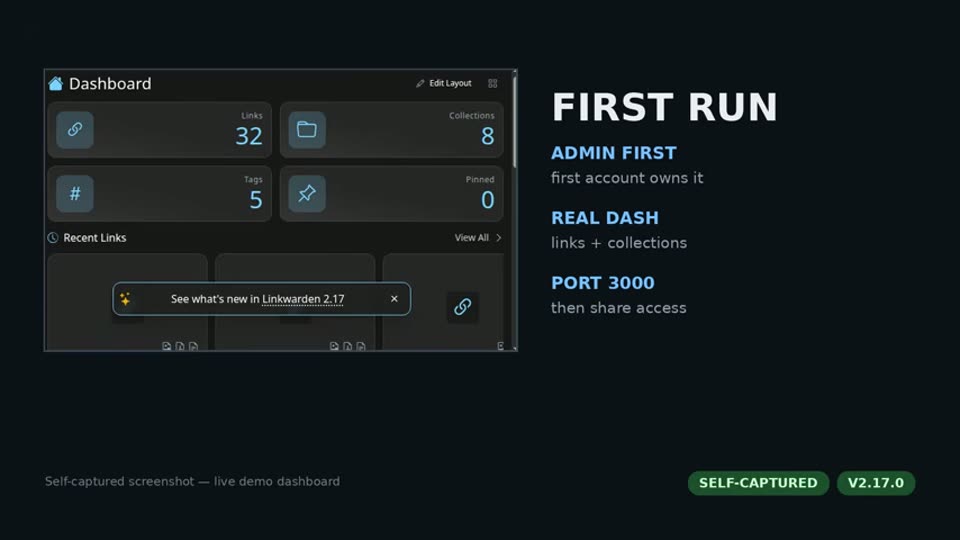
3000on your server, then create the first account right away, since the first account becomes the administrator, so do this before sharing the address
Why 2.17 is worth the update
- Collections now support a custom drag-to-reorder sort, saved per collection, with date and name sorts still available
- Huge lists of links, collections, and tags only render what is on screen, so scrolling thousands of items stays fast
- The browser extension adds address-bar search by typing
lwplus a space, and new accounts verify email with a6-digitcode, per the announcement
Two honest notes
- The official compose file follows
latest, so keep thev2.17.0pin and update on your own schedule - Everything lives in
./data,./pgdata, and./meili_datanext to your compose file, so back those folders up like anything you care about - The terminal scenes are recreated from a real run and labeled SIM on screen, while the dashboard is a genuine self-captured screenshot, per the in-frame labels
- The
docker compose upstep is untested here with no container daemon on the test box, while the docs pages and thev2.17.0release tag were re-verified directly on 2026-11-11