FygoOS Honest Review — Full hands-on test on a real VM with GPU passthrough

Companion
This companion guide starts from the video review and keeps what was shown on the test bench separate from what comes from the vendor's own pages.
In the video: install and tour of FygoOS 1.2.0800 trial in a Proxmox VM with a passed-through Tesla M10, storage layout check from the command line, SMB test, Ollama and OpenWebUI AI test, relay link check, and the pricing verdict.
Added from the sources: current plan tiers and feature surface from the vendor pricing page, plus the upload date and runtime that frame this test as a day-one decision guide.
Disclosure: Fygo provided a free lifetime license for this review with no script approval or editorial input.
Should you try it or skip it
- Try it if you want a friendly NAS face with Docker and media apps in one window, standard Linux storage you can rescue anywhere, and a free tier that is a real trial rather than a demo.
- Skip it if you need Secure Boot on day one, proven decade-long reliability, or a lifetime license under a hundred dollars. The incumbents fit those cases first.
Test bench
The video tests FygoOS 1.2.0800 trial inside a Proxmox VE virtual machine with a Xeon E5-2680 v2, 16GB of RAM, and a Maxwell-era Tesla M10 passed through to the guest. The system is Debian-based, and one caveat is stated up front. There is no Secure Boot support, and the vendor has announced no fix. On a home server that is a footnote, and on a box you care about it is a line item.
Background in the video's words: FygoOS is the international version of fnOS, after two years of public beta with 193 releases, 900 fixes, and over a million users in China. That history is video-attributed, not independently tested here.
Install and first impression
Setup took minutes and finding things took seconds. The shape is familiar: Files, Photos, media, backup, Docker, and virtual machines in one window system. This is the approachable end of the NAS spectrum, and it shows.
Storage without lock-in
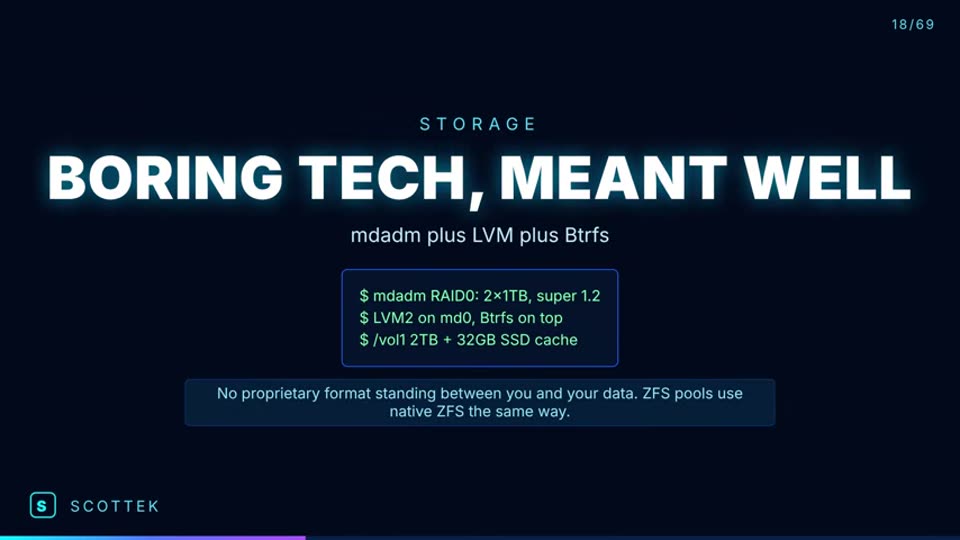
The test pool is Btrfs on RAID 0 with a 32GB SSD cache tier, all healthy. Underneath it is standard mdadm RAID, standard LVM, and standard Btrfs with no encryption on this box. The layout was verified from the command line, and the point is a genuine green flag. If this machine died tomorrow, those disks assemble and mount on any stock Linux with upstream tools. ZFS pools use native ZFS the same way. One boundary stays. If you encrypt a pool, recovery depends on tooling the vendor has not documented, and encrypted recovery is untested here. Unencrypted, you are free. Encrypted, ask questions first.
Apps, Docker, and the old GPU
The box came with Jellyfin, Photos, Fygo TV, Security Center, and SearXNG already installed. Docker is built in, and the NVIDIA CUDA runtime sits right there in Drivers, installed. Then came the AI test. A 3.2GB Ollama download produced no deploy and no error, and it took a second pair of hands to get Ollama installed before the presenter took over. A half-billion-parameter model ran through the bundled OpenWebUI at roughly fifty-plus tokens a second on CPU, which is genuinely usable, while the M10 sat at 0 percent and the Xeon did all the work. Small models also confabulate: asked how RAID 0 handles a dead disk, the tiny model described mirroring, which is exactly backwards.
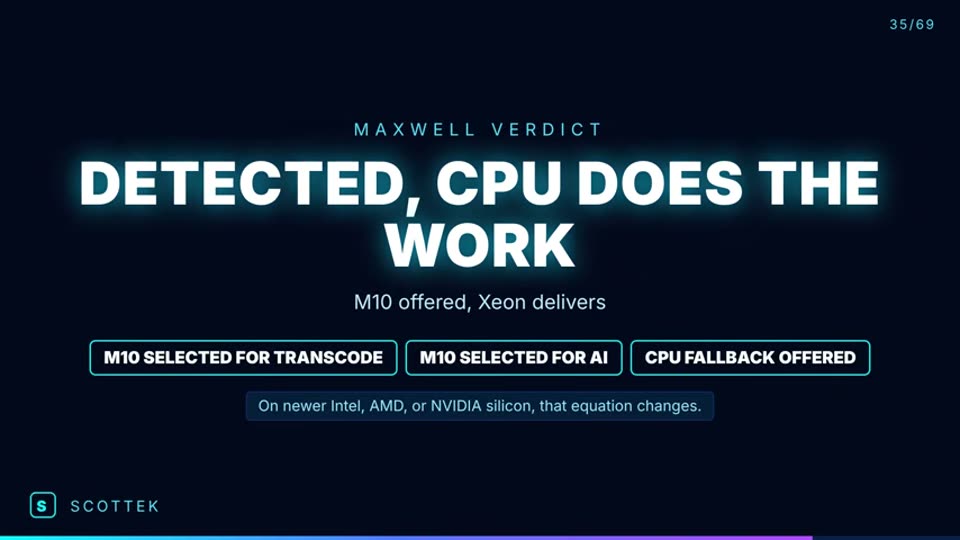
The system does offer the Tesla M10 for both video transcoding and AI inference, including honest CPU fallback for formats the card cannot decode. Decoder support on Maxwell is narrow, so treat GPU features as a bonus on old hardware rather than the reason to buy in. How this behaves on newer Intel, AMD, or NVIDIA silicon is untested here.
Remote access and one false alarm
The box carries a Fygo ID with a relay link at 2Mbps and unlimited data, working from a browser with no self-run tunnel. The link and the entitlement were verified, while certificate management is undisclosed, so the crypto stays claimed rather than proven and is untested here. One bug deserves a ticket: the dashboard reported half duplex on a virtio NIC that is demonstrably running full duplex. That false report could send a new user chasing a network problem that does not exist.
Files, sharing, and media
Files first, because that is the daily job. SMB ran against this box at full NIC transfer speed, as expected, and that SMB result was verified on the bench. Shares, Team Folders with Windows ACLs, and external links are all present, alongside NFS, FTP, WebDAV, DLNA, and iSCSI on paper. Beyond the SMB test, further end-to-end client mounts are untested here, so the wider protocol breadth is documented rather than proven.
Media is why many readers would look at this system. Fygo TV promises the ten-foot living-room experience and Photos promises local AI search with face recognition. Jellyfin was found already running, with Emby, Plex-adjacent tools, and Immich one click away in the store. No media library was loaded and no transcode was run on the Maxwell card, so playback and the Photos AI search are untested here. The structural point stands: you are not locked to the house apps, since Jellyfin is right there if Fygo TV disappoints.
The rest, per the docs
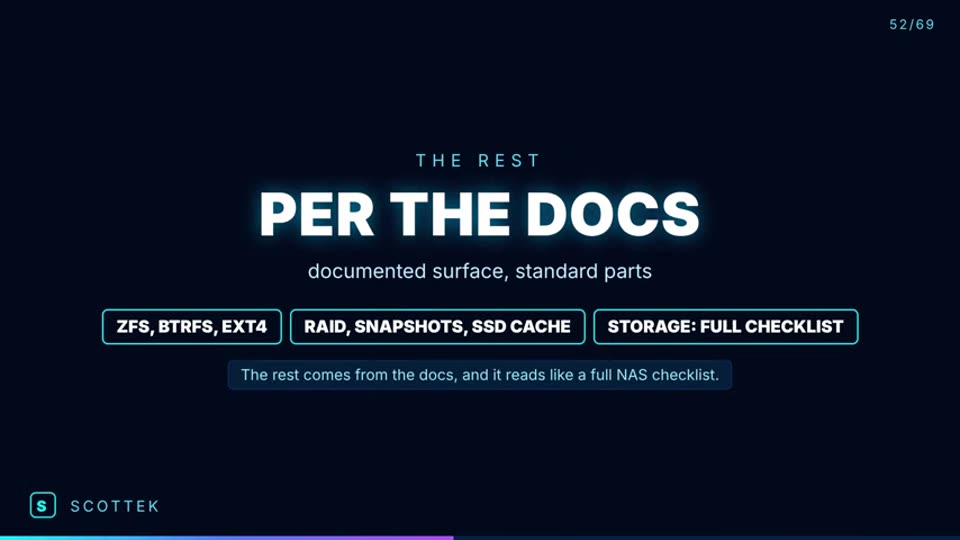
The remainder comes from the vendor docs and reads like a full NAS checklist. Storage offers ZFS, Btrfs, and ext4 with RAID, snapshots, and SSD cache. Virtual machines and Docker sit next to Files with Windows ACLs, Photos with local AI search, and Backup with encryption. Sharing covers the usual protocols plus iSCSI, and access spans web, mobile, desktop sync, and TV clients, with 2FA, HTTPS, and ISO certification on the security list. None of that was stood up on the test box beyond the items above, so treat it as the documented surface rather than bench results.
Pricing and the lifetime question
Four drives with Docker and remote access are included on the free tiers. The trial unlocks everything for thirty days, Plus costs 49 dollars for a year, and Lifetime costs 199 dollars, per the vendor pricing page. That lifetime price is where the honest debate lives. TrueNAS and Unraid carry a decade of production trust with no license server in the loop, while FygoOS offers the friendlier face, the broader app shelf, and two years of Chinese beta instead of ten years of global scars. Buy it for what it does today.
Verdict
If you want Docker and media apps in one window and you are comfortable running young software, FygoOS earns a test drive, and the free tier is a real trial. If you need proven decade-long reliability, a lifetime license under a hundred dollars, or Secure Boot on day one, look at the incumbents first.
Related guides: TrueNAS 27 homelab NAS upgrade guide and Jellyfin 12 self-hosted media guide.