TrueNAS 27: Your Homelab NAS Upgrade Guide
This is the companion guide to Watch the companion video on s-scottek.com Tech Guides. The video frames TrueNAS 27 as the vault underneath a homelab, and this guide expands that framing into a cautious upgrade playbook with links to the primary sources.
Nothing here was tested on a live TrueNAS install for this guide, and steps you have not tried yourself are marked untested below. Check the linked release notes before you act, because pre-release details can shift before the final release.
What the companion video covers
The companion video is a what's-new tour of TrueNAS 27-RC.1, the first build under the new name, plus a verdict on whether a homelab NAS should run it yet. This guide follows the same arc and adds the documented upgrade and rollback context around it.
The short version is that 27 is the release previously tested as 26 betas, renamed because most users will deploy it during 2027, with the final release scheduled for early December 2026. The TrueNAS 27 version notes and the TrueNAS 27 RC.1 feature-set post both state the schedule and the pre-release status directly.
What is new in TrueNAS 27
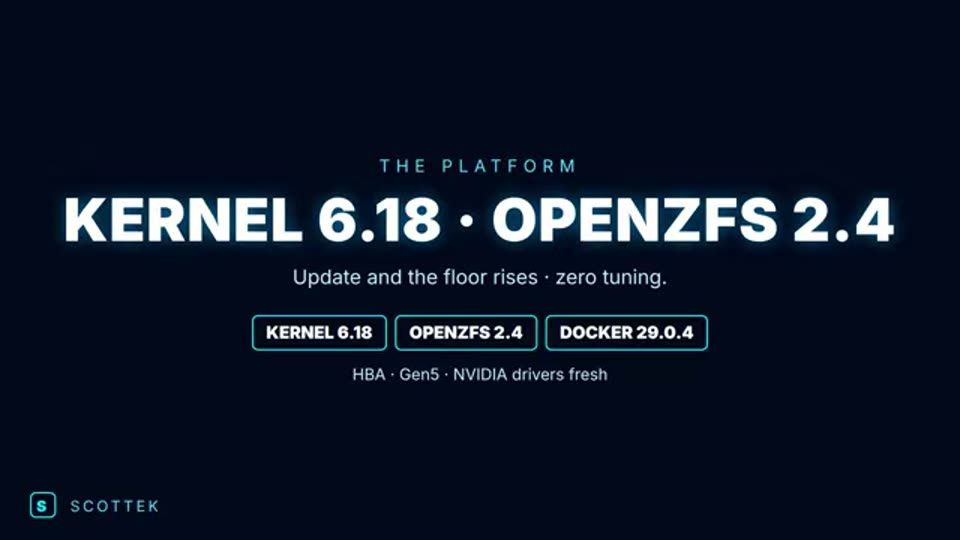
The platform underneath moves to Linux kernel 6.18 and OpenZFS 2.4, which you get largely by updating. Documented gains include dedup writes up to 25 percent faster, faster encryption on AVX2 CPUs, smarter write allocation as pools fill, default user and group and project quotas, and scrubs confined to a time window. Linux containers, experimental in earlier releases, are fully supported in 27. See the RC.1 feature-set post for the full platform list.
- TrueSearch is a server-side index of file names, metadata, and content, with Spotlight integration so Finder can search SMB shares natively. Encrypted datasets are excluded, and search needs TrueNAS Connect or an Enterprise license. One documented fix targets very large shares of about one million files that previously took seven to eight seconds and timed out.
- WebShare puts the same shares in a browser on desktop, tablet, or phone, with ACLs intact, plus media previews, snapshot browsing, and share links. It is configured through TrueNAS Connect and needs a dataset plus a local user with WebShare access.
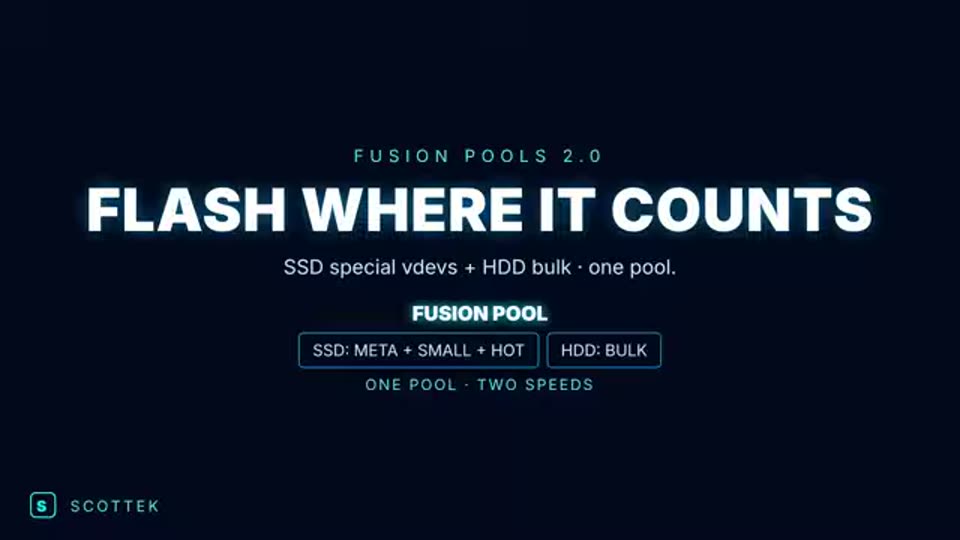
- Fusion Pools 2.0 refines hybrid pools that pair flash special vdevs with disk data vdevs. New in 27 are RAIDZ special vdevs instead of mirrors-only, plus the special vdev joining the synchronous-write log chain, with a dedicated log device still taking priority. Live Dataset Tiering is Enterprise-only.
- Native S3 arrives as the TrueNAS Object Interface in Early Access. Each bucket is a ZFS dataset, so object data inherits snapshots, quotas, replication, and integrity, and the same bytes stay reachable over SMB, NFS, and S3. Core RC.1 scope covers multipart uploads, object tagging, bucket and object ACLs, versioning, and immutability, while versioning and Object Lock need Connect Plus or Enterprise.
- Enterprise corner adds stateful SMB failover on HA systems, so sessions survive a controller failover without re-authentication, plus WebUI polish such as alerts that explain their own fix and container deletion as a background job with force and recursive options.
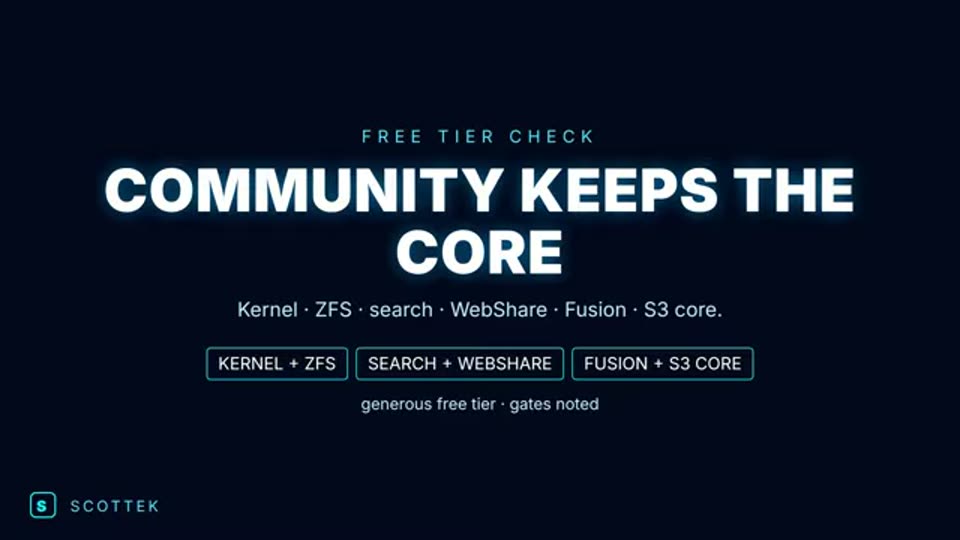
The license gates matter for planning, so read them before routing around a feature. WebShare needs Connect, Spotlight search needs Connect or Enterprise, S3 versioning and Object Lock need Connect Plus or Enterprise, Live Dataset Tiering is Enterprise, and stateful SMB failover needs Enterprise HA. The RC.1 FAQ states this requirement matrix explicitly.
Before you touch anything backup and config export
Treat an RC the way the release notes treat it, as testing and feedback software rather than production software. The documented pre-release warning in the version notes is plain, so do not start with the array holding anything irreplaceable.
- Export and safely store the system configuration through the WebUI before any change, untested on this workstation but described as the documented first step.
- Confirm recent snapshots and replication tasks actually completed on the Data Protection screen, and keep a separate copy of anything you cannot afford to lose.
- Note app and VM state, including which pools hold app data and VM images, so post-upgrade checks have a baseline.
- Test on spare hardware or a VM with virtual disks first, exercising the exact features you plan to use such as shares, search, a bucket, and a scrub.
- Read the known-issues section of the version notes on upgrade day, since items like background TrueSearch indexing load and temporary Connect license alerts are tracked there.
Upgrade paths UI update versus fresh ISO
There are two documented routes to a new TrueNAS version, and the right one depends on how far behind the system is and how much you trust the current boot device. Both routes end with a reboot, so plan for downtime with clients disconnected and disk activity idle.
- WebUI update is the in-place route through the
Updatescreen, where the system checks its train, stages the new image, and reboots into it. The update process keeps a snapshot of the prior boot environment automatically. This route is untested here and best suited to a healthy system already on a recent supported release. - Fresh ISO is the reinstall-style route from media downloaded at the TrueNAS download page, booted on the NAS, then pointed at existing pools. It suits new test boxes, suspect boot devices, or jumps the UI train does not offer. Re-import pools rather than reformatting data disks, and restore the exported configuration afterward, also untested here.
Either way, keep the prior boot environment until the new one proves itself, and keep the exported configuration file outside the NAS. The general update and boot-environment behavior is described in the TrueNAS update docs and the boot-environment docs.
Post-upgrade verification pools shares apps and VMs
Give the system time to settle after first boot, because background work such as TrueSearch indexing can use real CPU and disk I/O with no progress indicator, and searches may be slow until it finishes. The version notes recommend SSD-backed storage for the search index.
- Check the
Storagedashboard for pool health and confirm every pool imports and shows expected usage. - Reconnect each SMB and NFS share from a real client and open, copy, and write a test file.
- Confirm WebShare and TrueSearch behave only where their Connect or Enterprise requirements are met, rather than assuming a silent failure is a bug.
- Start apps and VMs one at a time and open their portals, watching for image-pull or GPU-UUID style faults called out in the RC notes.
- Run a short scrub window or a scheduled replication manually before trusting the automation again.
- Report anything broken through the WebUI bug reporter or the TrueNAS forums, since RC feedback is what the December final is built from.
Rollback if the upgrade misbehaves
TrueNAS keeps prior boot environments on the boot pool, so a bad update does not have to be the end of the story. The documented pattern in the boot-environment docs is to activate the pre-update environment under System and Boot, then reboot back into it.
Keep expectations narrow here. A boot-environment rollback restores the system software on the boot pool, not the state of storage pools or apps, so storage recovery still depends on snapshots and backups. App datasets and VM images need their own snapshot restores, and rolling back across major app migrations can need extra care. Treat rollback as untested guidance to verify against the docs for your exact version before relying on it.
When to wait and who should test now
The honest index-card verdict matches the release notes. Test now on spare iron if you run early-adopter or lab systems, and point production at 27.0 in early December or later general availability. Annual cadence means fewer major upgrades to plan, so there is little reward in rushing an RC onto the family photo library.
Wait in particular if any of these describe the system, since each is documented in the sources above.
- It holds the only copy of photos, documents, or media with no tested restore path.
- It depends on a gated feature whose license you do not hold, such as Live Dataset Tiering or stateful SMB failover.
- It uses encrypted datasets you expected TrueSearch to index, since those are excluded.
- It runs older NVIDIA GPUs on the Pascal, Maxwell, or Volta architectures, which the open kernel modules in recent TrueNAS do not support.
- It cannot tolerate the RC known issues, including background indexing load and spurious Connect license alerts.
Grab the RC only for the lab from the TrueNAS download page, and leave production alone until the final lands.
Related guides
- Proxmox host guide for the virtualization muscle this vault sits under.
- Immich media guide for the photo library that should live on redundant storage.