Unsloth Studio: Browser AI + 8-Step Images (2026 Guide)

Companion starting point
This guide is a companion to the video, which is the starting point for everything below. Watch the video first, then use this page as the written reference with links to the official sources.
- In the video: Unsloth Studio
v0.1.906-beta, released October 12, gives local models two new powers, driving a browser tab from chat and generating images in 8 steps with Qwen-Image-2.1-Turbo, plus faster offloaded MoE runs and Mac speculative decoding. The video presents the documented flows rather than a live on-camera run, so treat each flow below as the official path and confirm details in the linked docs. - Added from the sources: the Unsloth changelog entry for October 12, the v0.1.906-beta release notes, and the Qwen-Image-2.1 run-locally guide. Version and performance numbers throughout are Unsloth's own figures and are untested here.
Browser use, hands for your local model
- In the video: turning browser use on is one toggle. Open a chat, hit the
+menu in the chatbox, flip onBrowser use, then ask in plain English, for example to look up a changelog or go use a website. The model opens pages, reads them, clicks links, types into fields, picks dropdown options, and scrolls, while you watch it happen live in a tab sitting right beside your chat. No plugins to wire up and no separate agent harness.
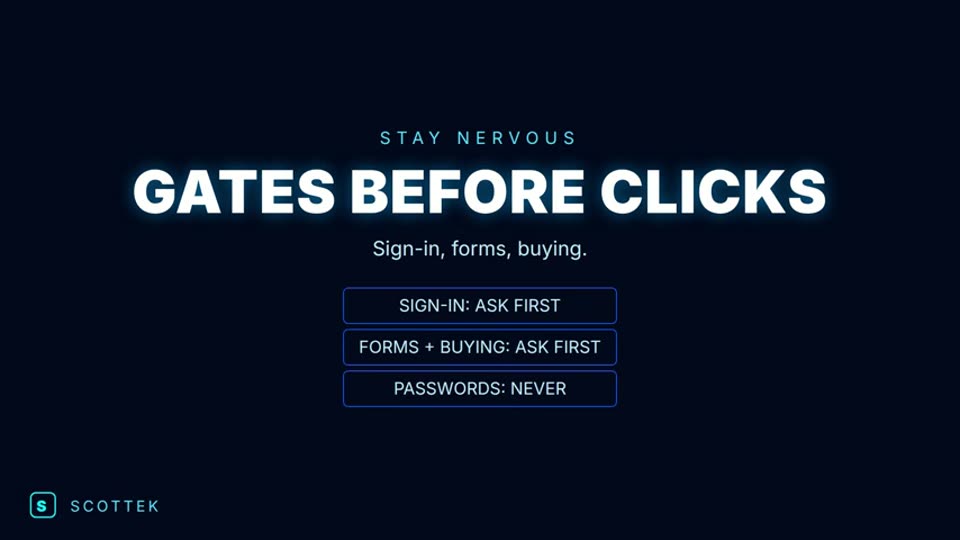
- In the video: the model browses in its own tab and has no access to your other tabs, so your banking sessions and logged-in dashboards stay out of reach. The capability goes beyond simple clicking, with clicks at an exact point, mouse moves, and drags on page elements including unlabelled targets like canvases and sliders. It works with local models and API providers alike, including small text-only models, because the browser is a tool the model calls rather than a flagship-model privilege.
- Added from the sources: the release notes confirm the same scope, browsing in its own tab beside the chat, local plus API-provider support, and fine-grained control over clicks and drags. Context from the changelog helps too. The October 7
v0.1.903-betarelease added the Browser beside chat for files, pages, and model-written HTML, and October 12 is the release that lets models drive it. - In the video: a model driving a browser should make you cautious, and Unsloth built in permission gates. The app asks before the model signs in anywhere, posts any form, or presses any button that buys, sends, or deletes. Three things are hard off-limits, as the video states it. The model never fills in passwords, card numbers, or one-time codes, and those stay yours to type. A site allowlist plus browsing-history and download access controls live under
Settings > Browser, and the video recommends starting on untrusted sites with the gates left on, which is the default. - In the video: the homelab payoff is private legwork. Have the model read release notes for containers you run and summarize what changed, point it at login-free dashboards on your LAN to pull numbers into a report, or price-check hardware across stores. It all happens on your machine with your model, so nothing you ask leaks to a cloud provider.
Fast pictures, Qwen-Image-2.1-Turbo in 8 steps
- In the video: Qwen-Image-2.1-Turbo is the official 8-step version of Qwen-Image-2.1, and Unsloth reports it as 2.5x faster than the standard flow, which is Unsloth's number against their recorded baseline and is untested here. You run it from the
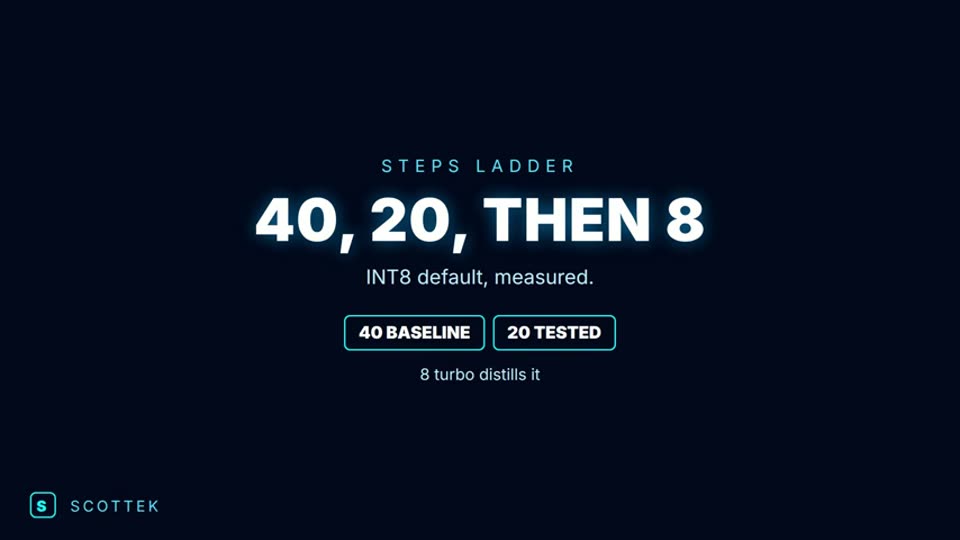
Imagespage in Studio, where picking the model pulls a 4.2 GBQ4GGUF from the Unsloth Qwen-Image-2.1-Turbo GGUF repo. For perspective, the documented baseline for this model family is 40 steps, Unsloth's own recorded test used 20, and Turbo does the job in 8 through the same prompt box and gallery.
- Added from the sources: the base model pairs a 7B image generator with a Qwen3-VL 8B encoder, which is credited for solid text rendering, with native 2K generation, transparent images, and editing with up to 10 reference images. The Qwen-Image-2.1 guide recommends starting at
1024x1024with batch size1, keeping the pipeline scheduler, and notes the upstream baselines as 40 steps against Diffusers and 20 as the CLI default and Unsloth test value. - In the video: the memory table comes straight from Unsloth's guide, and Unsloth's own words apply, these figures are estimates, not tested minimums. About 11 GB of VRAM with GGUF quants, 24 GB for INT8 or FP8 builds, 6 GB of VRAM workable with offloading at under half speed, 12 to 16 GB of RAM for CPU-only runs, and 12 to 16 GB-plus of unified memory on Apple Silicon. Leave headroom and drop resolution before blaming the model.
- Added from the sources: two details worth knowing before generating. First, Unsloth's quantization analysis measured INT8 closer to reference than FP8, with an LPIPS mean of 0.064 against 0.112, which is why INT8 is their default, and their Dynamic quants upcast important layers for accuracy. Second, the release notes confirm you can export image LoRAs trained in Studio as reusable files, load LoRAs from your own folders, and reuse text encoders already in your ComfyUI folder instead of downloading them again. The guide's FAQ adds that generation runs fully on-device once the model is downloaded and that a finished LoRA can be loaded back in
Create.
Also in the release, speed, training, and chat
- In the video: the performance notes are the sleeper hit. Mixture-of-experts GGUFs bigger than VRAM now run up to 3x faster on NVIDIA and AMD cards according to Unsloth, which is exactly the homelab case of a big model spilling into system RAM, and speculative decoding makes Mac MLX replies up to 2.8x faster with identical output and automatic draft depth. Both figures are Unsloth-reported and untested here, but if an offloaded MoE felt unusably slow last month, this is the release to retest before buying a bigger card.
- Added from the sources: trainers get a new
DiffusionTrainerfor text-diffusion models such as DiffusionGemma, LLaDA and Dream, LoRA-plus training via theloraplus_lr_ratiosetting, LoRA fine-tuning on GPTQ models, GRPO on video prompts and tool calls with TRL 1.15, an async GRPO trainer that trains and generates on one GPU, VRAM-budget offload layers on the Train page for NVIDIA and AMD, and resumed LoRA training from a saved adapter. The channel's earlier fine-tuning guide still applies and this release widens what it can aim at. - Added from the sources: around those features, React JSX and TSX code blocks run as live previews in the Browser tab, Deep Research can use MCP tools as cited sources and resume failed runs from finished steps, Studio reads
AGENTS.mdfiles into chat instructions, Desktop projects can run tools in an existing folder, and a read-replies-aloud toggle sits underSettings > Voice. Desktop also gains an optional vLLM engine on AMD, DeepSeek-OCR models, and a live GPU monitor showing load, temperature, and power.
Install or update
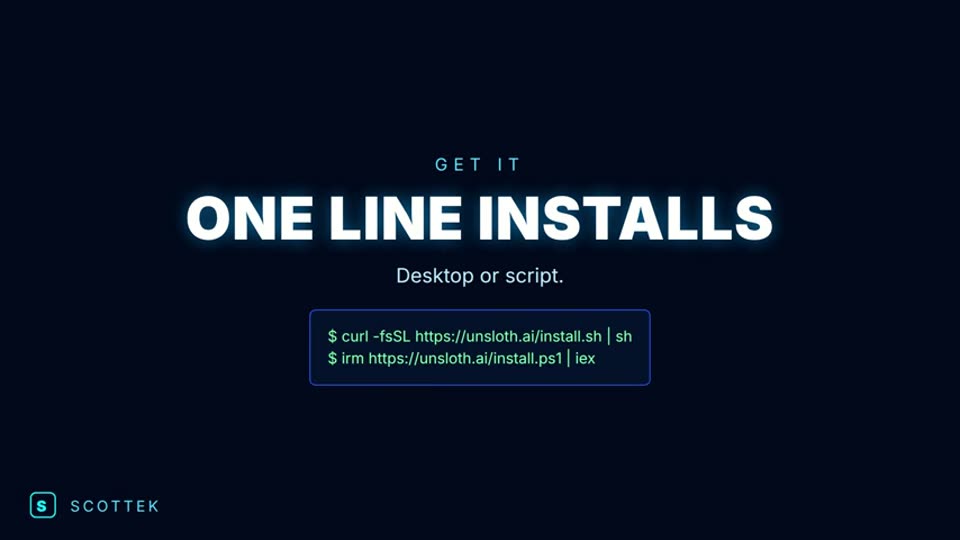
- In the video: there are two paths. The easiest is Unsloth Desktop, free and open source, with downloads for Windows, macOS, Ubuntu DEB in x64 and ARM64, a generic AppImage, and Windows ARM64, all linked from the release page. The terminal route on Mac, Linux, or WSL is
curl -fsSL https://unsloth.ai/install.sh | sh, and on Windows PowerShell it isirm https://unsloth.ai/install.ps1 | iex. These are Unsloth's official commands, included for reference and untested here.
- Added from the sources: if Studio is already installed, update from the app, and note that Unsloth already shipped a newer October 15
v0.1.908-betarelease with Nemotron 3.5 and Muse Spark support plus browser fixes for the always-allow gate, cursor behavior, and per-chat tabs. Updating lands past the version in the video, so check the changelog regularly since this project ships at a weekly pace. Studio Audio pages are a separate release and are covered in a separate guide, not here.
Verdict and honest gotchas
- In the video: install this if you want local agents that can actually go fetch things, meaning private research, LAN dashboard reads, and price checks without feeding queries to a cloud. Install it if you generate images on one mid-range card and hated the wait, since 8 steps on a 4 GB-class quant is the difference between iterating and giving up. On a 6 GB card or a Mac, the offload and speculative-decoding gains alone may justify the update. Skip it if your Studio already does everything you need and you distrust point-release features, and let the browser-use crowd file the first bug reports.
- In the video: three honest gotchas before clicking. First, memory figures are Unsloth estimates, not tested minimums, so leave headroom. Second, a first generation feels slow because it downloads and loads a multi-gig model, not because 8 steps failed. Third, Turbo is a speed distillation, so compare it against the 20-step flow on your own prompts before committing. The meta-gotcha is pace, since anything shown can move a button by next month, the changelog is the real documentation.