Unsloth Studio: Computer Use, New Quants, and a Real Fine-Tune on a 16GB Card

Companion starting point
This guide is a companion to the video, which is the starting point for everything below. Watch the video first, then use this page as the written reference with links to the official sources.
- In the video: Unsloth Studio keeps shipping big features, with a Computer Use beta, Dynamic v3.1 quants, scheduled tasks, and browser use, followed by a real LoRA fine-tune filmed on a Tesla T10 box where loss falls from 3.75 to 0.70 across 60 steps with a 1.3GB peak on a 16GB card. The narration is synthetic voiceover, and the bench clips are real terminal captures from the GPU box. All bench numbers in this guide are video-attributed and untested here.
- Added from the sources: the Unsloth changelog, the Desktop docs, and the Studio start guide, all curl-checked at 200 on 2026-11-20. The changelog corroborates the release-note items named in the video, including Dynamic v3.1 GGUFs, scheduled tasks, browser use, MCP setup, and multi-GPU training.
- Sequel note: this video is a genuine sequel to the earlier walkthrough, so if you are new to Studio start with the earlier Unsloth Studio guide and treat this page as the what-is-new plus real-bench installment.
What is new since the last guide
- In the video: Studio and Desktop are presented as two doors into the same project, with Studio as the fine-tuning side and Desktop as the free open-source local app for running and training models on your own hardware. The Desktop docs confirm that framing, describing Desktop as a local app for running and training models on your own hardware.
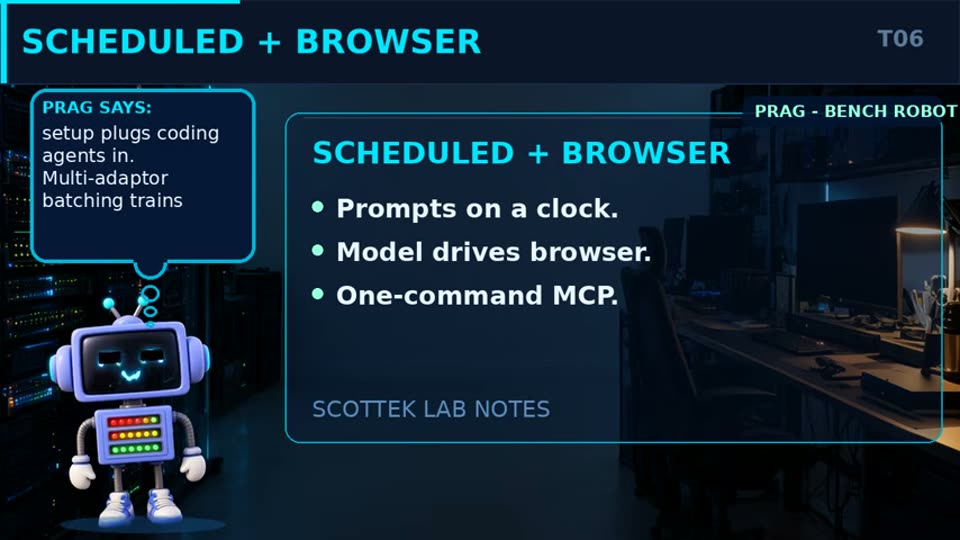
- In the video: the Computer Use beta lets a local model drive the computer, and it sits beside scheduled tasks that run a prompt on a clock, browser use where the model opens pages and clicks through them while you watch, and one-command MCP setup that plugs coding agents in. These are release-note items in the video, covered as announced capabilities rather than live on-camera runs.
- Added from the sources: the Unsloth changelog corroborates each of those items as documented release notes, including a Dynamic v3.1 GGUFs entry, scheduled tasks that reply in a chat, the browser-use switch,
unsloth mcp addstyle one-command MCP setup for coding agents, and multi-GPU training with FSDP2 marked alpha. None of these were benched in the video, so treat them as the official path and confirm current details in the linked docs.
- In the video: Dynamic v3.1 quants are the new recommended local files, positioned as the most accurate option for their size. The specific version and benchmark framing are Unsloth's own claims, repeated here as video-attributed and untested.
- In the video: the image side gets its own beat, with image models named as release-note items alongside the large 27B and 428B-class models. Per the video's own honesty framing, those big-model and image-model items are release notes, never presented as runs, so this guide presents them the same way.
The real fine-tune on a 16GB card
- In the video: the bench box is a Tesla T10 machine with 16GB of VRAM, and the run starts with filmed install proof before training begins. The install commands are shown on camera but I did not run them, so if you follow along, treat the Studio start guide as the authoritative install path.
- In the video: the model pick is a one-billion-parameter instruct model trained with LoRA on a small toy dataset. The dataset is memorized on purpose, not to prove data quality but to prove the loop itself, that training runs end to end, loss falls, and the adapter answers afterward.
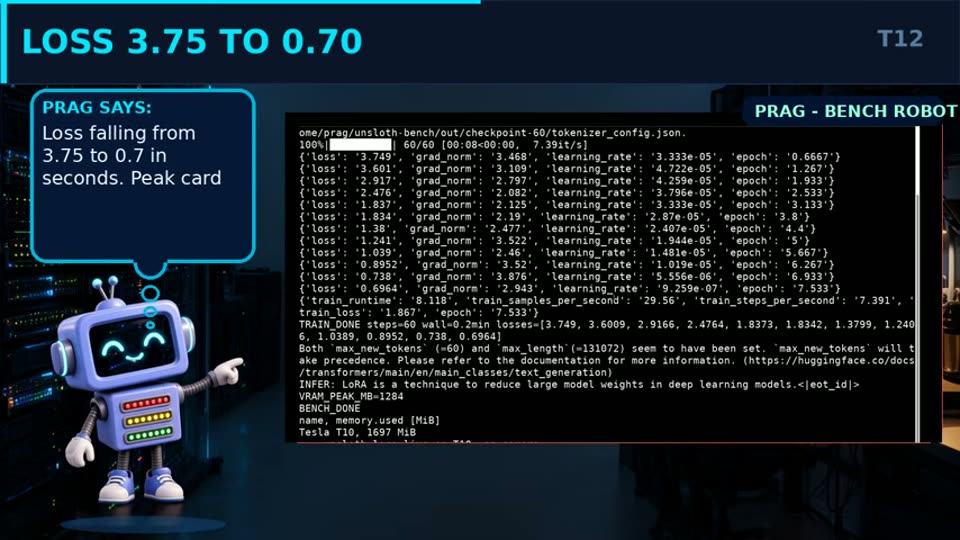
- In the video: the loss trace is the centerpiece, falling from about 3.75 to about 0.70 across 60 steps, followed by a live inference check where the tuned model answers and an
nvidia-smireadout confirming roughly 1.3GB peak usage against the 16GB card. These are the video's filmed numbers, reported here as shown and untested by this guide.
- In the video: the takeaway is headroom, since a working fine-tune fits in a fraction of one mid-range card, which is exactly the homelab case of training without renting cloud GPUs. Export options and an API for agents extend the same run, letting a finished adapter go elsewhere instead of staying trapped in the training box.
Data without code and picking your door
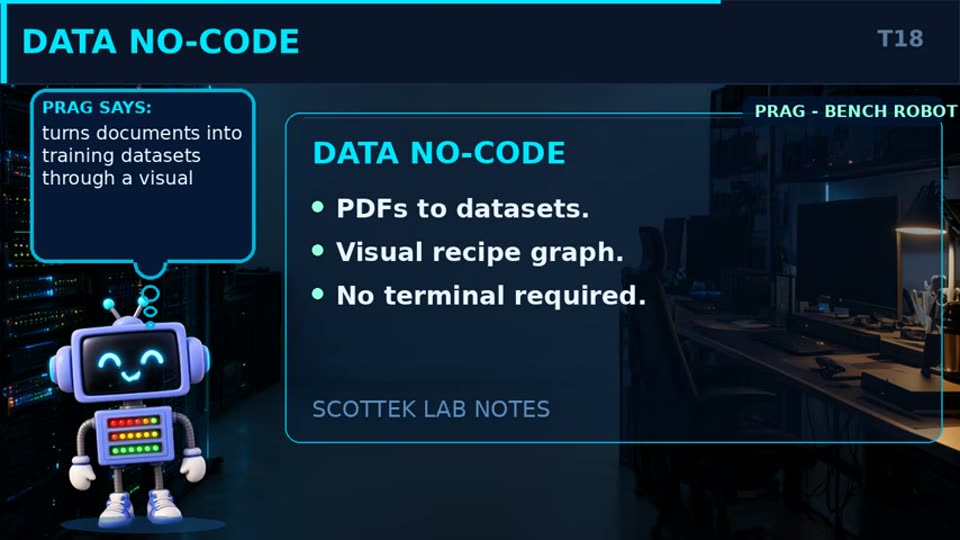
- In the video: the no-code data path turns documents into training datasets through a visual recipe graph, with PDFs to datasets and no terminal required. This is presented as the on-ramp for people who have the data but not the pipeline code.
- In the video: there are two doors to pick from, the Desktop app for running and training locally with minimal setup, or the library and Studio route for scripted training on your own box. Both are Unsloth's documented paths, included here for reference and untested in this guide.
- In the video: the closing guidance is a try-this-first sequence, install or update, run the documented quickstart, then attempt the same small-LoRA loop on your own card before trusting bigger claims. The Studio start guide is the current reference for that sequence since fast-moving projects relocate buttons.
Honest limits and verdict
- What was benched: one 1B instruct LoRA on a toy dataset, 60 steps, filmed loss from 3.75 to 0.70, live inference, and
nvidia-smishowing about 1.3GB peak on a 16GB Tesla T10. The toy dataset proves the training loop, not general fine-tuning quality. - What was not benched: the Computer Use beta, multi-GPU training, the 27B and 428B-class models, and the image models are release-note items in the video and stay release-note items here. Nothing in this guide upgrades them to tested claims.
- Untested here: every install command, quant recommendation, and speed claim is either video-attributed or Unsloth-attributed, and I ran none of it. Verify versions against the Unsloth changelog before acting, since this project ships at a weekly pace and anything shown can move by next month.
- Verdict framing from the video: worth your time if you want evidence that LoRA fine-tuning fits on one 16GB card before you commit your own data, and worth skimming for the Computer Use beta and Dynamic v3.1 quants if you already run Studio. Skip the hype around the unbenched items until a filmed run backs them, and subscribe-side viewers should expect the next bench to be the one that tests them.