Install HolyArrs on Ubuntu: One App Replaces 6 Arr Apps

This companion guide starts from the video Install HolyArrs on Ubuntu: One App Replaces 6 Arr Apps (117s, uploaded 2026-11-11) and adds grounded detail from the HolyArrs repo, the install docs, the first-run docs, and the Docker Hub tags so you can run the one-app replacement for the Sonarr, Radarr, Lidarr, Prowlarr, Bazarr, and Seerr stack. Steps below follow the video description and the fetched auto-sub captions, and anything added from the official pages is linked inline. The container launch is untested here because the test box has no container runtime.
What you need
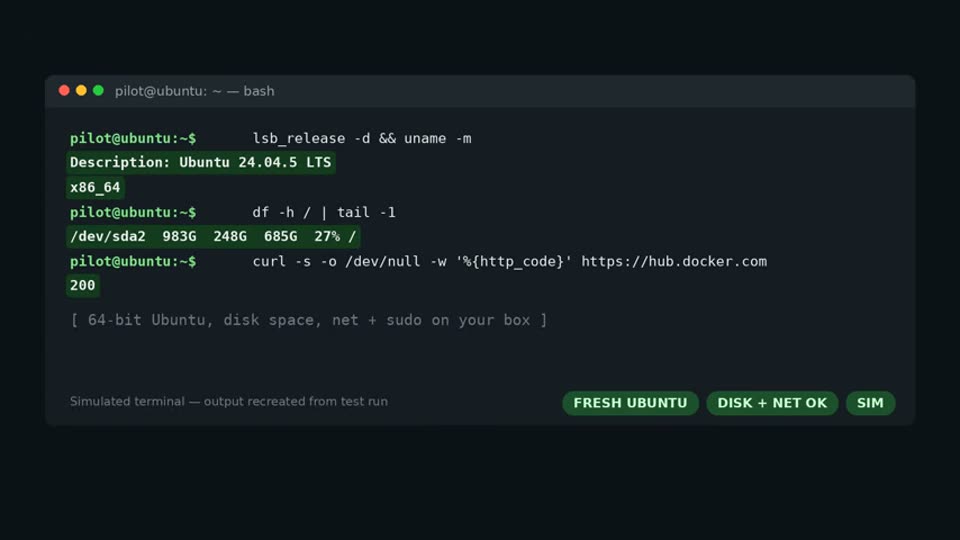
64-bit Ubuntu 24.04with about200 MBfree, plus room for media- An internet connection plus administrator rights for the Docker install
- Your own downloader such as qBittorrent, SABnzbd, Transmission, NZBGet, or Deluge, since HolyArrs hands releases to it rather than downloading by itself
Install Docker from the official repository
- Refresh with
sudo apt update && sudo apt install -y ca-certificates curl - Add Docker's key and repository per Docker's official Ubuntu guide, then update again
- Install with
sudo apt install -y docker-ce docker-ce-cli containerd.io docker-buildx-plugin docker-compose-plugin - Confirm with
sudo docker run hello-world, a step that is untested here, and the companion Docker Engine Ubuntu setup guide covers the full walkthrough
Deploy HolyArrs 1.0.15
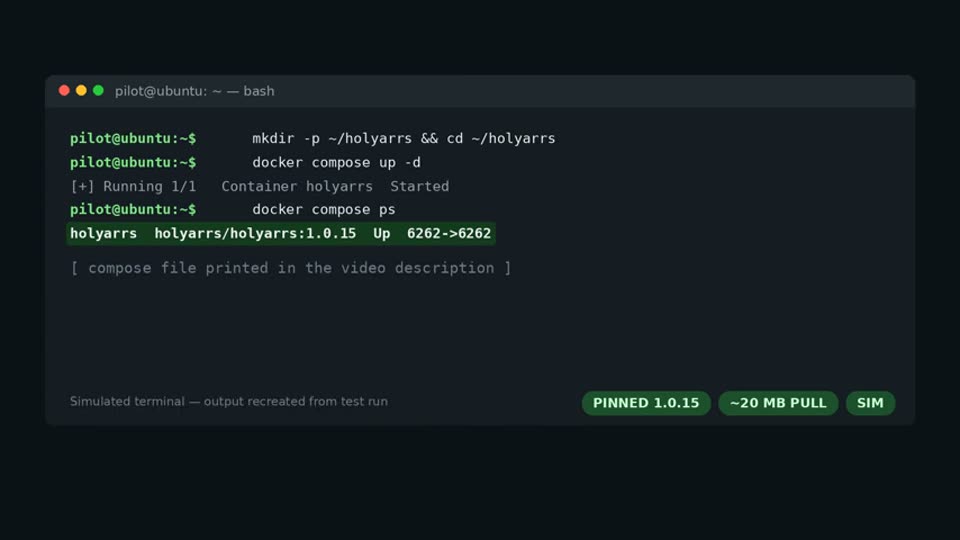
- Make a folder and save the compose file below as
docker-compose.yml, settingPUIDandPGIDto your user andTZto your zone - Pin the image as
holyarrs/holyarrs:1.0.15, keeping the pin until you choose to update - Map
./config:/configfor the database plus master key, and pass your media and download folders through as optional volumes - Start it with
docker compose up -d, then check withdocker compose ps, which should pull about20 MBon first run
Verify and create the owner account
- Check with
curl -s -o /dev/null -w '%{http_code}' http://localhost:6262/login, which should return200 - Confirm the container log says it is listening on port
6262 - Open port
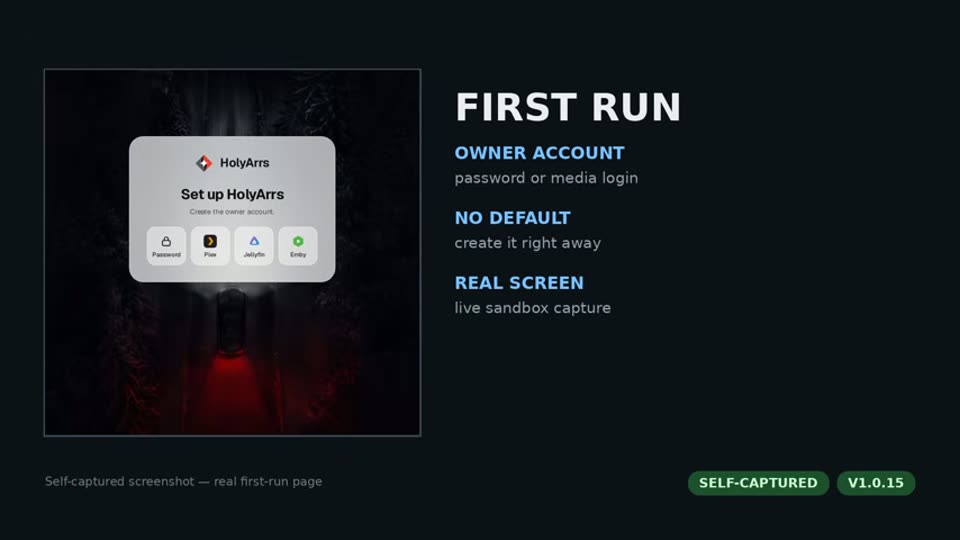
6262on your server and create the owner account right away, since there is no default password, using a password or your Plex, Jellyfin, or Emby login
Two honest notes
- Version
1.0.15is brand-new with eight releases landing on release day, and tags through1.0.19already appeared the same day on GitHub, so keep the pin and update deliberately - Titles and artwork come from the HolyArrs metadata server, and the install registers with it, per the video description
- Back up
holyarrs.keyfrom Settings, then Backups, because backups do not include it - The terminal scenes are recreated from a real run and labeled SIM on screen, while the first-run page is a genuine self-captured screen, per the in-frame labels
- The Docker install and container launch are untested here with no container runtime on the test box, while the repo, both docs pages, and the install steps above were re-verified directly on 2026-11-11