Linux Mint 27: 3 New Apps + Hibernation Returns (Guide)

This companion guide starts from the video Linux Mint 27: 3 New Apps + Hibernation Returns (Guide) and adds grounded detail from the Mint blogs plus the public repos so the preview reads in order. The video is a narrated tour of Clem's October news with live package-server checks, so every section below keeps In the video claims apart from Added from the sources research. Auto-subs returned HTTP 429 twice here, so the project narration file stands as the transcript-equivalent and is disclosed as such.
Mint 27 is called Adrien, is based on Ubuntu 26.04, and ships in at least Cinnamon, Xfce, and MATE editions with release around Christmas. In the video: Mint moved from a six-month cycle to a yearly one with no point releases, girls names from Ada to Zena are done, boys names start now, and upgrades run 27 to 28 to 29 with five years of support. Added from the sources: the September news lays out the Adrien reveal plus the Ubuntu 26.04 base and the yearly cadence, per the September monthly news, checked November 2026.
Superlight replaces three utilities
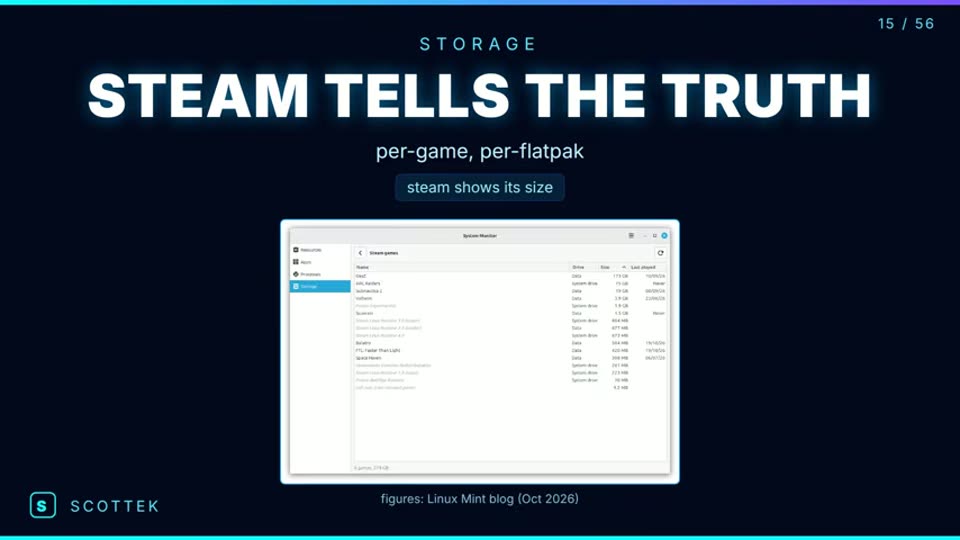
- In the video: Superlight is a new system monitor that graphs CPU, RAM, swap, GPU, network, disk I/O, temperature, and fan speed, with App and Processes pages plus battery status and charge history on laptops.
- In the video: the Storage page gives a general breakdown, then Files drills into folders, Steam shows per-game disk use, and Flatpak shows per-runtime use.
- Added from the sources: Clem confirms in comments that Superlight replaces
Baobab,gnome-power-manager, andgnome-system-monitorwith one in-house app, per the October monthly news, checked November 2026. - Untested here: no Mint 27 bench was run on this box, so the graphs and Storage breakdowns are quoted from the blog and the video rather than from a live launch.
Velocitty terminal with double T
- In the video: Velocitty is spelled with double T, is a terminal with a tab overview like Ghostty and Ptyxis, theme palettes, and Firefox-like tab handling with reorder plus move between windows plus detach into a new window.
- In the video: you can pick the shell and set a startup command, with the blog showing
fishrunningfastfetch, shorten paths such as/var/lib/dpkg/infodown toinfo, and read tab colors with red for superuser plus blue for remote plus a lighter shade while a process runs. - In the video: custom bookmarked tabs carry a name plus a color plus a command plus optional auto-open at launch, while some Mint users say the
libadwaitastyling looks out of place on Cinnamon. - Added from the sources: the code is public under the Mint project org at xapp-project velocitty, checked November 2026, with the official name spelled Velocitty in the October monthly news.
- Untested here: no terminal launch was attempted on this box, so palettes plus shortcuts plus bookmark behavior are quoted rather than verified by hand.
Unfold archive manager with no cache
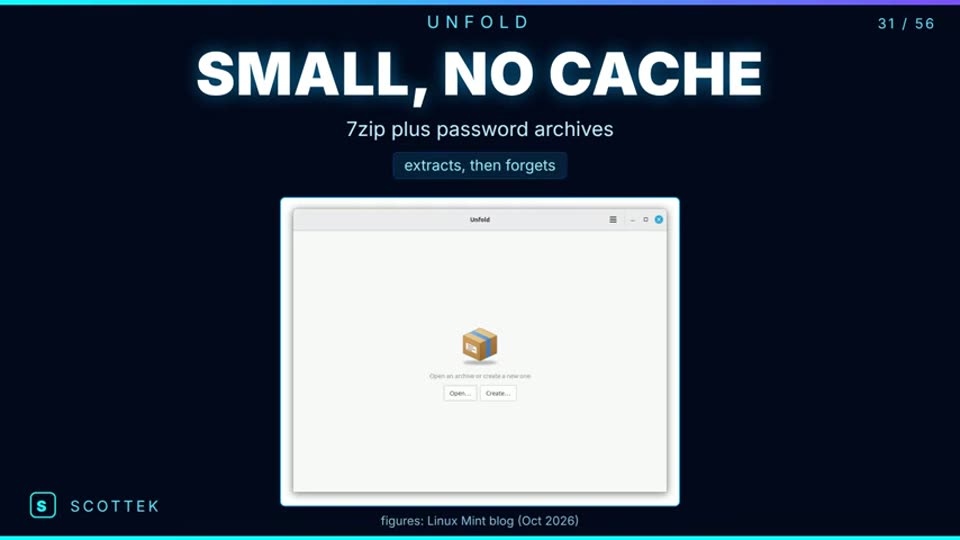
- In the video: Unfold is a small archive manager for viewing plus creating plus extracting, built on
7zipwith7zip-RARsupport including password-protected archives. - In the video: unlike file rollers that keep a cache, anything extracted for viewing goes to a private temp folder that is deleted when the archive closes, and there is no drag and drop yet because no good approach works on both X11 and Wayland.
- Added from the sources: the code is public at xapp-project unfold, checked November 2026, and the no-cache plus no-drag-and-drop points come from Clem replies summarized in the October monthly news comments.
- Untested here: no archive was opened on this box, so password-archive handling plus temp cleanup are quoted rather than verified by hand.
Hibernation returns with Sleep Modes
- In the video: suspend sips power for two or three days on a good laptop before the battery dies with the session, while hibernation writes the session to disk and powers fully off with zero drain but slower resume plus a need for large swap.
- In the video: Mint adds a dedicated Sleep Modes page in the System Administration tool with Hybrid Sleep that suspends while also saving to disk plus Suspend-then-Hibernate that suspends first and hibernates when the battery goes critical.
- In the video: the tool writes its own
systemdfile so the change is reversible, detects problems such as Secure Boot or missing swap, and helps set the resume device with modes confirmed throughsystemd. - Added from the sources: background on the modes plus screenshots sits in the October monthly news, checked November 2026, with independent coverage mirroring the same screenshots at Linuxiac.
- Untested here: no sleep-mode change was applied on this box, so Hybrid Sleep plus Suspend-then-Hibernate plus resume-device setup are quoted rather than verified by hand.
Nemo previews plus Xenity plus trying it today
- In the video: Nemo gains a preview pane on
F7showing audio plus pictures plus video with metadata such as when a photo was taken and with which camera, media files only with no PDF or archive preview. - In the video: Xenity is a fork of
Zenity 3.44keeping the same features and syntax, already in Mint 22 plus LMDE repos with Cinnamon spices migrated, and the community site was rewritten with no PHP plus no stored passwords plus GitHub sign-in after the year's vulnerabilities. - In the video: Mint 27 itself is not out and a beta comes first as usual, while the three apps sit packaged in the Romeo repo under Adrien as Superlight 1.0.2 plus Velocitty 1.0.4 plus Unfold 1.0.3, with code public at xapp-project superlight and LMDE ports expected around late December or early January with no Mint-to-LMDE upgrade path.
- Added from the sources: the adrien package list was read live in November 2026 and showed those three versions with matching sizes, while the repo pages confirm recent pushes, so version numbers below are checked rather than quoted from memory.
- Untested here: the debs need Mint-only libraries absent on this box with no install attempted, so every install or try-it step counts as untested until a beta lands. Readers wanting a release-day Ubuntu comparison first should see the earlier Ubuntu 26.10 final guide, which covers a distinct shipped release rather than this Mint preview.