8M-Parameter Local OCR on Ubuntu: LiteParse + OCRia-nano-1 Setup
This companion guide follows the video 8M-Parameter Local OCR on Ubuntu: LiteParse + OCRia-nano-1 Setup, a 119-second walkthrough that installs LiteParse, pulls the OCRia-nano model, and parses a PDF to markdown with tables on Ubuntu 24.04, all on CPU with no cloud account.
This is a companion to that video, and it keeps video claims separate from added research. The install steps below follow the video order and match a sandbox run proven on Ubuntu 24.04 x86_64 on 2026-11-24, with exact versions and outputs quoted from the production notes. Background such as benchmark figures comes from the linked primary sources, not from the video frames. Note the video discloses on screen that its terminal frames are rendered stills recreating real test-run output, never presented as live footage.
Before you start
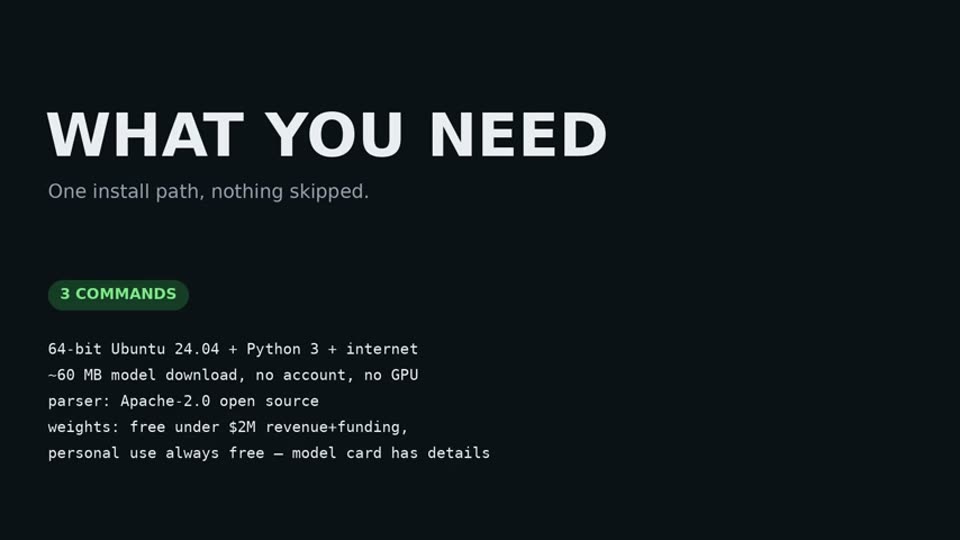
You need 64-bit Ubuntu 24.04, Python 3, and internet for an approximately 60 MB model download. There is no account, no subscription, and no GPU. The parser itself is open source, while the model weights carry a revenue and funding condition explained in the license section below.
Install the tool
These steps match the sandbox-verified run: Ubuntu 24.04 x86_64, Python 3.12.3, and pip 24.0. First install the venv package, which needs root as on any standard Ubuntu setup.
sudo apt-get install -y python3-venv
Then create an isolated environment and activate it. The taught path is the standard documented equivalent of the tested sandbox setup.
python3 -m venv ocr-nanosource ocr-nano/bin/activate
Then install LiteParse from PyPI and confirm the version. The sandbox run installed liteparse 2.21.1, so lit 2.21.1 is what success looks like.
pip install liteparselit --version
The npm, cargo, and WASM paths ship the same lit command upstream, but the video and this guide use the Python path for a docs and RAG audience.
Pull the models
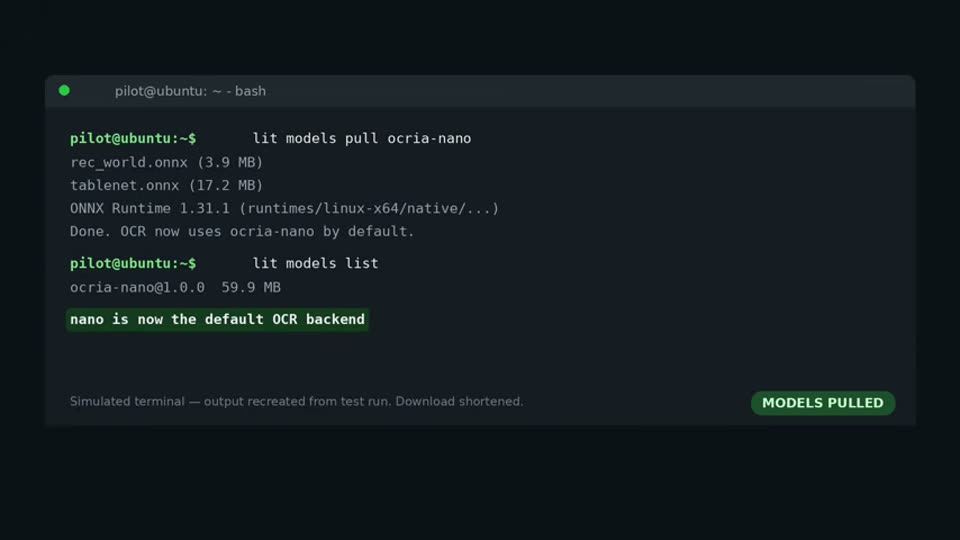
One command pulls OCRia-nano, about 60 MB with checksums verified, and from here on nano is the default OCR backend. The sandbox run fetched rec_world.onnx (3.9 MB), tablenet.onnx (17.2 MB), and ONNX Runtime 1.31.1, then confirmed ocria-nano@1.0.0 at 59.9 MB.
lit models pull ocria-nanolit models list
Parse a PDF to markdown
Point lit parse at your own file with the markdown format. In the sandbox run, a one-page table PDF on CPU returned headings, text, and the full table as clean markdown, with timing lines reading extract: 196.3ms, ocr: 258.5ms, table model: 42.7ms, and total: 498.3ms. That is the sandbox's own single-page run on a shared node, not a benchmark claim.
lit parse report.pdf --format markdown
The output keeps headings plus the full table, ready to paste into notes, docs, or a search pipeline.
Check the official sources
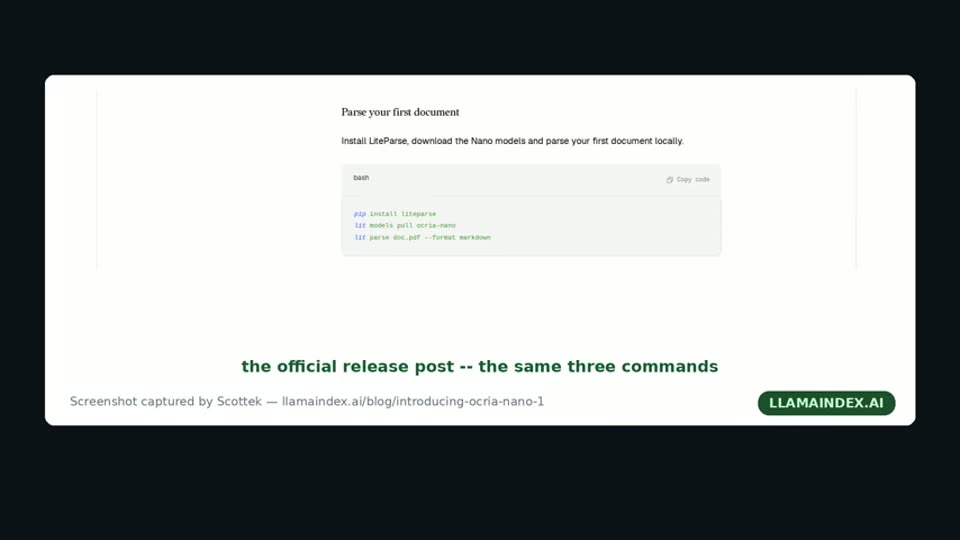
The video points to the official LiteParse repository from LlamaIndex and the November 23 release post, showing that the same three commands come straight from the docs. The release post install block reads pip install liteparse, lit models pull ocria-nano, and lit parse doc.pdf --format markdown.
Verify it your way
Need structured data instead of markdown. The sandbox run verified that changing the format flag returns pages and boxes.
lit parse report.pdf --format json
Prefer the classic engine for one run. The sandbox run verified that the bundled Tesseract backend keeps the same table.
lit parse report.pdf --ocr-backend tesseract --format markdown
Done with nano. Untested here: the remove command below is quoted in the real pull output but was not executed in the sandbox run, so treat it as upstream-documented rather than verified.
lit models rm ocria-nano
License honesty and limits
One honest catch, aired in the video and confirmed in the research. LiteParse is Apache-2.0. The Nano weights use a modified Open RAIL-M license: free for research and personal use, and free for commercial use under $2M annual revenue and under $2M total funding. Above that, or for competing parse and OCR products, a commercial license is required. Model outputs belong to the user, and the model card has the full details.
Vendor benchmark figures are vendor-reported, not tested fact: the release claims ParseBench-2 59.2 against Indra 55.1 at 426ms per page, with no independent evaluation published at production time. Out of scope and untested here: ARM, macOS, and Windows installs, Docker, RAG integration, and handwriting plus chart-heavy scans.
If you want the contrasting CPU OCR engine instead, the Indra OCR guide covers 49 pages per second on CPU with no GPU.
Video chapters
The video chapters in order, timed from the published subtitles:
- 00:00 Turn any PDF into markdown on your own CPU
- 00:14 Requirements plus the license catch
- 00:34 Install the tool with pip
- 00:47 Pull the nano models
- 01:01 Parse a PDF to markdown
- 01:17 The official source
- 01:29 Verification plus format and backend options
- 01:45 Install, pull, parse
Official references, all re-verified with a 200 response on 2026-11-24: the LiteParse repository, the Introducing OCRia-nano-1 release post, and the OCRia-nano-1 model weights.