Paperless-ngx 3.3: Self-Host Your Paperless Office

Companion video and what this guide covers
This page is a companion to Paperless-ngx 3.3: Self-Host Your Paperless Office (Guide), published 2026-10-14. The video introduces the paperless-office idea, and this guide adds the documented reference details with primary sources linked inline.
Paperless-ngx is a community-supported document management system under GPL-3.0 with no paid tiers. Its tagline is that it transforms your physical documents into a searchable online archive so you can keep, well, less paper. The project lives at paperless-ngx on GitHub.
How it works: consume, OCR, archive
The whole product is a pipeline, and understanding it makes everything else click. Each stage is documented in Basic Usage.
- The consumer watches an inbox folder and grabs every new file dropped into it.
- If a file has no text layer, OCRmyPDF plus Tesseract reads the text out of the image.
- Paperless builds a PDF/A archive copy for long-term viewing, while the original file is always kept untouched.
- The classic Auto classifier assigns tags, correspondents, and document types based on past decisions, and everything lands in a full-text index that serves search in milliseconds.
Task workers process documents in parallel on multi-core machines, so a backlog of scanned paperwork clears faster than most people expect. Details on matching behavior are in Advanced Topics.
Deploy with Docker Compose
The documented path needs only Docker and Docker Compose. The fastest route is the official one-line installer, which asks a few configuration questions, pulls the image, starts the containers, and creates the superuser account. The command is bash -c "$(curl --location --silent --show-error https://raw.githubusercontent.com/paperless-ngx/paperless-ngx/main/install-paperless-ngx.sh)", and anyone nervous about piping the internet into a shell should inspect the install script first, exactly as the docs advise.
The manual route gives more control and is fully documented in Setup. Download a compose file for the preferred database backend plus docker-compose.env and .env from the compose directory, point the consume and media folders at local bind mounts, and adjust the default port if needed. PostgreSQL is the documented recommendation for new installs. File permissions are handled with USERMAP_UID and USERMAP_GID, found via id -u and id -g, and the defaults work out of the box when both are 1000. Then run docker compose pull followed by docker compose up -d, open http://127.0.0.1:8000, and create the superuser on first visit.
Two special cases come straight from the docs. Office documents need a compose file with -tika in the name. Network-share inboxes on filesystems without notification support need PAPERLESS_CONSUMER_POLLING_INTERVAL set so the consumer polls on a schedule. Rootless containers are supported via user: but cannot be combined with USERMAP_UID or USERMAP_GID, and extra OCR languages need the standard image.
Untested here: no live Paperless-ngx instance was run for this guide, so treat the steps above as the documented path rather than a tested result.
First documents, tags, and correspondents
Paperless-ngx has no folders, and that is a deliberate design choice. Organization comes from metadata fields, each documented in Basic Usage.
- Correspondent records who sent a document or who it was sent to.
- Tags are labels, and one document can wear many of them, which folders could never do. Tags nest to a depth of five, with parents applied automatically.
- Document type records what a document is, such as invoice, statement, or contract.
- Storage path controls where files live on disk, while custom fields hold extras like policy numbers.
- The archive serial number (ASN) is the docs-recommended binder workflow: stamp each physical page, file the paper in a binder, and store the number on the digital document so search finds the original in seconds.
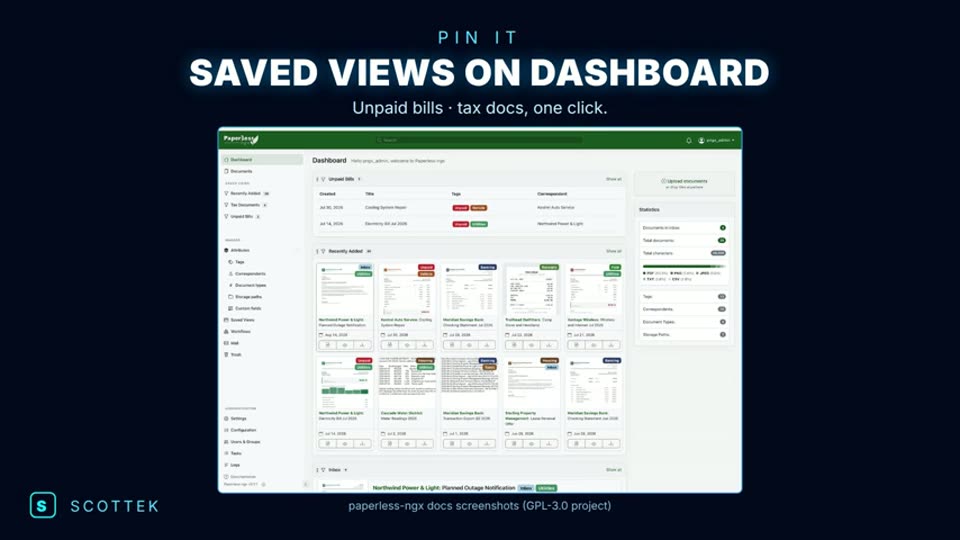
- Saved views pin filtered lists like unpaid bills straight to the dashboard, and the web UI accepts uploads by button or drag-and-drop anywhere in the app.
- Revised statements can be merged with Merge as versions, keeping one entry with full file history under
_vNsuffixed files while metadata stays on the root document.
AI search in version 3.3
The AI layer is optional, off by default, and never replaces classic matching. Enabling it sends document content to the configured backend, so a local backend is the privacy-conscious pick. Everything below is sourced from Advanced Topics and the linked release notes.
With PAPERLESS_AI_ENABLED set and a backend chosen via PAPERLESS_AI_LLM_BACKEND (ollama for local models or openai-like for compatible APIs), the Suggest button proposes title, tags, correspondent, document type, storage path, and dates. Settings offer ML classifier suggestions, AI suggestions, or both combined, and version 3.3.0 adds finer control over suggestion requests per the v3.3.0 release notes.
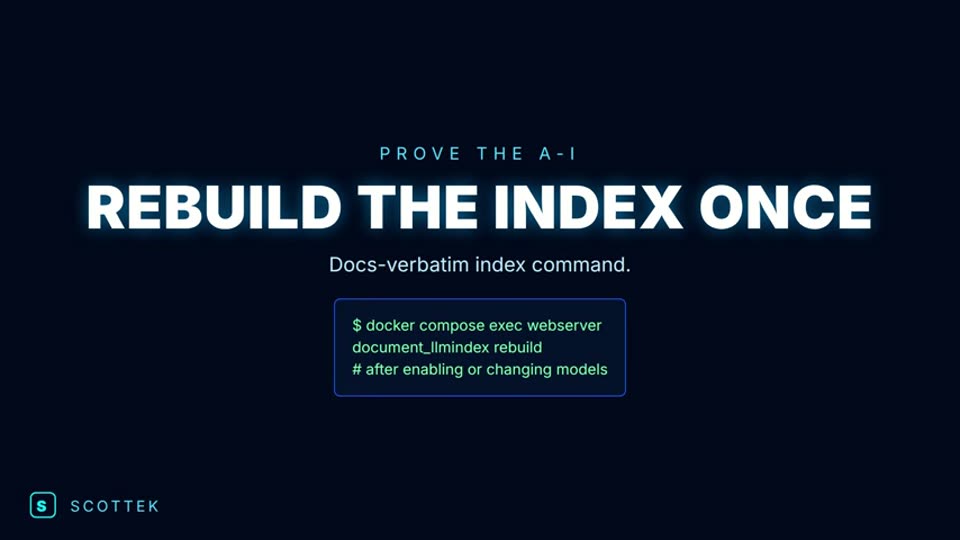
Setting an embedding backend (huggingface for fully local embeddings, or ollama and openai-like) turns on the LLM index, a vector store that grounds suggestions in similar documents and powers document chat with answers linked to source documents. New in 3.3.0 is a separate embedding API key, plus passthrough of extra model parameters. The index refreshes on a schedule controlled by PAPERLESS_LLM_INDEX_TASK_CRON and can be rebuilt manually with docker compose exec webserver document_llmindex rebuild after enabling or changing models.
Version 3.3.0 also stores, lists, and searches barcode contents, and ships viewer CMaps so CJK documents render correctly. The follow-up v3.3.1 release notes repair the search index and version permissions, indexing versions as their root document. After updating to 3.3.1, rebuilding the index once is the documented-safe move. One honest constant: Paperless-ngx ships no model, so the AI layer needs a user-supplied Ollama server or API key.
Feeding it: scanners, email, and the consume folder
The consume folder is the front door: files landing there are processed, re-created inside the Paperless-ngx file structure, and removed from the folder, which itself stays empty. Anything that can place a file there works, from drag-and-drop to an FTP server like Proftpd or a Windows share via Samba for scanner push workflows. Scanners that OCR on-device save the server real work, and matching permissions via id -u and id -g avoids unreadable files.
Email is a second front door. Define mail accounts, then mail rules that fetch matching messages, consume attachments, and act on the processed mail. Version 3.3.0 fixes rule ownership so multi-user setups file processed mail under the right person. Modern providers may need app passwords or token setup, so testing one rule before migrating a whole inbox is the sane order.
Automate filing with workflows
Workflows fire when documents arrive and file them without clicks. The docs example is the canonical pattern: any filename containing bill, from any source, automatically receives a utilities tag and an invoice type. Triggers filter on filename, source, path, or mail rule, and actions assign metadata or kick off further processing. Bulk edits apply across hundreds of documents at once, with every bulk action recorded in the audit log.
Back up and update
Backups have one calm answer in Administration. The document exporter dumps every document, thumbnail, and the full metadata manifest with docker compose exec -T webserver document_exporter ../export, updating incrementally so nightly rsync jobs just work. Exporter flags include -c for checksum comparison, -d for pruning deleted files, -f for filename formats, -p for folder prefixes, -sm for split manifests, and -z for zipped output. Docker installs can additionally back up the paperless_media, paperless_data, and database volumes, and restores run through the document importer.
Updates follow a short ritual: confirm nothing is consuming, take a backup, run docker compose down, then docker compose pull and docker compose up. Two version 3.0 caveats still matter when jumping from 2.x: the old API is gone and legacy encryption is unsupported, so export before upgrading. Bare-metal upgrades should also run the search-index reindex and the LLM-index migrate, both documented no-ops when nothing is needed.
Honest limits
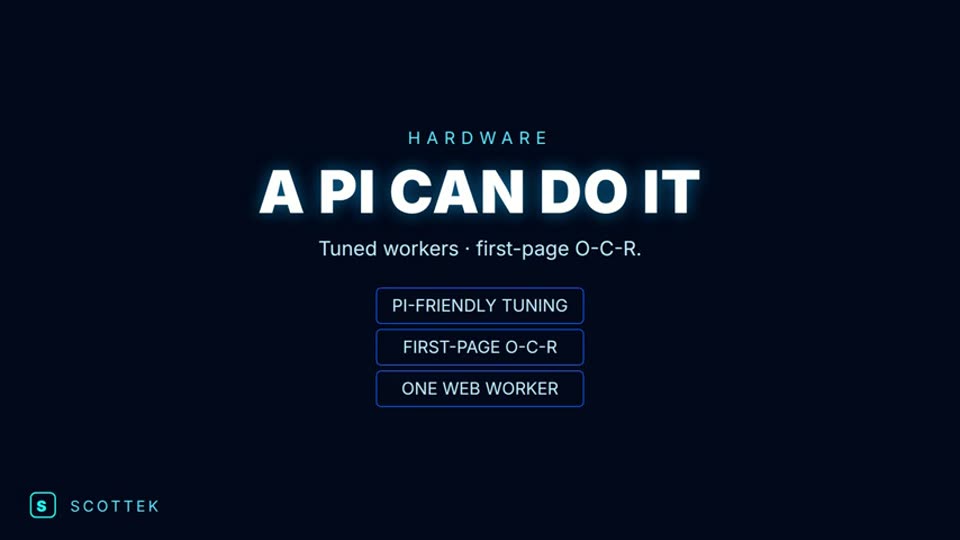
Three limits deserve plain stating. OCR reads print beautifully and handwriting barely at all, regardless of version. Mail fetching with modern providers means occasional authentication wrestling. And scale has a documented shape: SQLite is fine to start, PostgreSQL is the pick past a few thousand documents, the embedding index takes real time on big archives, and a small local model suggests small-quality tags. Low-power hosts are viable with the documented Pi tuning of fewer workers, first-page-only OCR, and reduced archive generation, covered in Setup.
Related guide
For the other half of a paperless desk, PDF merging, splitting, and conversion without a desktop suite, see the Stirling PDF 3.1 self-hosting guide, which pairs naturally with an archive-first Paperless-ngx setup.