Ditch Adobe Acrobat: Self-Host Stirling PDF 3.1

Companion video
This guide is the companion to the Scottek walkthrough Ditch Adobe Acrobat: Self-Host Stirling PDF 3.1 (2026 Guide) — watch it for the full narrated tour, then use this page as your copy-paste reference for the documented setup steps.
What Stirling PDF is
Stirling PDF is a self-hosted PDF platform that runs in Docker and serves its whole toolbox through the browser, with a desktop app and a private REST API alongside it. The project page is Stirling-Tools/Stirling-PDF on GitHub, which the video's research notes place at about 94,000 stars, and the license is open-core rather than pure community open source, so read the repo LICENSE before assuming terms.
The spread covers more than 50 tools, including merge, split, rotate, compress, watermark, redact, OCR, sign, Office conversion, and PDF to audio. A search bar finds any tool in a couple of keystrokes, and the video's advice is to pin five staples — merge, compress, OCR, sign, convert — and ignore the rest until needed.
The privacy pitch is the whole point. Files stay on your own hardware and the round trip stays on your LAN, instead of uploading documents to a subscription cloud or a stranger's free conversion site.
What is new in 3.0 and 3.1
Version 3.0.0, released September 24, 2026, added the PDF Processor automation engine with folder, FTP, and S3 sources, an optional AI layer that stays off by default with local models supported, free OAuth SSO for everyone, a rebuilt text editor, a form editor with auto field detection, redaction upgrades, QR-code phone signing, RFC 3161 timestamps, and a Files Library, per the video and the Prag research notes citing the release notes.
Version 3.1.0, released October 5, 2026, moved Stirling Sign group signing out of alpha so it is on by default for new users, with shared, tracked signing across a household or team plus a new signing UI. It also shipped Stirling Office Convert as a beta promising faster Office conversions with less memory, enabled under Advanced then Feature Flags, alongside text-editor table editing, editing of OCRed image PDFs, and attachment add, rename, extract, and delete support, per the 3.1.0 release notes.
Deploy with Docker
Untested by this guide. The steps below are transcribed from the official Docker install guide and the video's documented compose file, not from a live deploy, so treat them as documented-only until you verify them on your own host.
- Use image
docker.stirlingpdf.com/stirlingtools/stirling-pdf:latest, with mirrors atstirlingtools/stirling-pdfon Docker Hub andghcr.io/stirling-tools/stirling-pdf, per the official Docker install guide - Map port
8080to the browser with8080:8080and openhttp://localhost:8080after startup - Mount all six documented volumes so data survives updates, using paths like
./stirling-data/configs:/configs,./stirling-data/logs:/logs,./stirling-data/customFiles:/customFiles,./stirling-data/pipeline:/pipeline,./stirling-data/storage:/storage, and./stirling-data/tessdata:/usr/share/tessdata - Set
mem_limit: 4gon the standard image andrestart: unless-stopped, then start withdocker compose up -d - Upgrade later with a pull and container recreation, with configuration carried over in the mounted folders
- Pick one of three documented tags once, per the official Docker install guide:
latestwith the full engine set at 4 GB suggested,latest-fatadding the bundled AI engine at 6 GB and up, orlatest-ultra-litewith core tools only and no login at 2 GB - Prefer the full
latesttag first, since the ultra-lite build drops OCR, Office, HTML, and ebook conversions, and note all images build for bothamd64andarm64 - Pin upgrades deliberately with a version tag such as
3.1.0instead of floating onlatest, with versions listed on the releases page
First login and security settings
Untested by this guide. The login behavior below is documented-only, taken from the official Docker install guide and the video, with no live login performed for this article.
- Sign in first with the documented default of user
adminand passwordstirling, then change that password immediately before the box touches anything else - Expect a login screen and admin settings on
latestandlatest-fat, but none onlatest-ultra-lite, which ships with no login by design - Keep the port off the public internet and reach the box over your LAN, VPN, or tunnel instead of exposing
8080directly - Put family or team use behind a reverse proxy with real TLS and its own authentication
- Back up the
configsvolume with everything else, because it holds settings, the built-in database and its backups, and generated keys including the 3.x credential-encryption key, which cannot be regenerated - If upgrading from 2.x, back up first, add the
/storagemount your old compose file never had for the file library, then change the tag and recreate, with users, settings, API keys, and watched folders reported preserved by the third-party upgrade test linked in the sources
Standout tools and the Tuesday-night workflow
The video frames everyday value as a short list learned deeply rather than fifty tiles skimmed. Merge, split, compress, OCR, sign, convert, redact, and fillable forms carry a home library, and the pointers below follow the video's documented workflow, untested live for this guide.
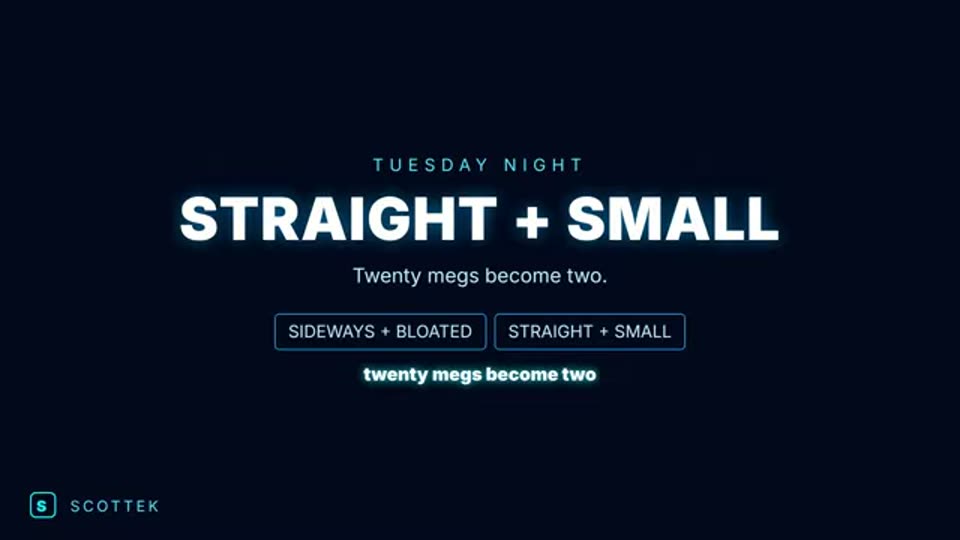
- Straighten sideways scans with auto rotate, shrink a bloated scan with compress, then lay invisible searchable text under the image with OCR so
CtrlFfinally works - Run OCR once at archive time so every stored document stays searchable, and pair compress with OCR across whole stacks of statements
- Merge split reports into one file, or split one file into parts, without a round trip through any cloud
- Sign by uploading the contract and typing, drawing, or scanning a signature, with phone signing via QR code and 3.1 group signing tracking who signed what, plus timestamps following the RFC 3161 standard
- Redact properly, since redaction here burns text out of the file rather than floating a black rectangle over still-readable text underneath, which matters for filings, HR docs, and anything sensitive
- Turn dead paper forms fillable in seconds with the form editor's auto field detection, then fill and flatten them instead of faking it in a paint app
- Convert to and from Office formats with the classic engine, or trial the 3.1 Stirling Office Convert beta under Advanced then Feature Flags and compare results
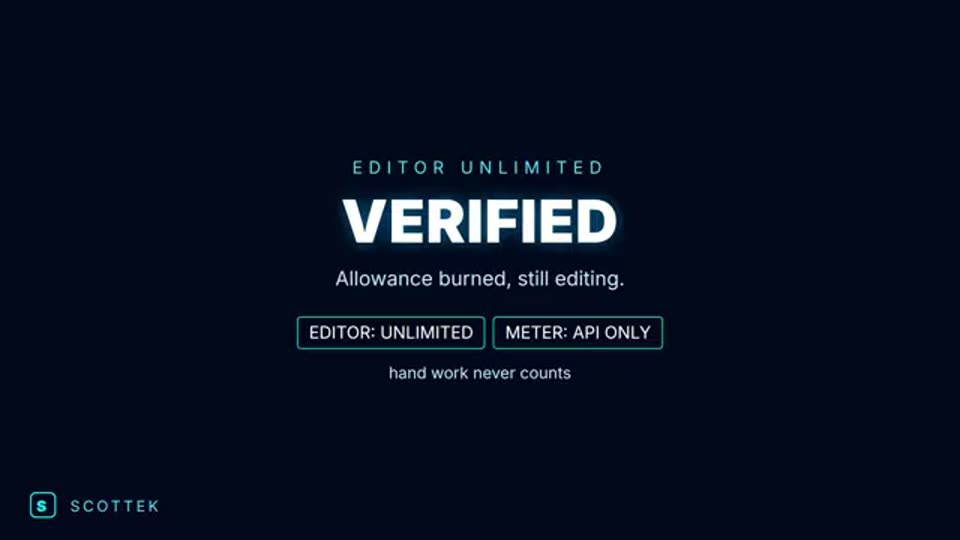
- Note the documented meter from the 3.x release notes: automation across the Processor, API, and AI features shares a free allowance of 1,000 PDFs per month, while plain click-through web-editor use is described as free and unlimited, a split one independent tester reportedly verified by exhausting the allowance and continuing to edit in the browser
When it replaces Acrobat and when it does not
For merge, split, compress, OCR, signing, redaction, and conversion at home, the video's verdict is that Stirling PDF covers roughly 90 percent of what most people do with PDFs, with files kept local and no monthly rent attached.
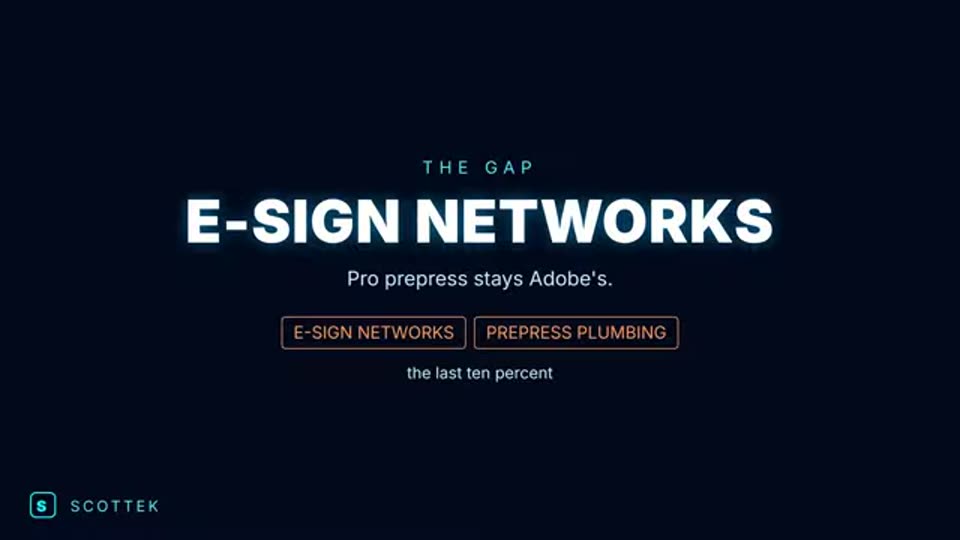
What it does not replace is Acrobat's cloud e-sign legal network and some professional pre-press plumbing, so households and teams with formal signing-network or print-shop requirements should confirm those flows before cancelling anything.
The honest framing from the video holds here: the click-around editor is the unlimited part, while bulk API and folder-automation jobs are the metered part, so hand-driven merging and signing never touch the allowance and only automated pipelines count against it.
Version and testing notes
The local Prag research folder is named for the 3.0 guide era while the video covers 3.1, so every 3.1-only behavior in this article, including group-signing defaults and the Office Convert beta, comes from the release notes and the video rather than a live 3.1 deploy, and should be treated as unverified until tested. No Docker commands, logins, tool runs, benchmarks, or meter measurements were performed for this guide. Anything here that you have not yet run yourself is untested.
Related guide
- For the document-archiving half of a paperless home, pair this with the Scottek companion Paperless-ngx 3.3: Self-Host Your Paperless Office, which covers document management with AI search over Docker Compose