Install Glance v0.8.8 on Ubuntu: Homelab Start Page, One Binary

This guide is the written companion to the video Install Glance v0.8.8 on Ubuntu: Homelab Start Page, One Binary (104s, uploaded 2026-11-08), and it treats the video as the starting point. Claims shown in the recording are labeled In the video, and everything confirmed against the project release and docs is labeled Added from the sources. Anything not independently run here is marked untested. Caption fetch for this video returned HTTP 429, so the wording below follows the published video description as the transcript-equivalent. There is no Prag research folder for this video, so the draft is grounded in the video plus the official docs. The voiceover is synthetic narration, and the video presents its steps as simulated terminal cards recreated from a test run, which the frames disclose in-video.
In the video: Glance v0.8.8, released the same week, is a fast single-binary start page for feeds, Hacker News, and homelab services. The install needs Ubuntu 24.04 64-bit, curl, about 16 MB of disk, and one free port — no sudo, no Docker. Added from the sources: the v0.8.8 release tag published 2026-11-07 confirms the release is real and current with the glance-linux-amd64.tar.gz asset, and the pkg.go.dev listing confirms precompiled Linux binaries plus the http://localhost:8080 default address.
Check the two prerequisites
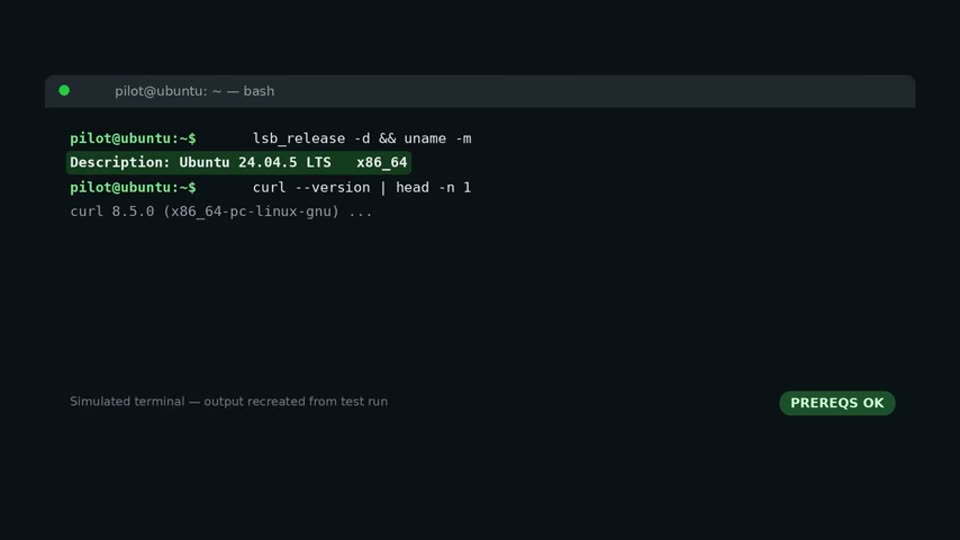
In the video: confirm Ubuntu 24.04 and curl are ready before downloading anything:
lsb_release -d && uname -mshould report Ubuntu 24.04 with anx86_64machine typecurl --version | head -n 1should print a curl version line, proving the download tool exists
Added from the sources: the asset list on the v0.8.8 release page carries separate 386, amd64, arm64, and armv7 Linux tarballs, so match the asset to your own uname -m output instead of assuming amd64. The 16 MB disk figure and the no-sudo framing are video-attributed. These checks are untested on the reader's machine.
Download the binary and fetch one YAML config
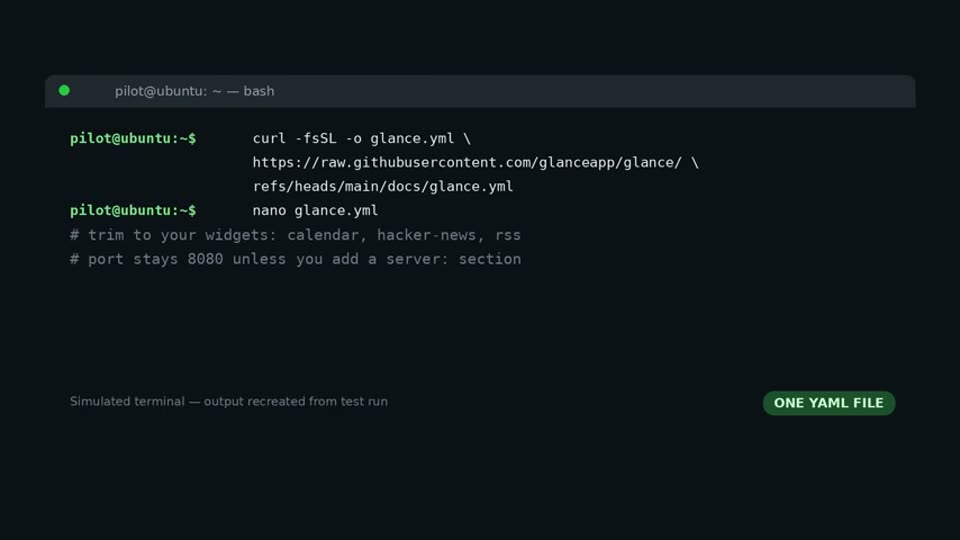
In the video: download the official glance-linux-amd64 v0.8.8 release archive and extract the single binary, then fetch the official example config and trim it to your widgets:
curl -fsSL -o glance-linux-amd64.tar.gz https://github.com/glanceapp/glance/releases/download/v0.8.8/glance-linux-amd64.tar.gzfollowed bytar -xzf glance-linux-amd64.tar.gzcurl -fsSL -o glance.yml https://raw.githubusercontent.com/glanceapp/glance/refs/heads/main/docs/glance.yml, then open it in an editor and keep only the widgets you want, such as calendar, hacker-news, and RSS
Added from the sources: the v0.8.8 release page confirms the exact asset filename and its 6.4 MB download size, and the example glance.yml confirms the template ships a Home page with calendar, RSS, hacker-news, videos, reddit, weather, markets, and releases widgets ready to trim. The configuration docs confirm a server: section with a port: key exists, so the dashboard stays on 8080 unless you add one. The download URL pattern is reconstructed from the release page and is untested here.
Validate, launch, and prove HTTP 200
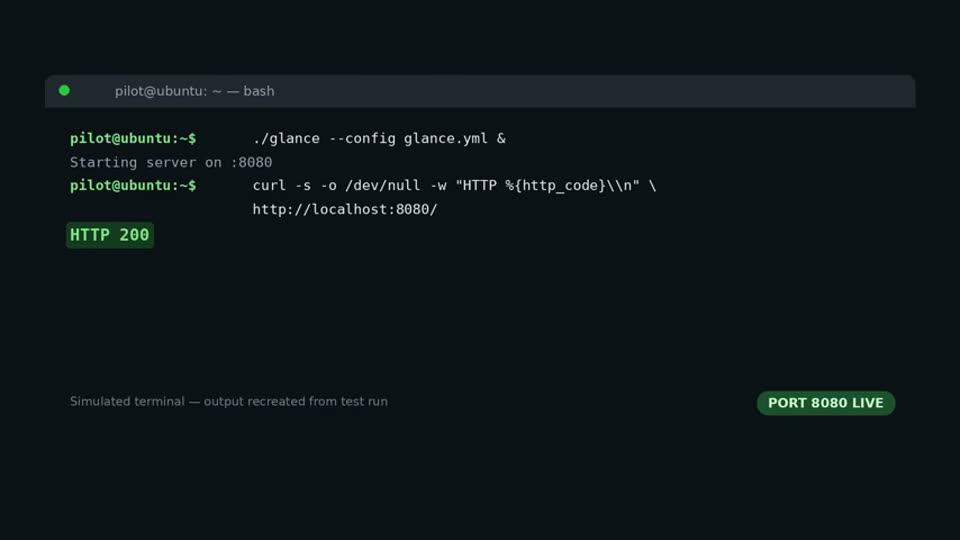
In the video: verify the install, validate the config, start Glance, and prove the dashboard answers:
./glance --versionshould print the v0.8.8 version string./glance --config glance.yml config:validateshould exit 0 on a good config./glance --config glance.yml &starts the server, reportingStarting server on :8080curl -s -o /dev/null -w "HTTP %{http_code}\n" http://localhost:8080/should printHTTP 200, then open the page and confirm the Home title, the v0.8.8 footer, and live widget content
Added from the sources: the project CLI source confirms --version, the --config flag defaulting to glance.yml, and the config:validate subcommand, and the configuration docs confirm automatic config reload on save, so widget edits after launch take effect without a restart. A trailing & background job dies with its shell, so treat it as a smoke-test launch and use a systemd unit or container for anything permanent — that hardening is docs-based and untested. Every command above is video-attributed and untested here.
Sources and next steps
- The companion video is the starting point for this guide and all In the video claims above
- The v0.8.8 release tag owns the 2026-11-07 date, the fix list, and the Linux asset filenames
- The example glance.yml owns the Home page layout and the widget set to trim
- The configuration docs own the
server:port key and the auto-reload behavior - The pkg.go.dev listing is the independent confirmation of precompiled binaries and the port 8080 default
- For a Docker-based dashboard alternative on the same box, see Homarr 2.7: Self-Hosted Homelab Dashboard Setup