Install KeePassXC 2.8.0 on Ubuntu 24.04 (Official PPA, No Cloud)

Companion guide and video starting point
This article is a companion to the video, not a replacement for it, and the video is the starting point for everything below.
In the video: a 120-second walkthrough installs KeePassXC 2.8.0 on Ubuntu 24.04 from the team's official source, framed as passwords offline and under your control, with the official PPA carrying 2.8.0 with Wayland auto-type and security fixes that older releases miss.
Added from the sources: every version number, command, and feature below was checked against the KeePassXC 2.8.0 release announcement, the 2.8.0 GitHub release notes, the official download page, and the user guide. No Prag research folder exists for this video, so the transcript plus these official sources are the entire basis. No live install was run for this companion, so hands-on steps are marked untested here.
What 2.8.0 brings and what you need
In the video: you need 64-bit Ubuntu 24.04 and sudo access, on a machine reporting 24.04.5 and x86_64 with sudo and apt ready, with nothing else to install first because APT pulls in every dependency. Get it from the official source: keepassxc.org points Ubuntu users at the team's own PPA, and that move carries 2.8.0 with Wayland auto-type and security fixes older releases miss.
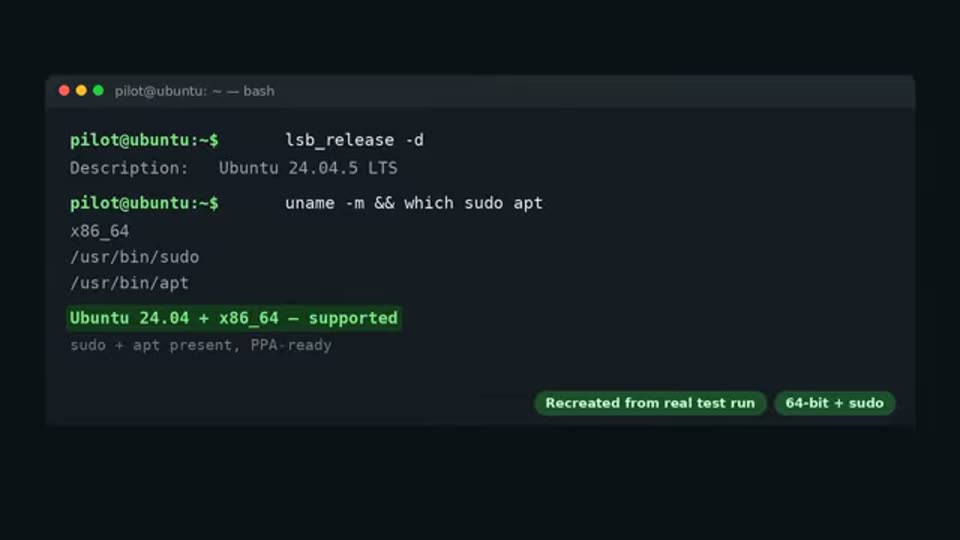
Added from the sources: the release announcement confirms 2.8.0 as the first stable release of the 2.8 series, posted October 21st, 2026, a month after the beta, bringing long-awaited features, bugfixes, and security updates. The release notes confirm the headline items: the Qt5-to-Qt6 port, Auto-Type on Wayland via XDG Desktop Portals, Quick Unlock via Polkit on Linux, and remote database synchronization with external tools. Independent coverage adds SSH key generation and Proton Pass migration support to the same release. The prerequisite check is untested here beyond the video's account.
Add the PPA, install, and prove the version
In the video: add the official PPA, refresh the package list, then install KeePassXC. Type the password when asked. Then check the version, which reads KeePassXC 2.8.0, with the video noting that output came from a real test of this exact package.
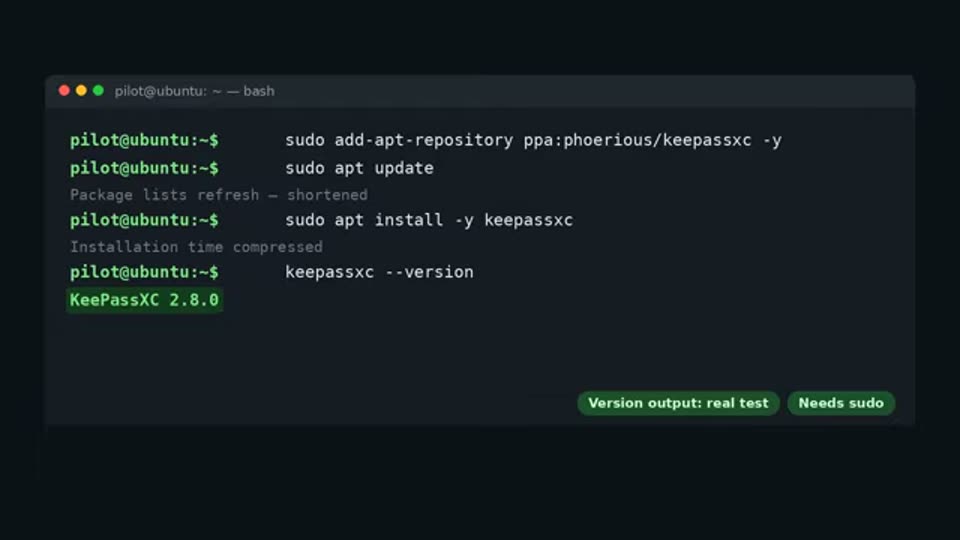
Added from the sources: the official download page documents the Ubuntu PPA path exactly, sudo add-apt-repository ppa:phoerious/keepassxc followed by sudo apt update and sudo apt install keepassxc, alongside Snap, Flatpak, and AppImage options. Concretely, that is sudo add-apt-repository ppa:phoerious/keepassxc -y, then sudo apt update, then sudo apt install -y keepassxc, then keepassxc --version to confirm 2.8.0. Prefer the PPA over the older distro-pool build if you want the 2.8-series features, since distribution packages trail upstream. The install flow is untested here beyond the video's tested output.
Create the vault and wire up browser autofill
In the video: open KeePassXC and create a new database with a strong master password that never leaves the machine, noting a one-command terminal alternative creates the same vault. For autofill, install the KeePassXC-Browser extension in Firefox or Chrome, then in KeePassXC open Tools, Settings, Browser Integration, tick Enable, pick the browsers, and press okay. Unlock once and logins fill themselves. Three quick checks close the loop: the version says 2.8.0, the vault opens with AES-256 encryption and entries inside, and the extension path is configured.
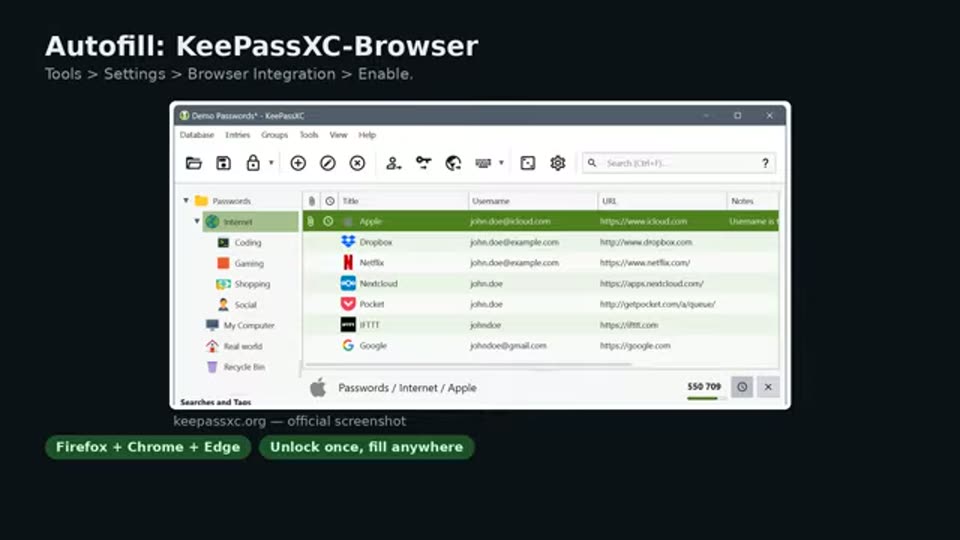
Added from the sources: the user guide documents the Browser Integration page and the Tools-to-Settings path the video walks through, and the download page lists browser extensions for Chrome, Edge, and Firefox. The terminal one-liner is the video's claim, carried here without reproducing exact syntax, so follow the on-screen command or the GUI path above. Your passwords live in an encrypted .kdbx file you own on your machine with no cloud account, so back that file up somewhere the same care applies to, and keep this next to the site's SearXNG private-search guide for the rest of the de-clouded desktop.