Ditch Google: Self-Host SearXNG Private Search

This companion guide starts from the video Ditch Google: Self-Host SearXNG Private Search and adds grounded detail from the SearXNG project, the official Docker install docs, and the public-instance directory. Watch the video first for the full narrated walkthrough, then use the sections below as the written reference. The video is a narrated walkthrough rather than a filmed live deployment, so every section keeps In the video claims apart from Added from the sources research, and deploy steps are marked untested where no live run happened here.
What SearXNG is
- In the video: SearXNG is a free metasearch engine with no index of its own, so each query fans out to up to 261 supported services and the results come back merged, deduplicated, and ranked, with no tracking and no profiling.
- In the video: the project looks healthy at roughly 38,000 stars and 3,500 forks with nearly 10,000 commits and code landing as recently as the day before recording, written in Python under the AGPL as the actively maintained fork of the old SearX project.
- Added from the sources: the SearXNG repo describes itself as a free metasearch engine whose users are neither tracked nor profiled, and the SearXNG docs confirm the aggregator model across up to 261 search services, checked October 2026.
- Added from the sources: AGPL is properly open source but with teeth, so running it unmodified at home is totally fine while modifying the code and serving it means sharing the changes.
A public instance or your own
- In the video: the directory at searx.space lists around 70 online community instances with live grades for TLS, policy, speed, and uptime, and trying one takes 10 seconds.
- In the video: the honest trade is that hundreds of strangers share each public IP, so upstream engines throttle public instances hard and some force captures on every query, while your own instance builds its own IP reputation, which is the whole game for a search box hit 50 times a day.
- Added from the sources: searx.space is the live instance directory with per-instance grades, checked October 2026.
- In the video: one hard truth before deploying is that Google does not love servers, since queries from data-center IP ranges get rate limited or refused far faster than queries from a home connection, which is documented operator experience rather than a bug, so host on the home box instead of a VPS where possible.
- In the video: SearXNG degrades gracefully because per-engine suspension timeouts are baked into the defaults, so when one engine sulks the rest keep answering, and occasional thin results are normal weather rather than a broken install.
Deploy with the official Compose file
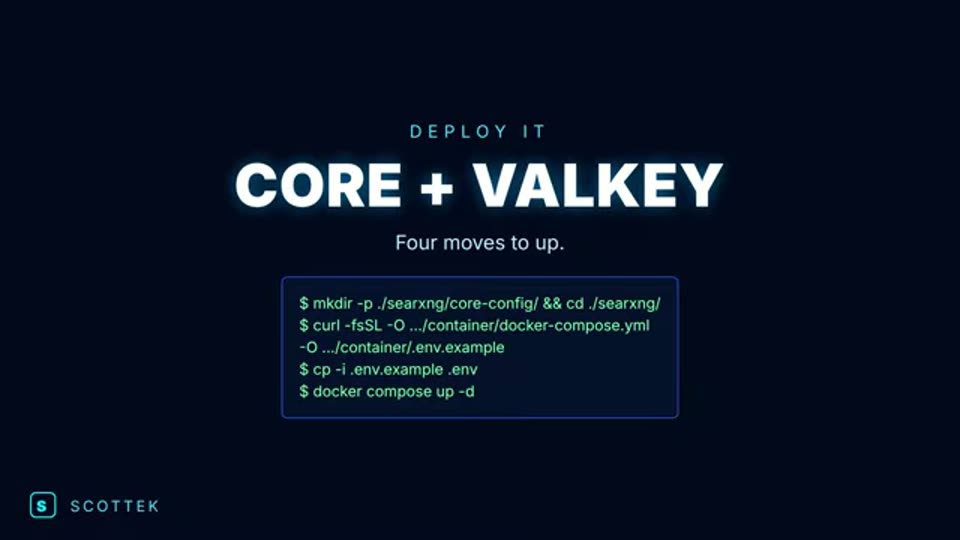
- In the video: deployment is a Compose file with two services, the official template defines core, the search app itself, plus a Valkey service for caching and rate limiting.
- In the video: setup is four moves, make the directories, fetch the Compose file and the example environment file, copy the example to
.env, and bring it up, with both Docker and Podman blessed by the docs and the same image available on the GitHub registry if Docker Hub throttles pulls. - Added from the sources: the official Docker docs give the same shape, create the config directory, fetch the Compose and
.env.examplefrom the project repo, copy to.env, thendocker compose up -d, withsearxng-coreandsearxng-valkeycontainers, checked October 2026. - In the video: pin the image tag instead of floating on latest, since tags are date-based with several builds landing in a single week, so upgrades happen when you decide.
- Compose deployment steps in this section are untested here since no container runtime run happened for this guide, so treat the official docs as the authority at install time.
The secret, the URL, and TLS
- In the video: the default secret key in the sample config is literally the word ultrasecretkey and it is public knowledge, signing sessions and proxied image URLs, so replace it via the SearXNG secret variable with a fresh random value.
- In the video: that random value costs one command,
openssl rand -hex 32, printing 64 hex characters that become your secret, and yours will differ since that is the point. - Added from the sources: the default
secret_keyin the shipped settings is the publicly known placeholder and the environment override is the supported way to set a real one, checked October 2026 against the project repo. - In the video: set the base URL to the real public address or redirects and callbacks misbehave, and plant TLS in front from the start, with the channel reverse-proxy guide pairing perfectly here.
- Readers following along should put the instance behind the setup in Homelab Reverse Proxy: Caddy vs Traefik vs NPM with authentication in front, a pairing that is untested here and should be verified against the reader own proxy setup.
Private-only or public, decide up front
- In the video: the default config ships lockdown friendly with the limiter off, public-instance mode off, image proxy off, and plain GET requests.
- In the video: if the instance serves only you over a tailnet or behind proxy login, keep the limiter off and enjoy instant searches, but if strangers can reach it, turn the limiter on, because an open unlimited instance will be found by bots, hammered, and burn the IP goodwill with every upstream engine, with no middle ground.
- Added from the sources: the SearXNG docs document the limiter and the Valkey-backed rate limiting behind it, checked October 2026.
Machine formats unlock everything later
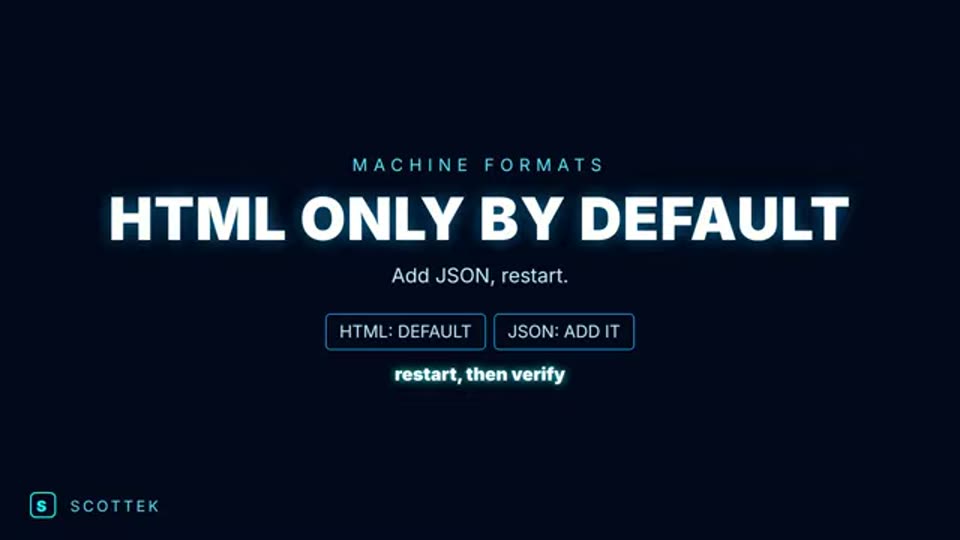
- In the video: out of the box SearXNG answers in HTML only, and adding JSON plus CSV and RSS to the formats list is the single change that unlocks everything later, with the JSON endpoint being how Open WebUI web search and the MCP bridges talk to it.
- In the video: restart the container after editing and confirm the endpoint answers before building on it.
- Format changes and restarts in this section are untested here, so verify the JSON endpoint responds before wiring tools to it.
Make it the default and learn the bangs
- In the video: Chromium browsers pick up the OpenSearch descriptor from the instance page, Firefox needs the manual add-engine click, then set it as default everywhere, while on phones Firefox accepts custom engines cleanly but iOS Safari will not take a custom default, so plan a shortcut or a different browser there.
- In the video: bang shortcuts are the habit that makes this faster than Google, with hundreds available, and the query syntax is the power-user layer,
!picks engines and categories and chains them,:picks language,!!jumps to external bangs or the first result feeling-lucky style, with the plain warning that SearXNG cannot protect privacy once a query leaves for an external engine. - In the video: the engines page shows every source with its category and live status including which ones are currently suspended after rate limits, so when a category goes quiet the cause is visible instead of guessed.
- In the video: resist enabling only Google since the blend is the whole point, and turning on dedicated categories like images, IT, and science is where this starts beating single-engine search instead of merely matching it.
Feed it to local AI
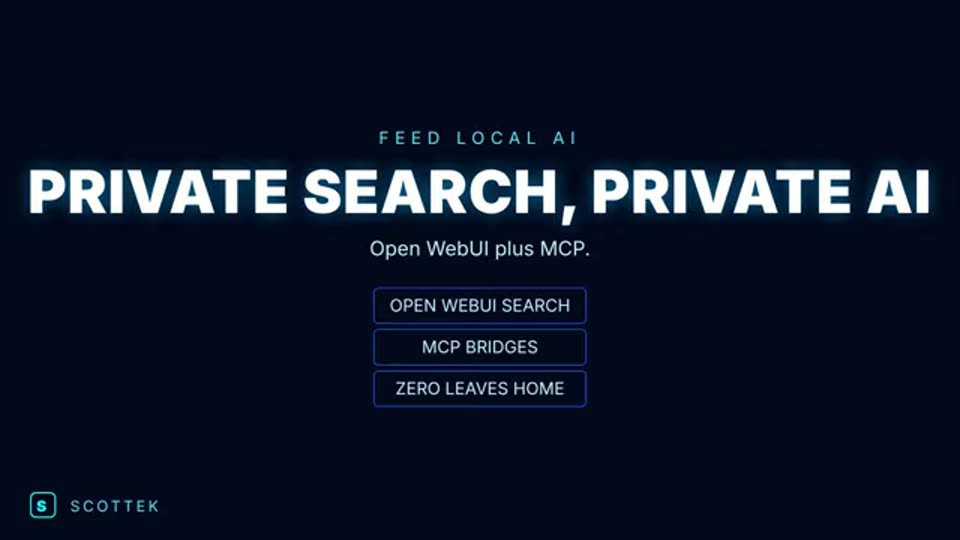
- In the video: the channel Open WebUI guide gets a superpower by pointing its web-search feature at the SearXNG JSON endpoint, giving a private chatbot live web knowledge with zero data leaving the network.
- In the video: beyond that, a small ecosystem of MCP bridges lets MCP-compatible assistants search through the instance, as single-binary servers over standard input-output or remote ones over HTTP, some needing nothing but the instance URL.
- Readers combining both halves should start from Open WebUI 0.12: Self-Host Your Own ChatGPT and point its search at the local endpoint, a wiring that is untested here.
- Added from the sources: Open WebUI web search expects a JSON-capable SearXNG endpoint, and community MCP bridges exist for Claude, Cursor, and friends, checked October 2026, with no version or test claims made here.
Where it lives, what it costs, and the caveats
- In the video: the sweet spot is the always-on home box over the tailnet only, behind the existing reverse proxy with authentication in front, sipping a few hundred megabytes of RAM, while going truly public means keeping the limiter on, updating with a Compose pull and up, and answering server-IP captures through the documented process when an engine flags the box.
- In the video: three caveats with no gloss, public instances challenged every plain-script probe during research with anti-bot pages and rate limits, which is exactly why self-hosting beats leeching, results depend on upstreams nobody controls so judge it over a week of real queries, and the AGPL teeth described above.
- In the video: the decision rule is to run SearXNG for genuinely private multi-engine results at the cost of one Compose file, one secret, and one browser setting, and to skip it only for readers living happily inside one ecosystem results who never touch automation.
- Resource, maintenance, and cost notes in this section are vendor and video claims repeated honestly, not measurements taken here.