Open WebUI 0.12: Self-Host Your Own ChatGPT (2026 Guide)

This companion guide starts from the video Open WebUI 0.12: Self-Host Your Own ChatGPT (2026 Guide) and adds grounded detail from the official docs, both release blogs, and the changelog so you can install once and upgrade safely. The video is a narrated walkthrough rather than a filmed bench run, so every section below keeps In the video claims apart from Added from the sources research.
What the video covers and what this guide adds
- In the video: the hook is that a home lab already runs the brains with Ollama plus a good local model such as the Bolt or Mellum setups from this channel, and what has been missing is the front door, a fast multi-user ChatGPT-grade interface that lives on your server rather than somebody else's cloud.
- In the video: the mental model is that Open WebUI does not run models itself but sits above Ollama, vLLM,
llama.cpp, or any OpenAI compatible API, adding chat plus user accounts with roles plus document search over your own files plus web search plus image and voice input plus a plugin system in one container with no per-token bills. - Added from the sources: the video identity is title Open WebUI 0.12 plus Self-Host Your Own ChatGPT plus 2026 Guide at Watch link with upload date 2026-10-15 and duration about 718 seconds, and the transcript was fetched with auto-subs then stripped of tags and timestamps and read in full as the primary source for every In the video line below.
- Added from the sources: timing is grounded in the v0.12.0 blog dated 2026-10-10 with more than 40 additions and more than 270 fixes, the v0.12.1 blog dated 2026-10-14, and the releases page showing v0.12.1 plus v0.12.2 on 2026-10-14 with v0.12.3 arriving 2026-10-16 after the upload.
Install with Docker and pick an image
- In the video: installation is one Docker command starting with minting a secret with
openssl rand -hex 32, because that key signs sessions and setting it once keeps every recreated container from logging everybody out. - In the video: the run maps host port 3000 to container port 8080, mounts a volume named
open-webuiatopen-webui:/app/backend/databecause chats plus users plus settings live there and the volume is what survives updates, addshost.docker.internalso the container reaches host services, setsrestart always, then opening port 3000 and signing up the first account makes that account the administrator. - Added from the sources: the docs-verbatim command from the quick-start is
docker run -d -p 3000:8080 --add-host=host.docker.internal:host-gateway -v open-webui:/app/backend/data -e WEBUI_SECRET_KEY=your-secret-key --name open-webui --restart always ghcr.io/open-webui/open-webui:main, quoted from the docs rather than executed for this guide, so a live run remains untested here. - Added from the sources: image choice is grounded in the same quick-start with
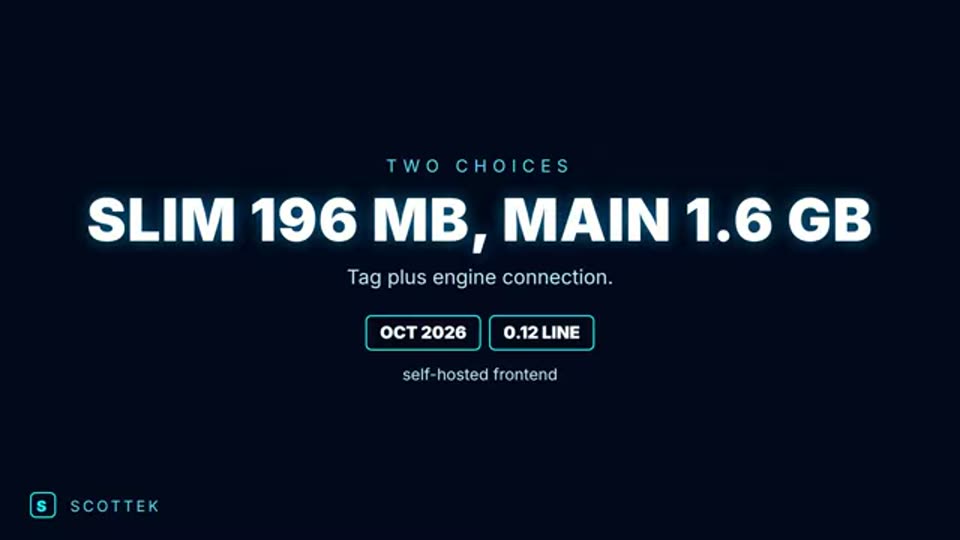
mainat about 1.62 GB bundling speech plus embeddings,slimat about 196 MB and 88 percent smaller for use with Ollama or a hosted API,cudawithgpus allfor local GPU embeddings, andollamabundling both parts in one container, with sizes checked 2026-10-10 for Linux on amd64.
Connect Ollama and search your own documents
- In the video: if Ollama runs on the same host then point Open WebUI at
host.docker.internalon port 11434, and pulled models show up as pickable names in the chat box including the reasoning and coding models from this channel earlier guides. - In the video: retrieval over your own documents is framed as the feature that justifies the container, with PDFs and manuals uploaded into a knowledge collection that gets chunked plus embedded plus retrieved before answering, so answers stay grounded in your files.
- Added from the sources: the maintained vector stores are ChromaDB plus PGVector with extraction through engines such as Apache Tika plus Docling plus OCR options and web search including self-hosted SearXNG per the comparison research, while heavy document pipelines gained MinerU 4x servers in the 0.12 line, and slim installs must point at an external embedding provider plus vector store rather than local engines.
- Added from the sources: if the engine side is new then start with the Ollama plus Qwen3 setup guide for the base install and pair it with the Bolt agent guide for a coding model to plug into the picker, with the retrieval wiring described here quoted from docs and blogs and still untested here on our own data.
Voice calls and avatars in 0.12
- In the video: voice calls gain two modes under Admin Settings plus Audio, with Standard mode as the classic speech to text plus chat model plus text to speech pipeline and Realtime mode putting a real-time voice model on the line by default with GPT realtime voice Marin, while any endpoint speaking the OpenAI realtime protocol works including Azure as of 0.12.1.
- In the video: the design is that the voice model keeps small talk to itself and hands every real question to the chat model already chosen with tools plus history intact, a spoken yes never approves a tool and the voice points at the chat window when permission is needed, and calls need the
Allow Callpermission so guests cannot run up a realtime bill. - Added from the sources: the v0.12.0 blog names
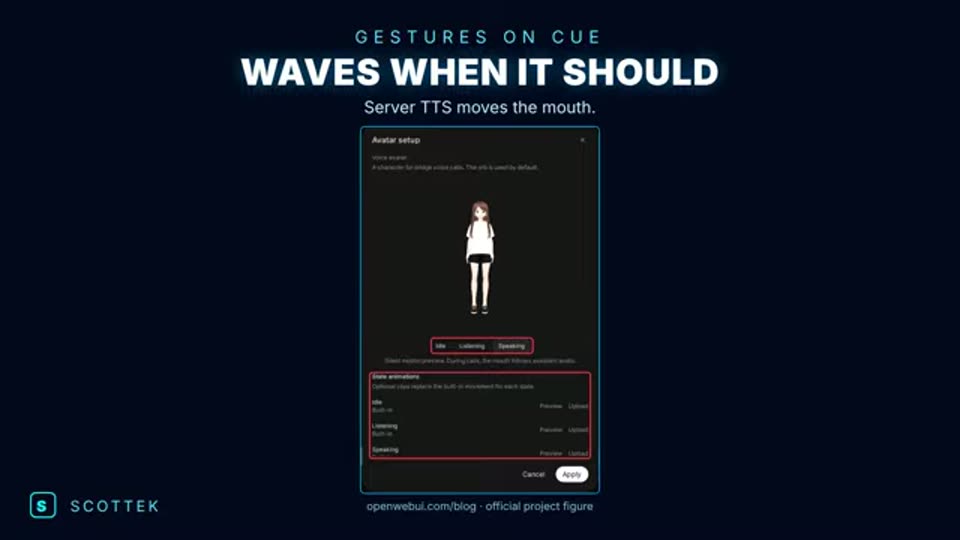
gpt-realtime-2.1-miniwith voicemarinas the default, upload limits of VRM up to 25 MiB in 0.x plus 1.0 with Idle plus Listening plus Speaking preview plus built-in breathing plus swaying plus blinking, VRMA clips up to 10 MiB per state, and up to 16 named gestures the voice triggers on its own. - Added from the sources: the v0.12.1 blog extends avatars to Standard calls with one catch that bit people, namely the mouth stays still mouth on the browser default
Web APIengine and only moves after the admin picks a server engine such asOpenAIorTransformers (Local), with gestures also needing function calling off Legacy plus built-in tools on, and no live call was placed for this guide so voice setup remains untested here.
Sign-in security and shared work in 0.12
- In the video: an internet-facing instance can now require an authenticator for every account, with next sign-in starting from a QR code plus any authenticator app plus 10 single-use recovery codes saved somewhere safe, while OAuth plus trusted header logins can bypass it when the identity provider enforces its own checks.
- In the video: recovery runs through the admin with an MFA reset against the locked-out address yielding a 30 minute token, admins gain sign-out of all devices per user, API keys keep working after sign-outs so those need rotation too, and 0.12.2 closed a hole where identity providers could delete admin accounts over SCIM, which the video frames as the release that makes exposing an instance defensible.
- Added from the sources: the switch lives under Admin Settings plus Authentication per the v0.12.0 blog, turning it on signs every device out including the admin own session, and anyone pairing SSO in front should read the Authentik guide so the login layer and the built-in MFA do not fight each other, a pairing step that remains untested here.
- Added from the sources: shared chats move from clone only to allow replies so everyone on one share keeps a single thread with sender names plus pictures plus typing indicator, each message answers under its sender account with that person models and permissions while system prompts plus tools plus chat variables stay hidden, folders shared with people or groups gain the same switch, and every save of a workspace model plus tool plus function plus skill keeps a version with author picture plus optional commit message plus live rollback plus side-by-side compare, all quoted from the blogs and still untested here.
Power controls, channel apps, and upgrade checklist
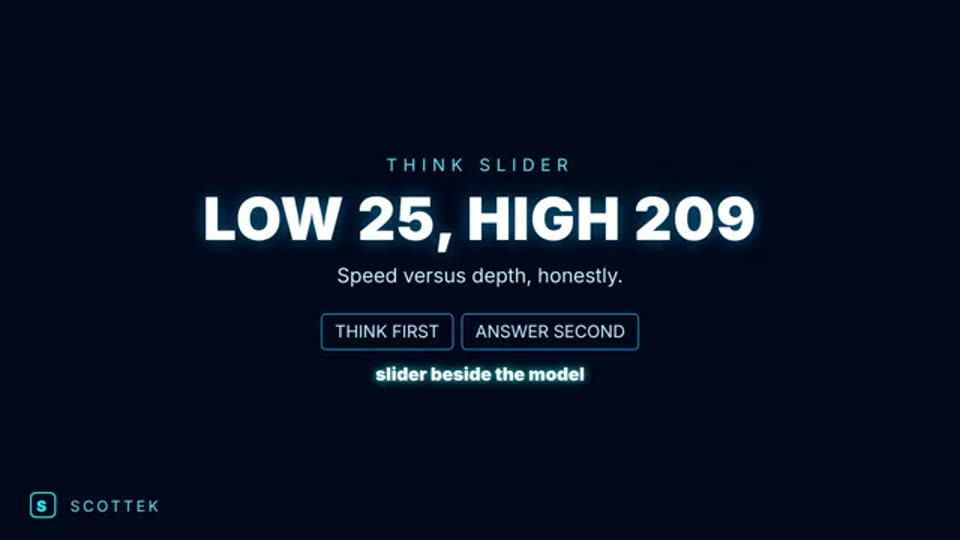
- In the video: power users gain named model controls such as thinking with per-option parameters shown as a menu or a slider beside the model selector, and the project own demo ran the same puzzle through GPT-OSS-20B with Low writing 25 tokens and High writing 209, framed as one run each so read it as a demo rather than a benchmark, plus nested groups where a group can have a parent with permissions inheriting down and the deepest group winning default models.
- In the video: channel apps are labeled experimental for a reason, with an app as a Python program on its own server built with the oix SDK that joins channels as a member and answers when mentioned with cards plus fields plus buttons plus downloadable reports, enabled under General or with
ENABLE_APPS, added by address plus API key with each requested scope getting its own kill switch, starting open toEveryoneand tighten-able to Restricted, needing public HTTPS with LAN apps listed comma separated inAPP_ALLOWED_PRIVATE_ORIGINSwhere plain HTTP is tolerated. - Added from the sources: the SDK is oix installed with
pip install oix, mention-scoped apps hear only addressed messages while full-read apps see everything in joined channels, the v0.12.1 blog plus releases page add Azure OpenAI provider fields plus noise handling plus compare Keep-both plus Android Chrome voice fixes plus per-chat terminal file fixes, and every apps plus upgrade step below remains untested here. - Added from the sources: before clicking update then back up first because 0.12.1 migrates the database, read the before-you-upgrade section first when running Milvus or sharing websocket traffic across instances through Redis, follow the updating docs for the tag bump, and note v0.12.3 landed 2026-10-16 after the video so check that changelog before choosing a target tag.