Bolt 74B: 74B Local AI Agents on One 24GB GPU (2026 Guide)

Companion guide and video starting point
This article is a companion to the video, not a replacement for it, and the video is the starting point for everything below.
In the video: recorded October 14th, a day before release, the presenter gives a verdict on the homelab fit, explains the architecture and compression, walks three install paths, tours the agent layer, and lists honest limits with a Thursday action plan.
Added from the sources: release-day details were filled in after the fact from the NVIDIA RTX Spark software blog and the live Ollama library page for nemotron-3.5-bolt, checked October 18, 2026. Where the video guessed at day-one tags, the confirmed values are given below. Nothing here was benchmarked hands-on, so treat performance framing as vendor-published.
What Bolt is and why it fits a homelab
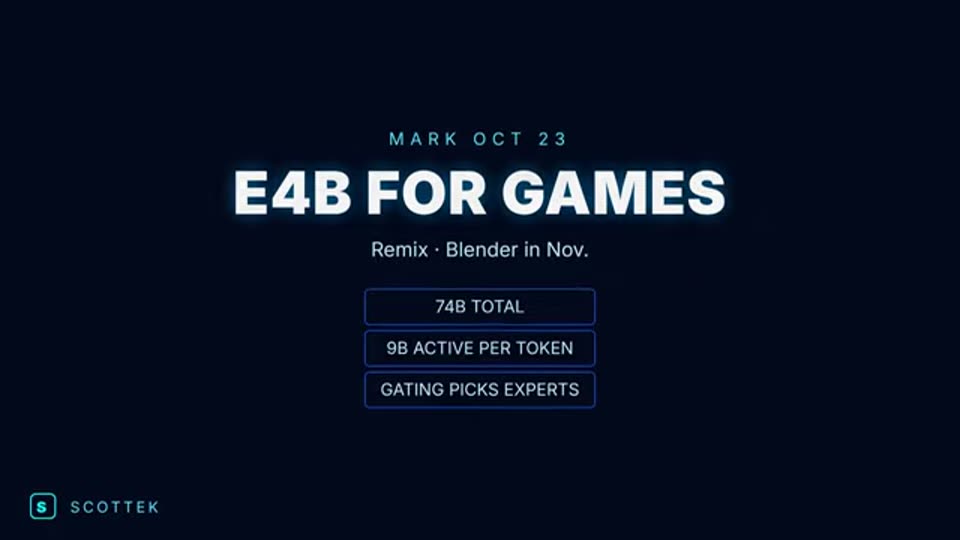
In the video: Nemotron 3.5 Bolt 74B-A9B is a 74-billion-parameter mixture-of-experts model with 9 billion active parameters per token, packed into 24GB with 2-bit quantization-aware training, built for running local AI agents around the clock.
Added from the sources: the NVIDIA blog confirms Bolt 74B as purpose-built for agentic AI on RTX Spark with an October 15 release, alongside RTX Spark laptops on sale October 16. Two tricks make it fit: the MoE design routes each token to specialist sub-networks so inference behaves like a 9B model, and quantization-aware training simulates precision loss during training so the model compensates while it still can.
- 24GB is a single RTX 3090 or 4090, so no new laptop is required to play.
- Weights, training data, and recipes publish openly, same as prior Nemotron models. One honesty note: the video flags the NVIDIA open-model license as not OSI open-source, and the live Ollama page points to the model card for license terms, so read the card before building a business on it.
- Precedent for 24GB single-card MoE runs exists: community guides run 30B-class MoE models on 3090/4090 cards with short contexts and attention optimizations.
What landed since the video: confirmed Ollama tags
Added from the sources: the Ollama library page, checked October 18, 2026, lists nemotron-3.5-bolt at 25GB with a 256K context window plus vision and tool support, with latest, 74b-a9b, and 74b-a9b-iq2 tags. The documented pull is ollama pull nemotron-3.5-bolt followed by ollama run nemotron-3.5-bolt, and the page lists one-click launches for Claude Code, OpenCode, Hermes, and OpenClaw. Two caveats from that same page: usable context depends on available memory, and Apple Silicon / Metal is currently not supported.
- Install Ollama from ollama.com/download or the Linux one-line installer, then pull the exact tag above rather than guessing.
- Rehearse first with
nemotron-3.5-lightning, the smaller agent model already in the library, to prove your card, disk, and drivers before the 25GB Bolt download. The rehearse-then-pull sequence is untested here. - Verify with
nvidia-smiand watch memory climb as the model loads. Keep 30GB free at minimum, more if you keep both models.
The three install paths
In the video: path one is Ollama, path two is llama.cpp for control or a one-click GUI, and path three is Unsloth quants plus vLLM for serving.
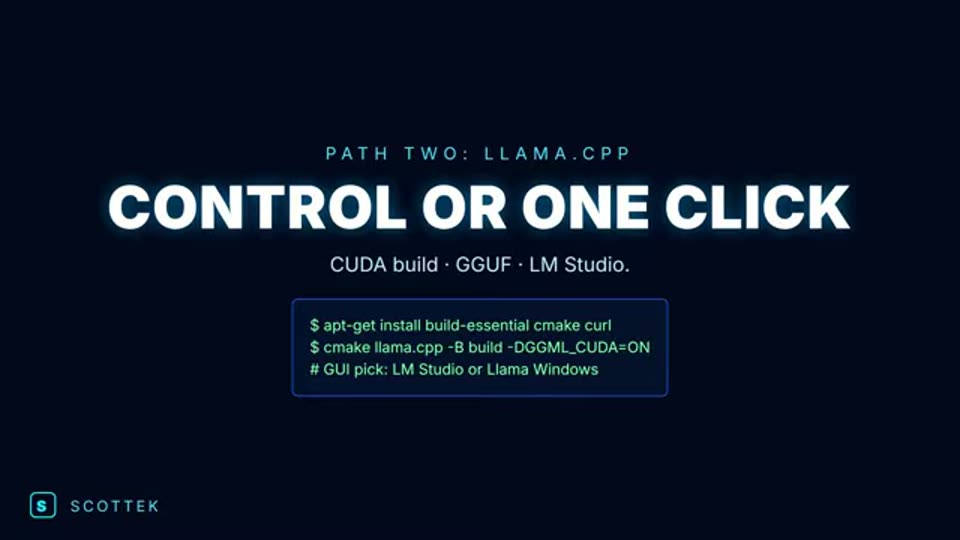
Added from the sources: the Unsloth Nemotron 3.5 docs carry the documented llama.cpp CUDA build pattern and GGUF download flow the video mirrors, and the NVIDIA blog confirms day-one runtime support across llama.cpp, vLLM, Ollama, Unsloth, and LM Studio.
- Control path: build llama.cpp with CUDA enabled, fetch a quantized GGUF from Hugging Face, and launch with your temperature and sampling flags. Exact Bolt filenames landed with the release, so copy them from the live repo, not from memory. This path is untested here.
- GUI path: LM Studio loads the same GGUF files with sliders, and the free Hugging Face Llama Windows app is llama.cpp under the hood. Same weights, different steering wheel.
- Serving path: vLLM exposes OpenAI-style endpoints with tool-use and reasoning modes for multi-user or coded setups, and Unsloth ships optimized dynamic quants plus fine-tuning notebooks. Serving and fine-tuning are untested here.
Agents, routing, and honest VRAM math
In the video: Hermes, OpenClaw, Copilot, Perplexity, Pi, and WorkBuddy get one-click local setup, sandboxing arrives via OpenShell plus Microsoft Execution Containers, Switchyard routes locally by default with cloud escalation, and PAIR spreads jobs across every GPU on the LAN.
Added from the sources: the NVIDIA blog confirms the agent-app updates, OpenShell and MXC sandboxing, PAIR moving out of beta with llama.cpp support, and local LLM downloads running 5x higher than all of last year.
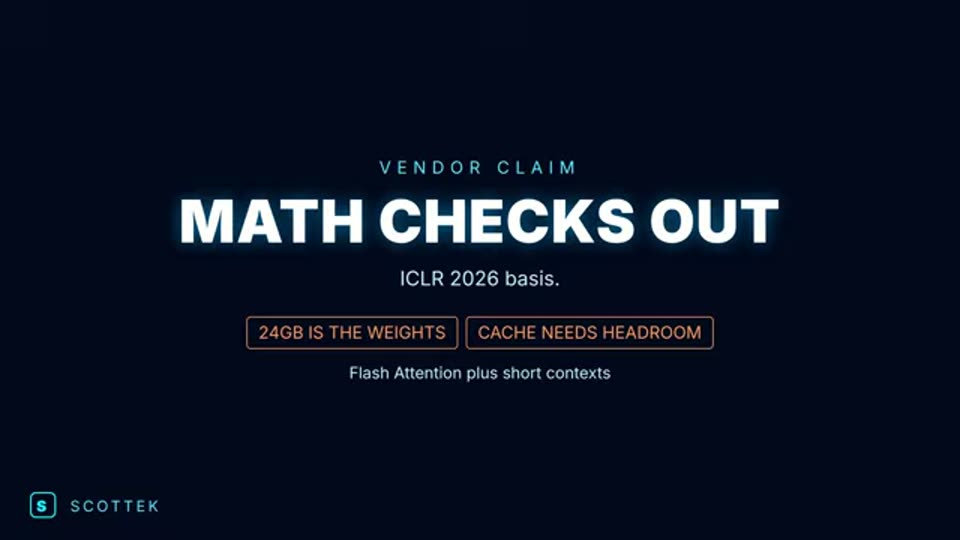
- 24GB fits the weights, not the working room: long agent sessions on a single card need short contexts and attention optimizations or the KV cache will bite.
- Agent wiring, Switchyard routing, and multi-box PAIR setups are untested here. Point one real loop (inbox triage, log watching, or a device judge) at the model before expanding.
- Around the release, the video flags the Friday bundle: AI playbooks, Broadcast 2.3 agent controls, the 2x DLSS 5 model, plus Bolt E4B for games and the Remix update on October 23 with Blender Ray Reconstruction in November.
- Smoke-test Thursday style: one coding question, one tool-call task, one long-context task, watching memory throughout. If it is tight, drop a quant level or shorten context before blaming the card.
- Related guides: Ollama plus Qwen3 on one GPU, what is new in Ollama 0.40, Unsloth QLoRA fine-tuning, Unsloth Studio, Hermes Agent setup, and OpenCode.