llama.cpp 1.0: Upgrade Before It Breaks You

This is the companion guide to the video llama.cpp 1.0: Upgrade Before It Breaks You, which is the starting point for everything below. Version numbers and feature claims here are video-attributed unless noted as confirmed in the v1.0.0 release notes, published 2026-11-13. If you installed llama.cpp from scratch with the earlier walkthrough, start with the prior-version install guide first — this article is its 1.0-upgrade sequel, not a repeat.
What 1.0 changes for upgraders
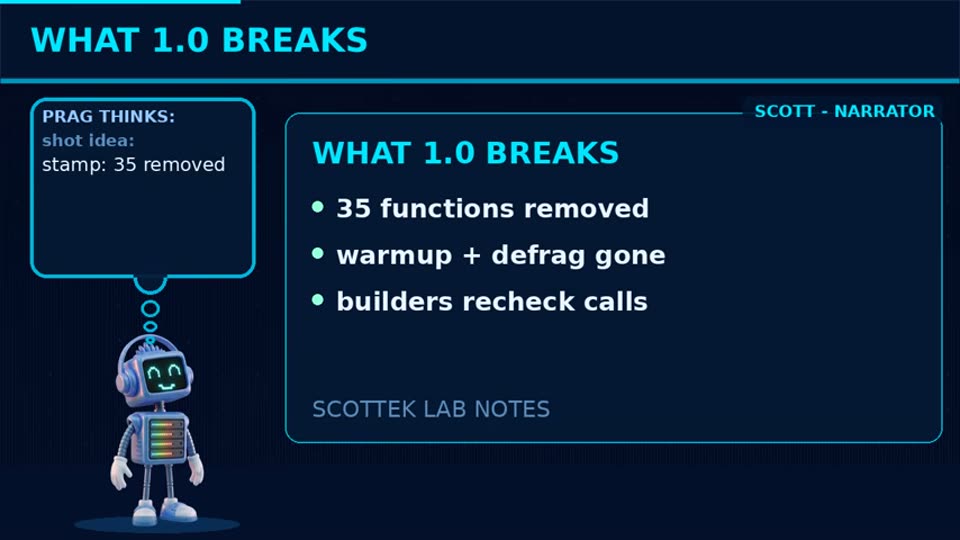
The headline is that 1.0 is a stability promise. Breaking API changes bump the major version, features bump the minor, and fixes bump the patch, per the Hugging Face overview post. For most self-hosters the practical impact is the removal list. The release notes confirm that llama_set_warmup, 35 deprecated functions, and defrag_thold with its --defrag-thold flag are gone, the NextN speculative API moves from llama-ext.h into llama.h, and llama_set_embd_state_src is renamed to llama_set_ctx_state_src. If you build anything against the C API, expect to patch includes and call sites before 1.0 compiles for you.
On the feature side, the release notes confirm OCP FP8 KV caches via -ctk and -ctv with f8_e4m3, a host-memory MoE expert cache with configurable moe_cache_size and moe_cache_cpu_share, external PLE shard loading via --shard and --ple, three new text architectures, drama-3 TTS, new vision support, and a hardened llama-server with an OpenAI-compatible /v1/audio/speech endpoint. The FP8 memory halving cited in the video — 3,584 down to 1,792 MiB at 32K context — is one tester's measured result reported by systemdesign.academy, not a universal guarantee, and their Metal backend refused FP8 while CPU worked. Two server hardening notes matter for upgraders. Non-loopback tool use now needs an API key or --allow-unauthenticated-tools, and media fetched from private URLs needs --media-allow-private-urls.
Upgrade path for an existing checkout
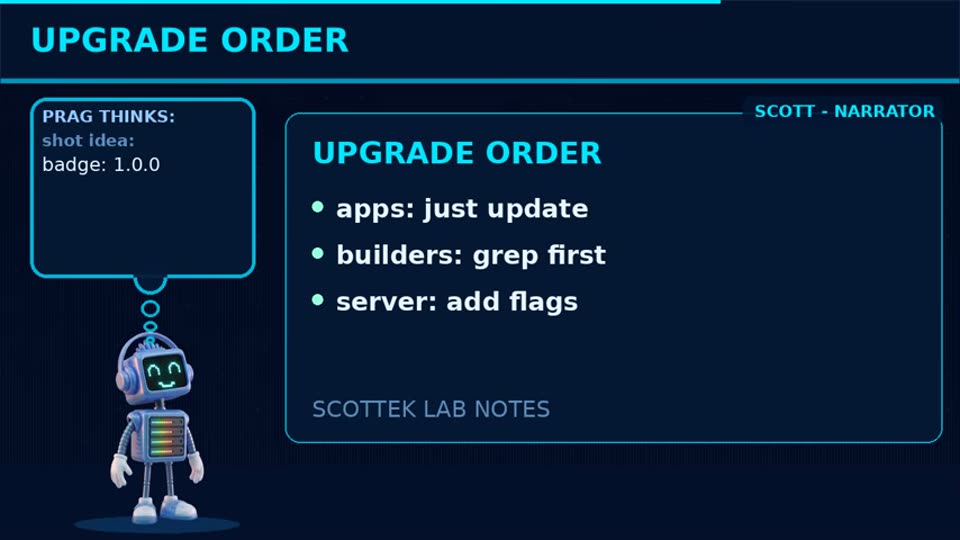
The order in the video is back up first, then pull, then clean-rebuild, and the build commands below come from the official build documentation rather than from a local run. Destructive-op warning — a clean rebuild deletes your existing build directory, so copy your working binaries aside before you touch anything.
- Back up your working binaries and note your current configure flags so you can reproduce the build
- Fetch and check out the tag with
git fetchfollowed bygit checkout v1.0.0, then confirm position withgit describe --tags - Reconfigure with
cmake -B buildplus whatever backend flags you used before, such as CUDA or Vulkan options from the main repo readme - Compile with
cmake --build build --config Release, adding-j 8or similar to parallelize on a many-core box - Patch any local code or scripts that reference removed API names or the old
--defrag-tholdflag before treating the build as done
This exact sequence is untested in this guide — no local build was run here, a limitation stated openly in the video description as well. Related 1.0 coverage on this site that may help is the stable-release news post.
Verify it works and keep your rollback
Do not delete your old binaries until the new build has served real traffic. Confirm git describe --tags reports v1.0.0, then reload a model you already run and check it serves exactly as before. Only then try the opt-in wins — FP8 cache flags on a long-context load, the MoE cache settings on a mixture-of-experts model, and the new speech endpoint if you use TTS.
Rollback is keeping the old binary and the old build directory until the new one earns trust. If 1.0 misbehaves, stop the new server, restore the backed-up binaries, and re-check out your previous tag or commit. File the failure against the llama.cpp repo with your backend, flags, and logs rather than sitting on a broken build.