Install Posterizarr 4.0 on Ubuntu: Custom Plex Art in Minutes

This companion guide follows the video Install Posterizarr 4.0 on Ubuntu: Custom Plex Art in Minutes, a 103-second walkthrough that installs Posterizarr 4.0 on Ubuntu 24.04 with Docker Compose to generate custom posters, backgrounds, and title cards for a Plex, Jellyfin, or Emby library.
This is a companion to that video, not a retest. I did not run this install myself, so every local step below follows the video order and is marked untested where it appears. There is no Prag research folder for this video, so the video itself is the starting point and the official Posterizarr docs and repository corroborate the added background, which is kept separate from the video claims. Note the video description discloses its terminal frames are recreations of a real test run, and the stills below are frames from the video, not my own screenshots.
Before you start
Untested here: I did not verify these requirements myself; they follow the video order.
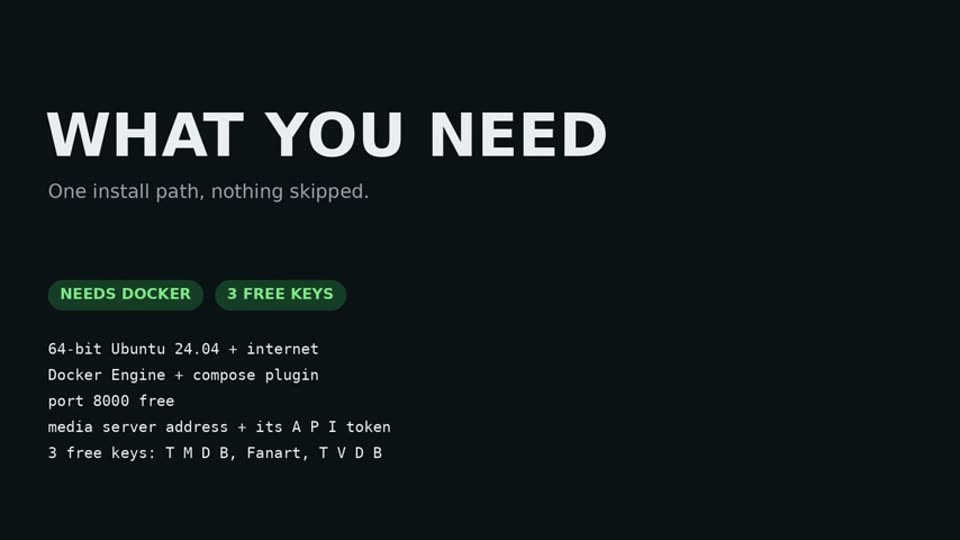
The video asks for 64-bit Ubuntu 24.04 with internet access, Docker Engine plus the compose plugin, port 8000 free, the media server address plus its API token, and three free API keys for TMDB, Fanart.tv, and TVDB. The official requirements page corroborates this list as added background: it names Plex, Jellyfin, or Emby as the supported servers, asks for a server API token or key, and specifies a TMDb Read Access Token, a Fanart.tv personal API key, and a TVDB Project API key rather than a legacy one.
Make the folders and compose file
Untested here: I did not run these commands myself; they follow the video order.
The video creates a dedicated folder with its persistent directories and a compose.yaml file pinning the image to 4.0.0. The official installation page corroborates the folder step as added background with mkdir -p posterizarr, cd posterizarr, and mkdir -p config assets assetsbackup manualassets, plus the matching Windows PowerShell variant. One difference to know: the docs and the repository compose file both show ghcr.io/fscorrupt/posterizarr:latest, while the video pins the 4.0.0 release instead, so expect ghcr.io/fscorrupt/posterizarr:4.0.0 in the video file and latest in the docs example. The shared compose facts both agree on are the 8000:8000 port mapping, the config, assets, assetsbackup, and manualassets volumes, RUN_TIME set to disabled for UI scheduling, and the TZ and user settings.
Pull the image and start the container
Untested here: I did not run these commands myself; they follow the video order.
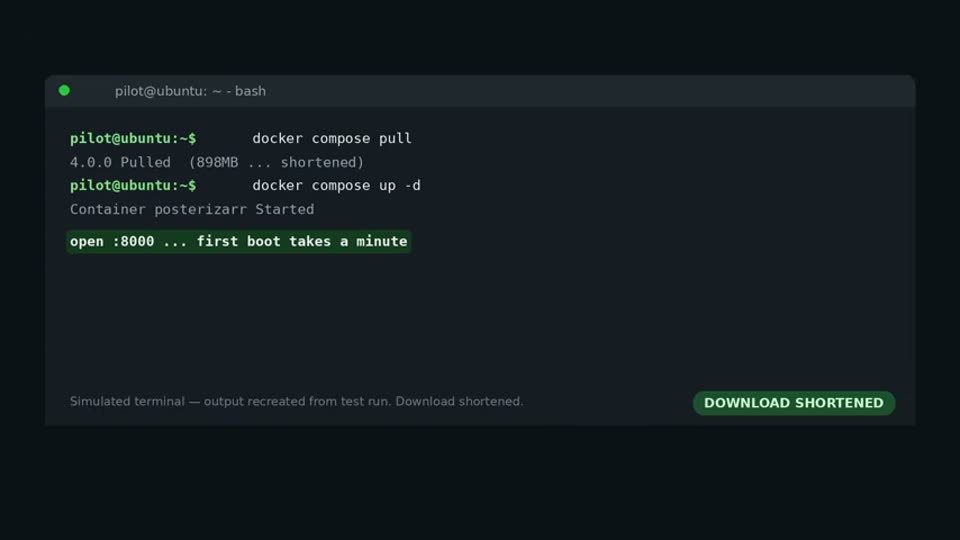
The video pulls with docker compose pull and starts detached with docker compose up -d, then opens port 8000 in the browser and waits about a minute for the first boot. The pull is the long step at roughly 900 MB, shown as 898 MB in the video frame with the download output shortened. The installation page corroborates the surrounding commands as added background: docker compose pull, docker compose up -d, docker compose ps to check state, and docker compose logs -f --tail=100 posterizarr to watch the first startup.
Connect the server and test one show first
Untested here: I did not click through this setup myself; it follows the video order.
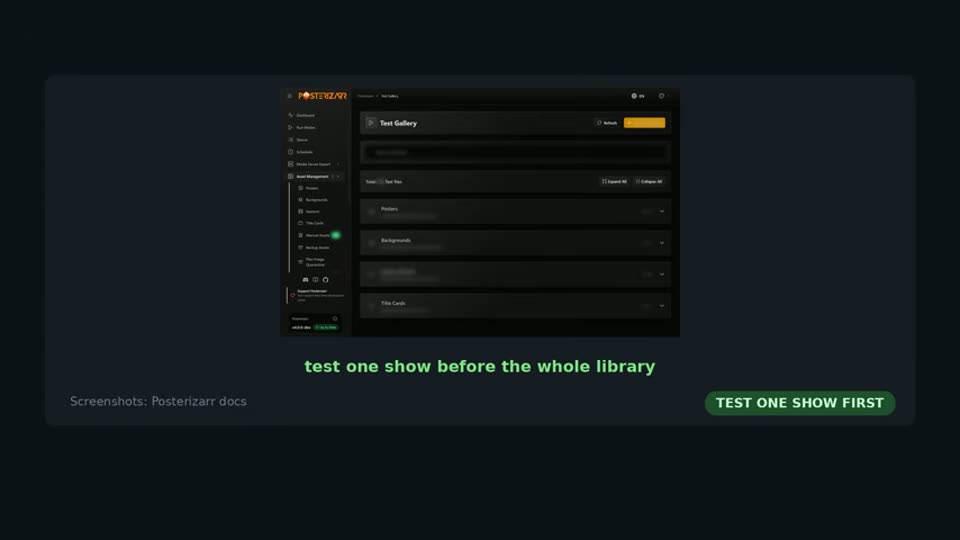
The video connects the media server plus the provider keys in the Web UI at port 8000, generates art for one test show, and only then approves the full library. The Posterizarr home page corroborates this caution as added background: connect one media-server library and test the result before enabling uploads or automation. The frame below carries the same message, pointing at the Test Gallery view as the place to prove posters and artwork work before library-wide uploads.
What the docs add beyond the video
This background comes from the official project pages, not from the video frames. Posterizarr creates and manages posters, season posters, backgrounds, title cards, and collection artwork, with Dynamic Overlays for ratings and badges kept as clean source art on disk. Beyond Plex, Jellyfin, and Emby, Silo support exists but is marked experimental without full feature parity. Schedules, triggers, and integrations live under run modes and automation once the test show looks right. As release context, the 4.0.0 release was published on 2026-11-21, the day before the video, which matches the video pinning 4.0.0. If you want another Ubuntu plus Docker Compose self-hosting walkthrough in the same pattern, the Linkwarden guide follows it.
Video and official links
Watch the starting point:
Official references, all verified returning HTTP 200:
- Posterizarr repository
- Posterizarr documentation home
- Posterizarr installation guide
- Posterizarr requirements