BenchUp 0.6.6 Ubuntu Setup: AppImage Install + App Menu in 2 Minutes

This guide is the written companion to the video BenchUp 0.6.6 Ubuntu Setup: AppImage Install + App Menu in 2 Minutes (97s, uploaded 2026-11-09), and it treats the video as the starting point. Claims shown in the recording are labeled In the video, and everything confirmed against the official BenchUp releases and repository is labeled Added from the sources. Anything not independently run here is marked untested. Caption fetch for this video returned HTTP 429, so the wording below follows the published video description as the transcript-equivalent. No Prag research folder exists for this video, so the draft is grounded in the video plus the official release assets, and every install step below is untested here.
In the video: BenchUp is a free, open-source 3D modeling app, a SketchUp alternative for woodworking and furniture design built with Rust and WebGPU, renamed from KetchUp this week, and version 0.6.6 installs on Ubuntu 24.04 as a single AppImage with no sudo and no extra libraries. Added from the sources: the BenchUp3D/editor repository confirms the MIT license and the Rust plus WebAssembly plus WebGPU stack, and the v0.6.6 release tag was published 2026-11-09, the same day as the video, so 0.6.6 is the current version this guide pins.
Check Ubuntu, disk, and desktop first
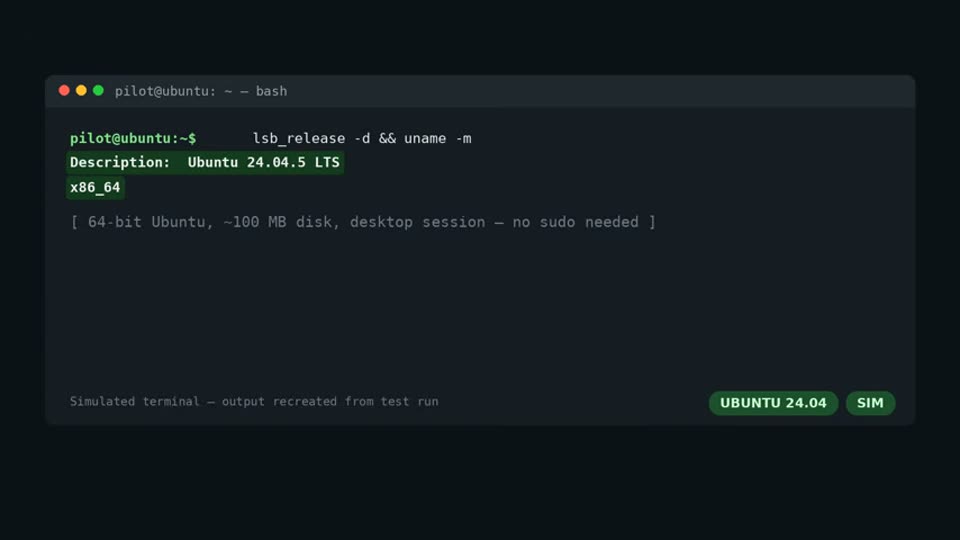
In the video: you need 64-bit Ubuntu 24.04, about 100 MB of free disk, and a desktop session, checked up front with lsb_release -d plus uname -m, and nothing in this guide needs sudo. Added from the sources: the AppImage asset on the release page is 20,646,392 bytes, roughly 20 MB, so the 100 MB floor leaves comfortable room for the download plus your first project files. The Ubuntu 24.04.5 LTS and x86_64 values above are frame-confirmed from the video still. These checks are video-attributed and untested here.
Download the AppImage and verify the checksum
In the video: download the Linux AppImage from the official releases page and verify its checksum before running anything. Added from the sources: the release carries a SHA256SUMS file alongside the assets, and the Linux asset is named BenchUp-linux-x64.AppImage at exactly 20,646,392 bytes, which matches the byte count quoted in the video description. A docs-grounded check spelling is sha256sum against the downloaded file compared with the SHA256SUMS entry, run before the file is ever made executable, and a mismatch means re-downloading rather than proceeding. This step is docs-grounded and untested here.
Make it executable and install it user-local
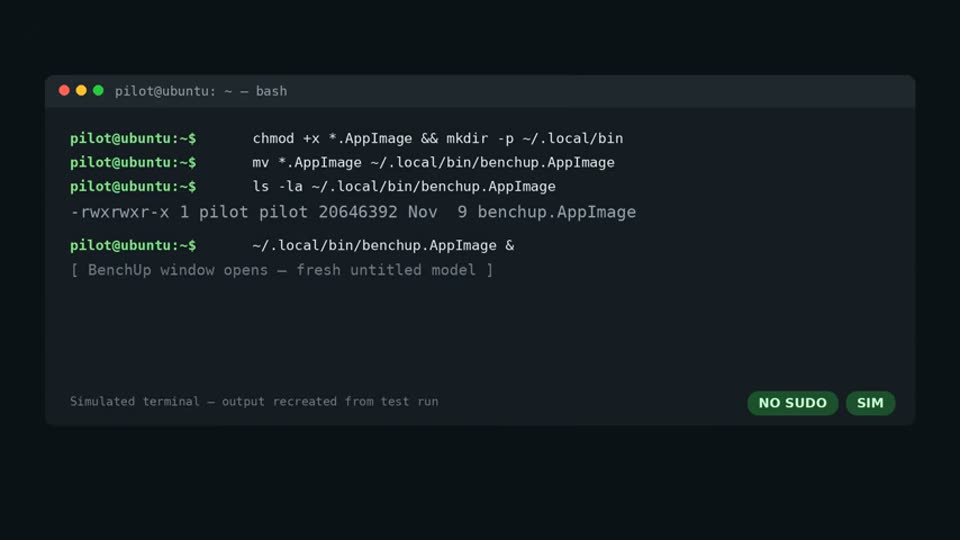
In the video: make the AppImage executable with chmod +x, move it to ~/.local/bin/benchup.AppImage, confirm with ls -la showing 20646392 bytes and executable permissions, and launch it in the background. Added from the sources: keeping it under ~/.local/bin is what keeps the whole install sudo-free, since no system directory is ever touched. The chmod +x plus mkdir -p ~/.local/bin plus mv plus ls -la sequence and the 20646392-byte figure above are frame-confirmed from the video still. Every command in this section is video-attributed and untested here.
Add it to your app menu
In the video: add BenchUp to the app menu with a .desktop entry plus the extracted icon, validated and registered so it launches from Activities. Added from the sources: the video description names desktop-file-validate and update-desktop-database as the validate-and-register pair, which maps to the standard user-local path of a benchup.desktop file under ~/.local/share/applications whose Exec line points at ~/.local/bin/benchup.AppImage. Validate before registering, and if the entry does not appear, re-check the Exec path spelling before concluding anything is broken. This step is video-attributed and untested here.
Prove the 0.6.6 first run
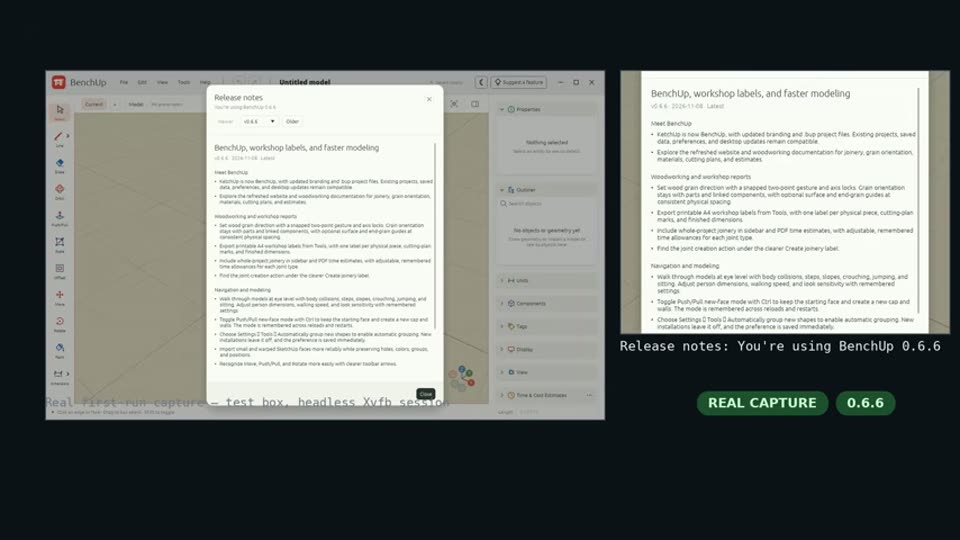
In the video: the first run opens BenchUp on a fresh untitled model with the v0.6.6 release notes dialog, covering the BenchUp rename, workshop labels, and faster modeling. Added from the sources: the release-notes dialog in the frame reads v0.6.6 as the latest with the KetchUp-is-now-BenchUp branding note, which corroborates the rename story the video tells. If the window opens on your desktop directly, the install is proved end to end, since headless test boxes need Xvfb while a real desktop session does not. This check is video-attributed and untested here.
Sources and next steps
- The companion video is the starting point for this guide and all In the video claims above
- The v0.6.6 release tag owns the pinned version, its 2026-11-09 publish date, the AppImage asset, and the SHA256SUMS file
- The BenchUp3D/editor repository owns the MIT license, the source, and the issue tracker
- The releases page owns the current download links when a newer version supersedes this guide
- Modeling your first project instead? Start from the app's own woodworking docs linked in the release notes, and compare notes with Install Glance v0.8.8 on Ubuntu: Homelab Start Page, One Binary for another no-sudo single-binary Ubuntu install