Self-Host Cloudflare Kitesurf With Docker: CDP Engine in Minutes

Watch the video
This guide is a companion to the video Watch Self-Host Cloudflare Kitesurf With Docker on YouTube, published 2026-11-24 at about 109 seconds. The video pulls a pinned Kitesurf engine image, starts the container, checks the health and version endpoints, opens the landing page, and proves an agent harness can drive the engine over CDP.
Everything in the sections below marked as shown in the video comes from the video description and the fetched auto-sub transcript. Everything marked as added research comes from the sandbox test run and the primary sources linked inline.
What Kitesurf is
Kitesurf is Cloudflare's open-source agent browser engine, licensed Apache-2.0. It parses HTML, applies CSS, runs page JavaScript, and renders screenshots with no Chrome or browser container, and it speaks the Chrome DevTools Protocol so Puppeteer, Playwright, and agent harnesses connect directly. The Cloudflare announcement and the Kitesurf repository document the local Docker run, the CDP and Puppeteer examples, and the access warnings. Cloudflare's Browser Run docs for Kitesurf describe it as a stateless agent-first browser that runs on Workers.
Added research: the tested engine build is 2026.11.12, reporting CDP engine Kitesurf/0.0.1 with Protocol-Version 1.3. Local runs need no Cloudflare account and no paid plan.
This video is a genuine sequel to the earlier grid guide Kitesurf 0.0.1 on Ubuntu, which used the pnpm and Bazel source-build path that compiles the Rust core. This Docker path is a different and far faster method that skips the source build entirely.
Pull the image and start it
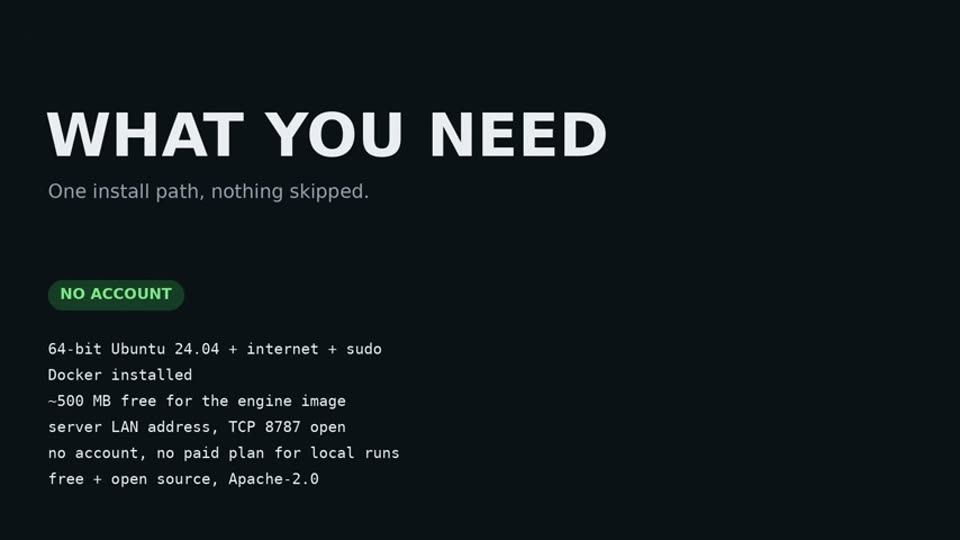
The video shows a 64-bit Ubuntu 24.04 host with internet, sudo, Docker installed, about half a gigabyte free for the engine image, and the server's LAN address reachable on port 8787. Installing Docker itself is a prerequisite and is not shown, so start with the official Docker install docs for Ubuntu if Docker is missing.
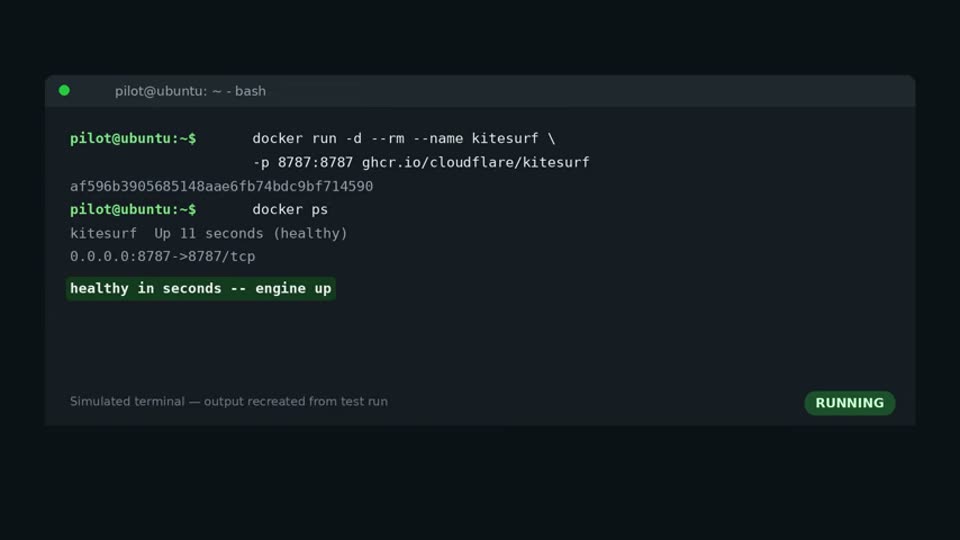
Added research from the sandbox run: the image is ghcr.io/cloudflare/kitesurf, pulled 2026-11-24 at digest sha256:076e1614b048b00620a3bf1eadc5515de2e49dc9a92b0a6c52fe53fdaf706a8a, with 8 layers at about 113 MB of content and 453 MB on disk. The commands shown in the video are:
docker pull ghcr.io/cloudflare/kitesurfdocker run -d --rm --name kitesurf -p 8787:8787 ghcr.io/cloudflare/kitesurfdocker ps
Added research: docker ps should show kitesurf Up and healthy with 0.0.0.0:8787->8787, and the container log reports starting Kitesurf 2026.11.12 with CDP at /devtools/browser. The terminal frame below is labeled simulated in the video, with output recreated from the test run.
Prove the engine answers
The video verifies the engine with two endpoint checks plus the landing page:
curl -s http://localhost:8787/healthcurl -s http://localhost:8787/json/version
The video states the health endpoint replies kitesurf: OK and the version endpoint reports engine Kitesurf/0.0.1 plus the browser socket agents connect to. Added research confirms the exact sandbox outputs: kitesurf: OK, version JSON with "Browser":"Kitesurf/0.0.1", "Protocol-Version":"1.3", and "webSocketDebuggerUrl":"ws://127.0.0.1:8787/devtools/browser", with the landing page at / returning HTTP 200. Key endpoints are /, /health, /json/version, /json/list, ws://SERVER:8787/devtools/browser, and per-page /devtools/page/ paths.
Open the page and prove an agent can drive it
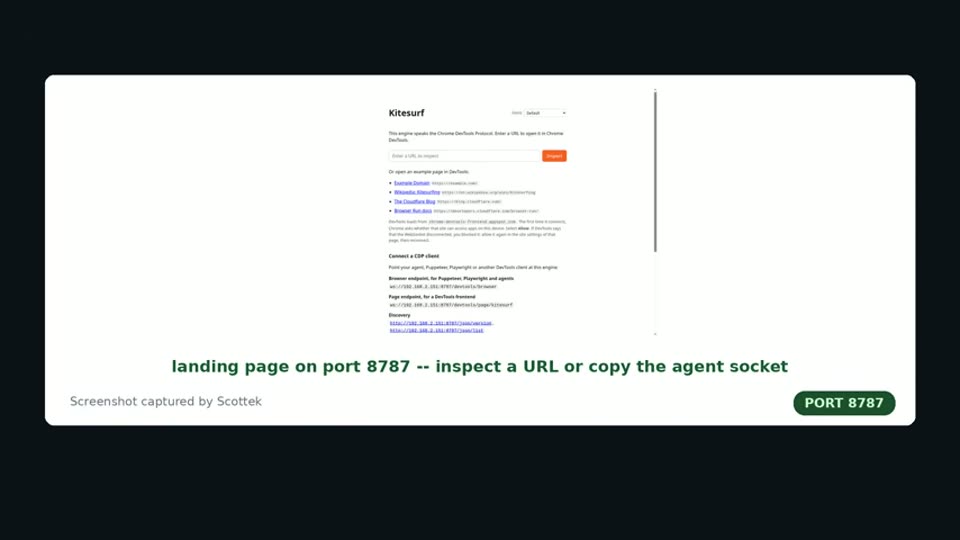
The video opens http://YOUR-SERVER:8787 in a LAN browser, where the landing page offers a URL field with Inspect plus example pages and lists the sockets for an agent harness. Added research: the landing page was captured live in a real headless-Chrome screenshot during the test run and read cleanly on inspection. The Inspect-button click flow itself was not clicked, so this guide claims only what the capture shows.
The video then proves agent control with a short script using Node 22 or newer and puppeteer-core, installed with npm install puppeteer-core, saved as kite_check.js:
const puppeteer = require('puppeteer-core');puppeteer.connect({ browserWSEndpoint: 'ws://YOUR-SERVER:8787/devtools/browser' })page.goto('https://example.com/', { waitUntil: 'domcontentloaded' })node kite_check.js
Added research: the sandbox ran this exact check against the test guest and got TITLE:Example Domain plus CDP_OK, with a screenshot saved. The title and CDP_OK output are the proof, not the pixels of the example render alone.
Keep port 8787 off the internet
The engine has no login, so never publish port 8787 publicly. Local page JavaScript runs in workerd rather than a hardened sandbox, so do not open untrusted sites with a local engine. Both warnings come from the official README and are repeated on screen. Cloud deployments are documented but untested here: they need a Workers Paid plan plus Cloudflare Access in front, with service-token headers for CDP clients.
What this guide does not cover
The following steps are untested and marked as such: the pnpm and Bazel source build, the Workers cloud deploy plus Access lockdown, the DevTools Inspect-button click flow, and the Docker installation itself. No benchmarks are claimed and no affiliate links are used.
 Webster