Node-RED 5.0.9 Ubuntu Setup: Install Plus the Login Everyone Skips

This companion guide starts from the video Node-RED 5.0.9 Ubuntu Setup: Install Plus the Login Everyone Skips and adds grounded detail from the official Node-RED docs plus the installer repo plus the TigerGate CVE write-up so you can install once and lock the editor before exposing anything. Watch the video first for the 97-second walkthrough, then use the sections below with the video description as the reference, since YouTube auto-subs returned HTTP 429 and the published description serves as the transcript-equivalent here. No Prag research folder exists for this video, so every added line below comes from the primary sources linked inline, and every install step below is untested here.
What you need
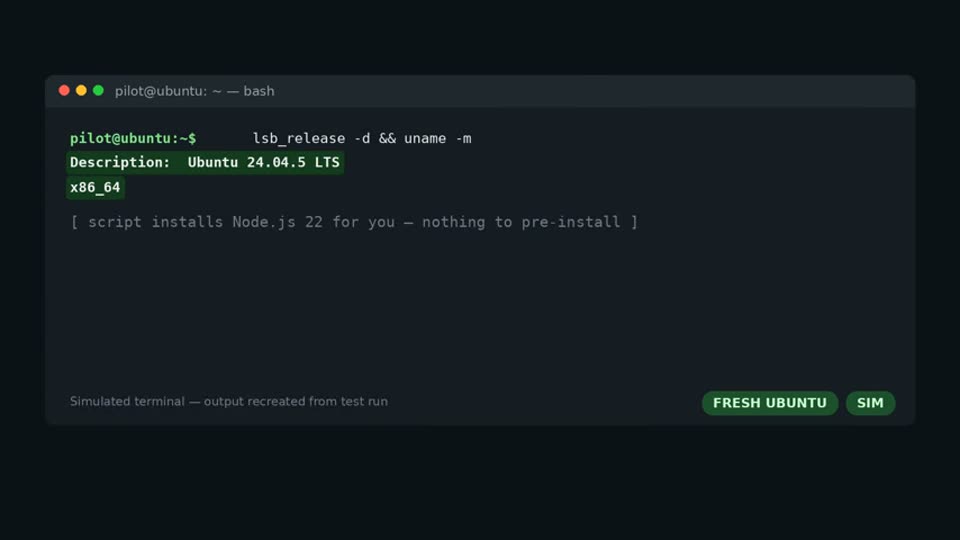
- In the video: you need a fresh 64-bit Ubuntu 24.04 machine with internet access and nothing to pre-install, per the published description, and the chapters open with what you need at 00:12, so treat a clean Ubuntu 24.04 host as the assumed starting point, untested here.
- Added from the sources: Node-RED 5.0.9 needs Node.js 22 or newer, which the description states the official installer handles for you, and the supported Node versions FAQ is the authority if your host already has Node installed.
- Added from the sources: the installer scripts live in the node-red/linux-installers repo, whose README notes the scripts use root access to install Node-RED globally plus Node.js when required, so inspect the script before running it, untested here.
Install Node-RED 5.0.9
- In the video: the install step runs the official Node-RED install script at chapter 00:30, and the description notes the on-screen terminals are labeled simulations recreated from a full sandbox run on Ubuntu 24.04.5 LTS x86_64 on 2026-11-09 that did an
npminstall of Node-RED 5.0.9 across 276 packages, so follow the chapter order and expect a version stamp at the end, untested here. - Added from the sources: for Debian-family hosts including Ubuntu, the linux-installers README documents the Deb installer download plus optional
build-essentialwhen you plan to add compiled extra nodes, quoted from the repo rather than executed for this guide, untested here. - Added from the sources: the local install docs document the
npmpath withsudo npm install -g node-redplus thenode-redstart command and link the on-boot FAQ, and the description notes the video systemd step follows those official docs because the sandbox had no sudo, so treat service setup as docs-quoted and untested here.
Verify it runs
- In the video: verification at chapter 00:44 means confirming 5.0.9 and opening
http://localhost:1880, and the description records the sandbox run showing an open-editor HTTP 200 plus the version stamp, so your check is the same two signals, untested here. - Added from the sources: the local install docs state the server listens at
http://localhost:1880/by default on port1880with the settings file and user directory printed in the startup log, which is where you confirm the version plus thesettings.jspath you will edit next, untested here.
Add the login with a password hash and adminAuth
- In the video: the lockdown at chapter 00:55 means generating a password hash and enabling
adminAuthinsettings.js, because by default anyone who reaches the editor can deploy flows, and that gap is the exact flaw exploited in the wild as CVE-2026-58115, so do this before exposing the port anywhere, untested here. - Added from the sources: the securing Node-RED docs state the editor is unsecured by default and anyone with the IP address can deploy changes, and they document uncommenting the
adminAuthblock withtypeofcredentialsplus ausersarray carrying bcrypt-hashed passwords andpermissions, which is the shape yoursettings.jsedit must take, untested here. - Added from the sources: the same securing docs give the hash command as
node-red admin hash-pwon current releases and note older installs can use thenode-red-admintool or abcryptjsone-liner, and the resulting hash is what you paste intosettings.jsin place of any plaintext, untested here. - Added from the sources: the TigerGate CVE-2026-58115 write-up rates the missing-authentication flaw CVSS 10 with first in-the-wild exploitation on 2026-10-30 and at least 15 more incidents by 2026-11-01, with payloads including cryptominers plus Mirai-variant botnet clients plus Node.js reverse shells, and recommends upgrading plus binding admin to loopback plus enabling
adminAuthplus sweeping bundled appliances, so the login here is the minimum rather than the whole program.
Restart and prove the 401
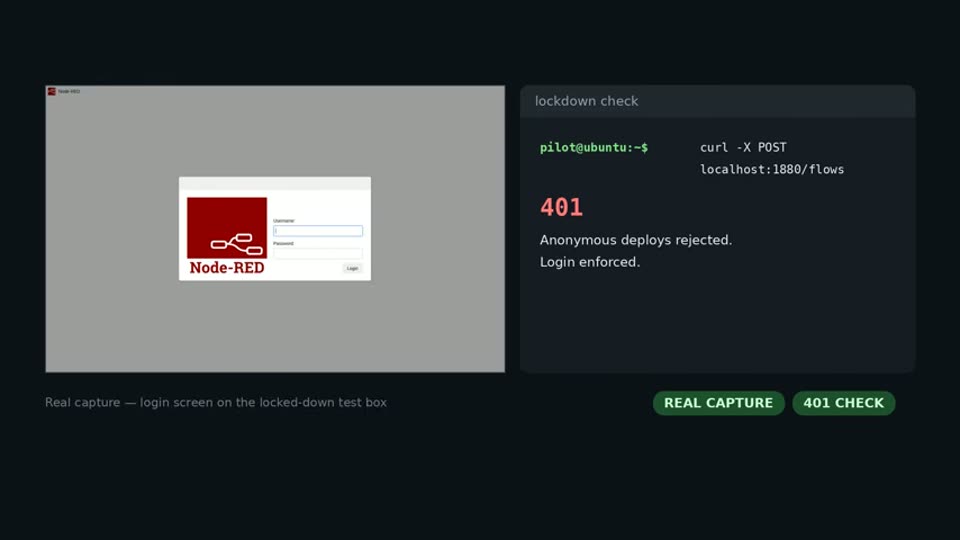
- In the video: chapter 01:12 restarts Node-RED and proves the lockdown with a 401 check, where anonymous deploys accepted before the lockdown with a 204 are rejected after it on both POST and GET against
/flows, and the editor asks for a login, so repeat that exact before-and-after probe, untested here. - Added from the sources: the description records the sandbox result as open-editor HTTP 200 before the lockdown, an unauthenticated flow deploy accepted at 204, then 401 on POST and GET
/flowsafteradminAuthplus a working token login, which matches the TigerGate auth-state probe guidance that an unauthenticated admin endpoint returning 200 instead of 401 means the instance sits in the vulnerable configuration, untested here. - Added from the sources: with
adminAuthset, the securing docs point at the Admin API auth docs for token access, and the TigerGate hardening list adds binding admin to127.0.0.1plus least-privilege Function node settings plus egress controls for anything beyond a local bench host, all quoted and untested here.
Your first flow
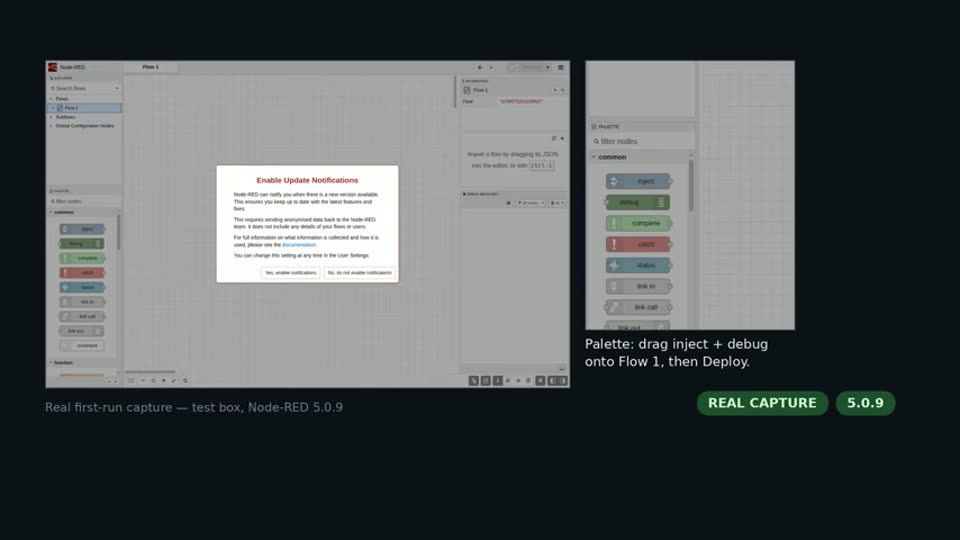
- In the video: chapter 01:26 closes with your first flow, and the description records the sandbox deploying an authenticated inject-to-deploy flow with the debug message confirmed in the log, captured in two headless-browser shots of the editor and the login screen, so build that same inject-driven flow only after the 401 proof passes, untested here.
- Added from the sources: the local install docs link create your first flow as the official next tutorial, which is the safest follow-on once the editor demands a login, untested here.
Sources and next steps
- Added from the sources: primary references for every claim above are the local install docs plus the securing Node-RED docs plus the linux-installers repo plus the TigerGate CVE-2026-58115 write-up, all fetched live for this guide.
- Added from the sources: if Node-RED is heading for a home server alongside the rest of the stack, read the Home Assistant 2026.11 guide next since the CVE write-up flags the Home Assistant add-on path as one of the common bundled exposures, then bind admin to loopback and keep the port off the open internet.