Chiaki-ng on Steam Deck Continued: Install, Game Mode, Controls, Tuning

This guide is the written companion to the video Chiaki-ng on Steam Deck Continued: Install, Game Mode, Controls, Tuning, and it treats the video as the starting point. Claims shown in the recording are labeled In the video, and everything checked against the project sources is labeled Added from the sources. Anything not independently verified here is marked untested.
YouTube auto-subs were unavailable at draft time, so the full video description stands in as the transcript-equivalent behind every In the video claim below. The general PC-side setup, ports, registration, and chiaki-ng background live in the PC companion guide PS5 on Any PC: Chiaki-ng Setup Guide, which this Deck-only guide builds on rather than repeating.
In the video: the console steps are a docs walkthrough with no live PS5 on the bench, and the Deck-specific moments are community reports labeled on screen, never presented as runs from this bench. Follow this guide for the reference, not as proof of a stream this sandbox watched.
Scope pinned to v1.10.1
In the video: everything here assumes chiaki-ng v1.10.1, still the latest stable, with only weekly canary test builds newer and out of scope until one ships stable.
Added from the sources: the v1.10.1 release page confirms v1.10.1 as the latest stable, and the installation doc confirms the official download sources are the GitHub releases page, Flathub, winget, and Homebrew, with chiaki-ng.com explicitly unofficial and unaffiliated. Version status is untested here since this sandbox fetched pages but ran nothing.
- Deck only, v1.10.1 only, per the video's own pin
- PC setup, ports, and registration live in the PC companion
- No Decky Loader plugin exists, so never claim one
Install in Desktop Mode first
In the video: install starts in Desktop Mode through Discover, searching Chiaki4deck and installing the Flathub Flatpak io.github.streetpea.Chiaki4deck, then launching once from the desktop to confirm it opens and generate its config before ever touching Game Mode.
Added from the sources: the installation doc confirms the Discover path as recommended plus the Konsole fallback flatpak install -y io.github.streetpea.Chiaki4deck, and the releases page documents the legacy migration for returning viewers, moving the config folder from the deprecated re.chiaki.Chiaki4deck id to the Flathub id and patching the launcher script path with sed before uninstalling legacy and installing fresh. The install command and the migration are untested here since this sandbox installed nothing.
- Primary path is Discover in Desktop Mode, Konsole only as fallback
- Launch once from the desktop so the config folder lands in place
- Prefer Flatpak on Deck, since the AppImage wants system
libvapluspipewireand is the portable move-between-machines option - Legacy migration keeps hosts and settings, and is untested here
Game Mode shortcut and one-click play
In the video: there are two ways to add the shortcut after a working desktop stream, and one-click play comes from Auto Connect plus favorites with the PS5 on a reserved IP in rest mode.
Added from the sources: the controlling doc confirms the in-app Create Steam Shortcut button is easiest, reusing existing Steam app IDs so artwork survives, auto-applying the correct controller profile, and filling --profile= into launch options for named profiles. The automation doc confirms the Chiaki-launcher.sh wake-plus-connect script and the static IP requirement, while the configuration doc confirms Auto Connect and Profiles. Shortcut behavior and wake-from-rest are untested here.
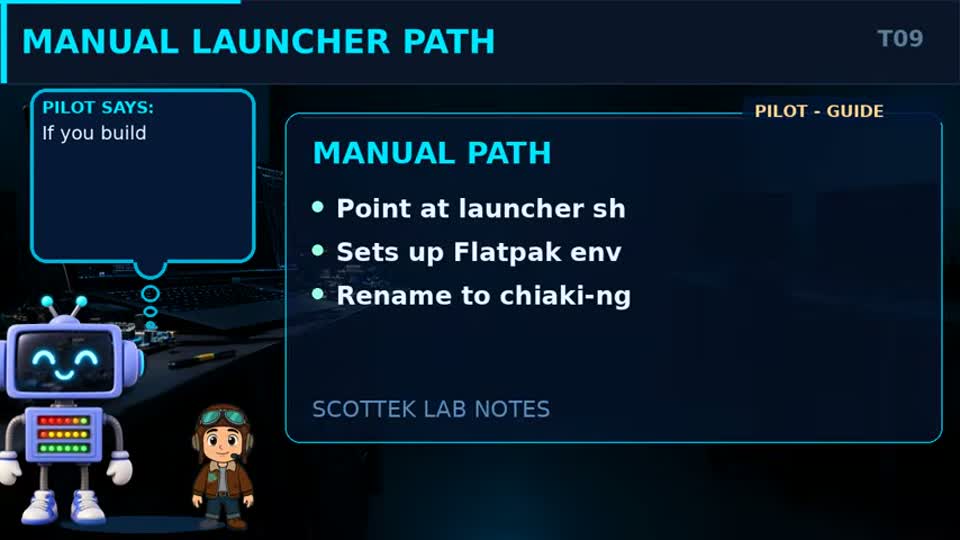
Added from the sources: the manual fallback is Desktop Mode to Steam to Add a Non-Steam Game, browsing with hidden files shown to /home/deck/.var/app/io.github.streetpea.Chiaki4deck/config/Chiaki/Chiaki-launcher.sh, pointing at the launcher script rather than the Flatpak since it sets up the Flatpak environment Game Mode needs. There is no kiosk mode, so Auto Connect plus pinning to Game Mode favorites is the closest equivalent.
- Easiest path is the in-app Create Steam Shortcut button
- Manual path points at
Chiaki-launcher.sh, never directly at the Flatpak - PS5 stays in rest mode with Stay Connected and Enable Turning On from Network
- Game Mode is fullscreen and controller-driven, Desktop is windowed and mouse-friendly, and only Game Mode through gamescope does HDR
- Sleep drops the stream in both modes, so expect a reconnect
HDR is a four-link chain
In the video: HDR is real but all four links must hold, PS5 HDR on with an HDR game, chiaki-ng v1.10.1, launched from Game Mode through gamescope, on the OLED panel since LCD is SDR only, using the Vulkan renderer for HDR, with clean SDR preferred over stuttering HDR.
Added from the sources: the configuration doc confirms the chain, PS5 Settings to Screen and Video to Video Output to HDR set to Always On or On When Supported, codec H265 HDR for PS5 only, launch via gamescope, and PS5 Adjust HDR guidance around the Deck OLED's brightness. HDR behavior is untested here with no Deck or display attached.
- Missed HDR almost always means launching from Desktop instead of Game Mode
- The other common miss is the PS5 HDR setting disagreeing with the game or display
- If HDR stutters or looks washed out, turn PS5 HDR off and take the clean SDR picture
Controls start from the community layout
In the video: start with the community layout chiaki4deck+ mic by gmoney23 under community layouts, which maps pads, touchscreen, and mic mute, and if the shortcut was renamed Steam hides the layouts until it is temporarily renamed back to chiaki-ng.
Added from the sources: the controlling doc confirms the in-app shortcut creator applies that layout automatically, the lineage from chiaki4deck through chiaki4deck+ to chiaki4deck+ mic, and the alternate-game-name rename procedure. Default back-button mapping is L4 toggle mic mute, L5 end session (Ctrl+Q), R4 zoom (Ctrl+Z), R5 stretch (Ctrl+S), and custom layouts need Touchscreen Native Support added as an Always-On SYSTEM command under Action Sets, already done in the community layout. Layout behavior is untested here.
- L4 mutes, L5 ends the session, R4 zooms, R5 stretches
- Touchscreen acts as a mouse in custom layouts until native support is added
- Gyro is fully supported and exposed through the Steam layout for shooters
- Haptics need
pipewire, which the Flatpak has by default, and forcing--env=SDL_AUDIODRIVER=pulsekills DualSense haptics by design
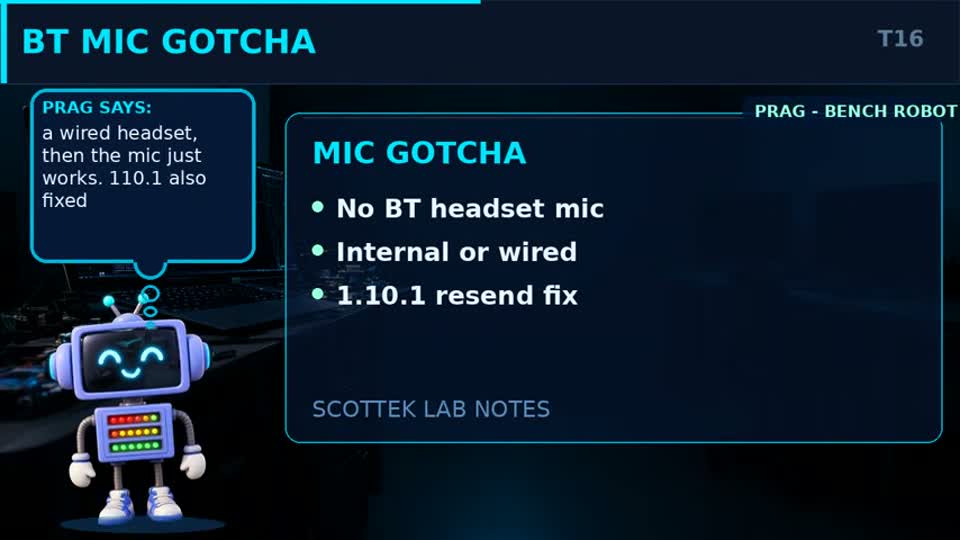
In the video: Bluetooth headset mics do not work on Deck by default since SteamOS leaves that support experimental over audio-quality concerns, so use the internal mic or a wired headset and the mic just works, with v1.10.1 fixing quiet-mic cutouts by resending each mic frame in the next two packets.
Added from the sources: the controlling doc confirms the Bluetooth limitation and the wired-or-internal advice, and the v1.10.1 release page confirms the mic-frame resend fix alongside rumble surviving Bluetooth-to-USB switches and haptics starting when the controller audio device appears. Bluetooth mic enablement on current SteamOS is untested here.
Tuning for the 1280x800 panel
In the video: the Deck panel is 1280x800 so 720p costs little visible quality handheld and far less bandwidth, starting at 720p60, H.264, 10,000 to 15,000 Kbps, hardware decoder vaapi, and audio buffer around 12,500 to 20,000, raising from 10,000 only if clean.
Added from the sources: the configuration doc confirms 720p at 10,000 Kbps as the fallback when a PS5 connection struggles and notes 1080p can still look better downscaled through chroma subsampling, while the maintainer's own Deck report in the same doc is near-native play with the PS5 wired and long Deck battery life versus native play. The network is the biggest lever per the maintainer, with PS5 on Ethernet, Deck on 5 GHz, nothing downloading on the PS5, and Performance Mode where offered. All tuning numbers are untested here with no stream measured.
- H.264 is the safe Deck codec, since H.265 fixes some setups and green-blocks others
- vaapi is the Deck decoder pick, since Vulkan video decode targets cards the Deck is not
- v1.10.x added FEC error concealment, Fast IDR on FEC failure, and keyframe recovery aimed at exactly those artifacts
- Docked with a USB-C Ethernet adapter is the max-quality option
Every Deck failure with its fix
In the video: six ranked Deck-specific failures, each with a fix order, framed as community reports rather than bench runs.
Added from the sources: each fix below is corroborated in the linked project source, and every reproduction is untested here.
- PSN login fails inside Game Mode with timeouts, so use the browser-link flow from v1.8.1 or register once in Desktop Mode or on a PC, then play in Game Mode, per the releases notes
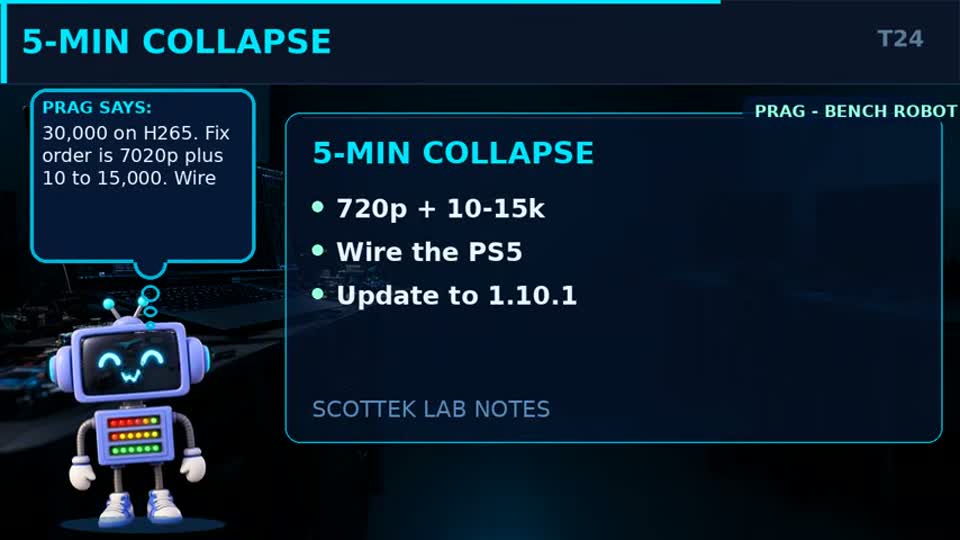
- Stream collapses about every five minutes with stutter plus audio skip then recovery, so drop to 720p at 10,000 to 15,000 Kbps, wire the PS5, move the Deck to 5 GHz, and update to v1.10.1 for its keyframe recovery and resend fixes
- OLED Wi-Fi degrades after sleep or mid-stream, so toggle Deck Wi-Fi off and on after sleep and note the SteamOS version, per the configuration doc troubleshooting
- Freeze or disconnect near the 20-minute mark needing relaunch or reboot is long-standing with no definitive upstream fix, so treat it as known to be verified on v1.10.1, closing and relaunching first and suspecting mesh roaming second
- Green screens, green blocking, and white flashes with choppy audio get the H.265 to H.264 switch, lower bitrate, raised audio buffer, Fast IDR on FEC failure, and updating first since OLED green-screen reports predate current builds
- Stuck at 53 to 55 fps with constant stutter on Deck LCD over LAN is the hardware-limits-are-real beat, unresolved in its thread even after clean reinstalls, per issue 743
Honest gaps
In the video: the Deck-specific moments are community reports and docs labeled on screen, never presented as bench runs, with wake-from-rest via Deck, 20-minute-freeze reproduction on v1.10.1, Bluetooth mic enablement on current SteamOS, and the 720p versus 1080p feel on OLED all explicitly untested.
Added from the sources: one open tracker remains for layout discoverability in issue 276, with the temporary-rename workaround above. Everything in the gaps list is untested here.
- Wake-from-rest via Deck against v1.10.1 resend-wakeup behavior
- Whether the 20-minute freeze reproduces on v1.10.1 plus current SteamOS
- Bluetooth headset mic enablement path on current SteamOS
- 720p versus 1080p feel on the OLED handheld
Sources and related
- The companion video is the starting point for this guide and all In the video claims above
- The v1.10.1 release page owns version status, mic resend, rumble and haptics fixes, and wakeup resend
- The installation doc owns official sources, the Discover path, the Konsole fallback, and the OpenGL fallback
- The configuration doc owns HDR, Auto Connect, Profiles,
--profile, bitrate guidance, and maintainer performance notes - The controlling doc owns the community layout, back buttons, touchscreen native support, Bluetooth mic note, and gyro
- The automation doc owns the
Chiaki-launcher.shwake-plus-connect script and static IP - The releases notes own Flathub migration, gamescope HDR history, and the Game Mode browser-link login
- The PC companion guide owns general setup, ports, and registration
- No affiliate links appear in this guide