Unsloth Studio Images: Every Model Compared

This guide is a written companion to the video, which is the starting point for everything below. Watch the video first, then use this page as the reference with links to the official sources. The video compares all five image engines behind Unsloth Studio's single Generate button, queries the public registries live on camera, and closes with a VRAM ladder and a LoRA training demo, and every section below keeps what the video shows apart from what was added from the docs and model pages.
Five engines, one button
In the video: Unsloth Studio's Images tab puts five image engines behind one Generate button, those being Z-Image, Qwen-Image 2.1, the FLUX family, SDXL, and one audiovisual oddball that also makes video with sound, and every one of them runs on your own hardware with the smallest starting under four gigabytes.
- In the video: there is no cloud, no subscription, and no node graph, and by the end you know which model matches your GPU and which workflow button fits the job you actually have.
- Added from the sources: the Images workflows are documented in the diffusion image docs, and the full model list is browsable in the Unsloth Hugging Face collection.
Install to first image in three moves
In the video: setup is three moves, with an install script for Mac, Linux, and WSL plus a one-line PowerShell command on Windows, then the studio launches on port 8888 and you open it in a browser, pick Images in the sidebar, and the Create workflow is already open.
- In the video: type a prompt, keep the recommended settings, and hit Generate, with the first run taking longer while the model downloads and results landing in a local gallery where every result keeps its prompt and settings.
- In the video: a Recipe button restores any past setup with one click, so a good configuration is never lost when you switch models.
- Added from the sources: the install paths are covered in the diffusion image docs, and the whole flow below assumes a working Unsloth Desktop install untested here.
Read the picker with Recommended, TIGHT, and OOM badges
In the video: Unsloth grades every download for your exact machine, the Recommended tab lists what fits comfortably, and each GGUF size carries its own badge.
- In the video: Recommended means go,
TIGHTmeans it loads but spills into system memory and runs slower, andOOMmeans walk away because it will not fit. - In the video: the advice is blunt, and if a size says
TIGHT, drop one quant down instead of arguing with it. - Added from the sources: the quant files themselves live on the per-model Hugging Face repos such as Z-Image-Turbo-GGUF, where the file list shows each size before you download.
The family map and the right model per job
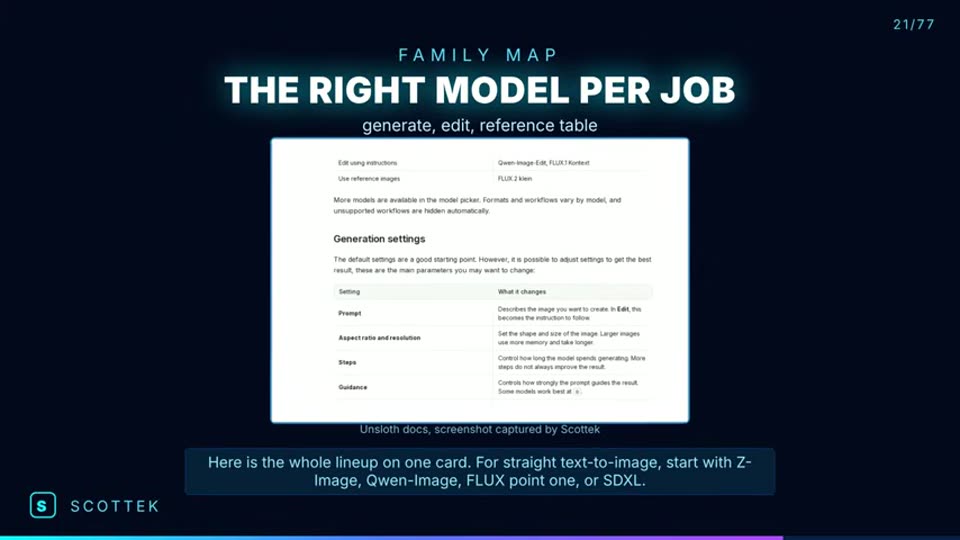
In the video: for straight text-to-image, start with Z-Image, Qwen-Image, FLUX point one, or SDXL, and for instruction edits such as changing a background or adding an object, reach for Qwen-Image-Edit or FLUX point one Kontext.
- In the video: generations steered by reference pictures belong to FLUX point two klein, and workflows a loaded model cannot do simply vanish from the interface, so a missing Edit button is not a bug.
- Added from the sources: the diffusion image docs state the same workflow rule, which is that Transform redescribes while Edit instructs, and the Unsloth model collection is where you confirm which repo backs each engine.
Z-Image Turbo and the speed pick
In the video: Z-Image is the speed pick, a six billion parameter model from Alibaba's Tongyi team under Apache 2.0, distilled into a Turbo variant that finishes in eight steps with photorealistic output plus bilingual text rendering.
- In the video: the vendor reports sub-second renders on a datacenter H800 while a desk GPU fits it inside sixteen gigabytes of VRAM, so treat the H800 figure as a vendor claim rather than something the video measured on camera.
- In the video: the quant ladder runs from a 2.3 gigabyte
Q2_Kfile up to full 12.3 gigabyte precision, and the Turbo GGUF repo alone has passed a million downloads. - Added from the sources: the live repo widget reads
Q2_K2.31,Q4_K_M3.85,Q6_K5.39, andBF1612.3 gigabytes on Z-Image-Turbo-GGUF, which corrected an earlier 3.64 gigabyte figure during production, so if your card is modest, start here.
Qwen-Image 2.1 and the text and detail pick
In the video: Qwen-Image 2.1 is the detail pick, especially when the picture contains words, built as a 7 billion parameter generator paired with a Qwen 3 VL 8 billion parameter encoder, rendering natively up to 2K with transparency support and edits using up to ten reference images.
- In the video: Unsloth's own measurements show
INT8beatingFP8on image fidelity, soINT8is the default, and the budget is eleven gigabytes of VRAM for GGUFs or twenty-four for full precision, though six gigabytes works with offloading at less than half speed. - In the video: the Turbo variant does it all in eight steps from a 4.2 gigabyte file, and the main repo has over one point seven million downloads.
- Added from the sources: the encoder pairing, the
INT8default, and the memory figures are documented in the Qwen-Image 2.1 guide, which is the page to check before sizing your download.
FLUX family plus SDXL and the flexible middle
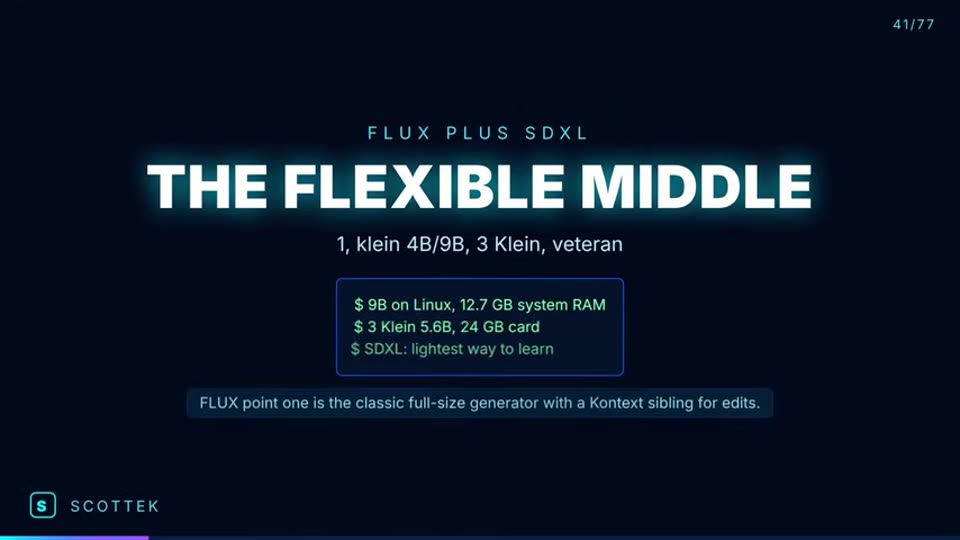
In the video: FLUX point one is the classic full-size generator with a Kontext sibling for edits, FLUX point two klein shrinks to four and nine billion parameters with the nine billion version loading on Linux under thirteen gigabytes of system RAM, and FLUX three Klein compresses to five point six billion, runs on a twenty-four gigabyte card, and edits with up to ten reference images.
- In the video: SDXL is the veteran, being older, lighter, and everywhere, and it remains the cheapest way to learn the ropes or train a first custom style adapter.
- Added from the sources: the Unsloth model collection hosts the FLUX and SDXL repos where you can compare file lists, and the diffusion image docs cover which workflows each family supports.
Registry receipts with live numbers
In the video: the presenter queries the public registries live, pulling download counts and file lists for all five model repos plus the current Unsloth release tag, with Z-Image Turbo over a million pulls, Qwen-Image 2.1 over one point seven million, and the FLUX klein pair around four hundred thousand each.
- In the video: every byte is served from your own disk after download, and viewers are invited to pause and compare the on-screen figures against whatever the counts read on the day they watch.
- Added from the sources: you can re-run the same checks today on the Unsloth model collection, the Z-Image-Turbo-GGUF repo, and the release page, and the release card captured during production read v0.1.913-beta, so expect newer tags to exist now.
Create versus Transform versus Edit
In the video: Create makes an image from words alone, Transform redraws a picture you already have guided by a prompt describing the finished result, and Edit follows instructions instead, changing this, adding that, and keeping everything else.
- In the video: Inpaint repaints a brushed-over region, Extend grows the canvas outward, Upscale raises resolution, and Reference steers with example pictures.
- In the video: the rule from the docs is that Transform redescribes while Edit instructs, and picking the wrong one means fighting the model all afternoon.
- Added from the sources: the workflow definitions match the diffusion image docs, which is worth a read before you memorize the buttons.
MiniMax H3 and the honest video caveat
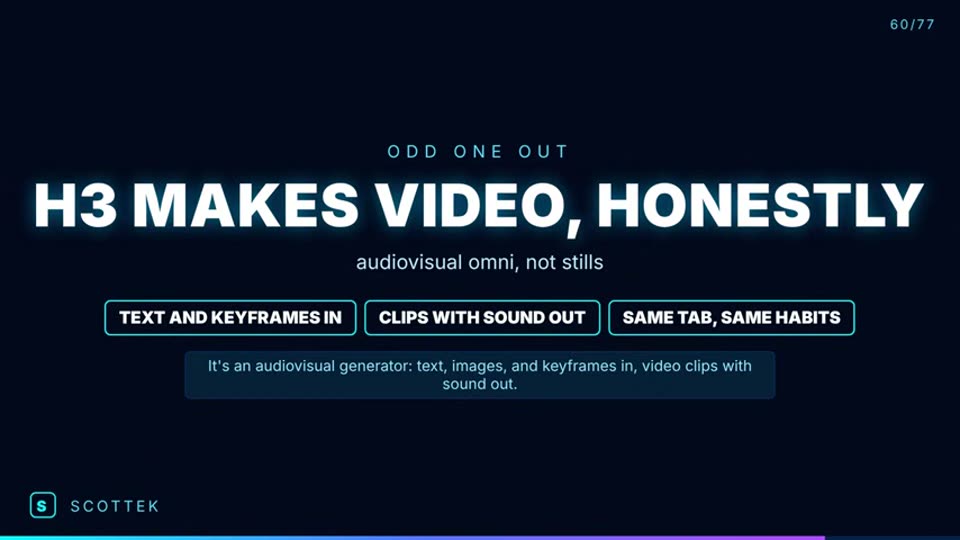
In the video: MiniMax H3 is not a still-image model but an audiovisual generator, with text, images, and keyframes in and video clips with sound out, so it shares the tab without being a faster PNG printer.
- In the video: Unsloth's notes show short clips rendering dramatically faster in recent builds, and community builders report squeezing it onto eight gigabyte cards with quantization and offloading at several minutes per clip, so treat that eight gigabyte figure as a community report rather than a tested recipe.
- Added from the sources: the scheduled-tasks release that also touched video generation is covered in the companion guide Unsloth 0.1.911, which is the better page for what Unsloth's video features do outside still images.
What your card can run and the VRAM ladder
In the video: on six gigabytes, run Qwen quants with offloading and accept the slowdown, on eight gigabytes, FLUX-class models in low precision are home, and twelve to sixteen gigabytes is the sweet spot with Qwen at 1024 resolution, Z-Image Turbo comfortable, and klein nine billion fine.
- In the video: twenty-four gigabytes unlocks full precision and FLUX three Klein, GGUF builds run on CPU with enough system RAM when there is no discrete GPU at all, and Macs with unified memory are first-class citizens.
- In the video: start at the badge that says Recommended, keep batch size at one, and close the game running in the background.
- Added from the sources: if you are going the CPU-only route, the no-build server path in Install llama.cpp 0.8 on Ubuntu shows how GGUF-style local serving behaves on commodity hardware, though the Images-tab steps themselves remain untested here outside the video.
Train a LoRA plus the final verdict
In the video: the Images tab has a Train panel that fine-tunes SDXL, FLUX, Qwen-Image, Z-Image, and the kleiner models into small nf4 adapters starting from twelve gigabytes of VRAM, and the finished adapter loads straight back into Create.
- In the video: the verdict is that speed on a small card means Z-Image Turbo, words spelled right in the picture means Qwen-Image 2.1, reference-driven workflows mean FLUX klein, and motion with sound means H3, which is a different job.
- In the video: everything runs offline after download, prompts stay on your disk, and the Generate button does not care which engine you picked.
- Added from the sources: the training panel and supported families are described in the diffusion image docs, with the twelve gigabyte floor coming from the video rather than a separate benchmark untested here.