I did not re-run this setup while writing, so treat every install and launch step below as untested on your machine until you confirm it yourself.
Before you start
You need Ollama 0.15 or newer, and any fresh install qualifies. The video was recorded against 0.40.11 from October 24, 2026, so check the Ollama releases for anything newer.
You need Claude Code itself on Mac or Linux via the install script, or on Windows via the one-line PowerShell install, as the manual setup docs show.
You need a coding model you have pulled, such as qwen3-coder, gpt-oss:20b, or glm-4.7-flash, plus disk space and VRAM, since these downloads measure in gigabytes.
The model must support tool calling, since a plain chat model cannot do file edits or command runs.
Launch with one command
Claude Code normally phones home to Anthropic's API, while Ollama ships an Anthropic-compatible endpoint on your own machine at localhost:11434.
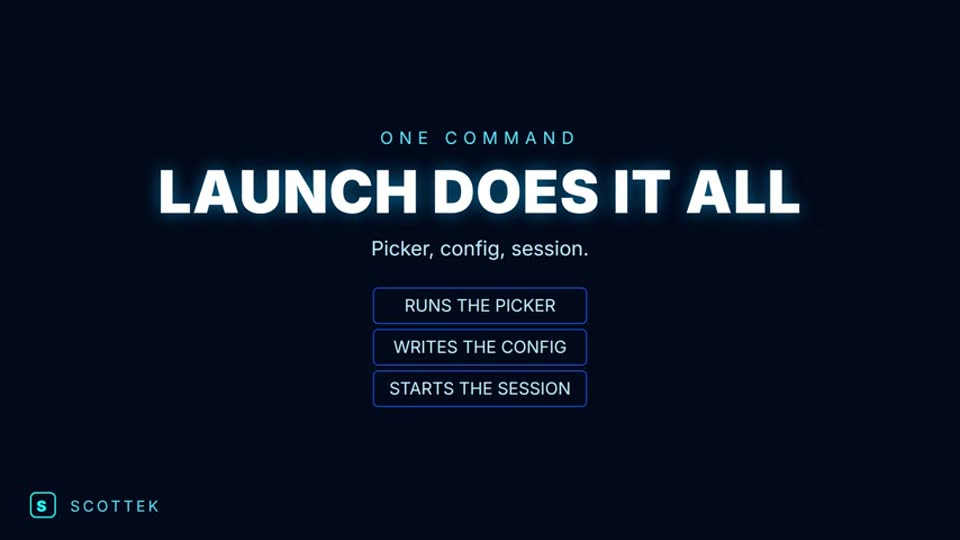
Open a terminal and run the documented launcher, which walks you through a model picker, configures Claude Code, and drops you into a session with no environment variables or config files.
The same launcher covers opencode, codex, and droid, so swap the tool name for the harness you prefer.
For scripts or CI, the --yes flag skips the menus and pulls the model when needed, with anything after a double dash passed straight to Claude Code.
Launch card showing one command running the model picker plus config plus session (Still from the walkthrough video.)
Dodge the 4K context trap
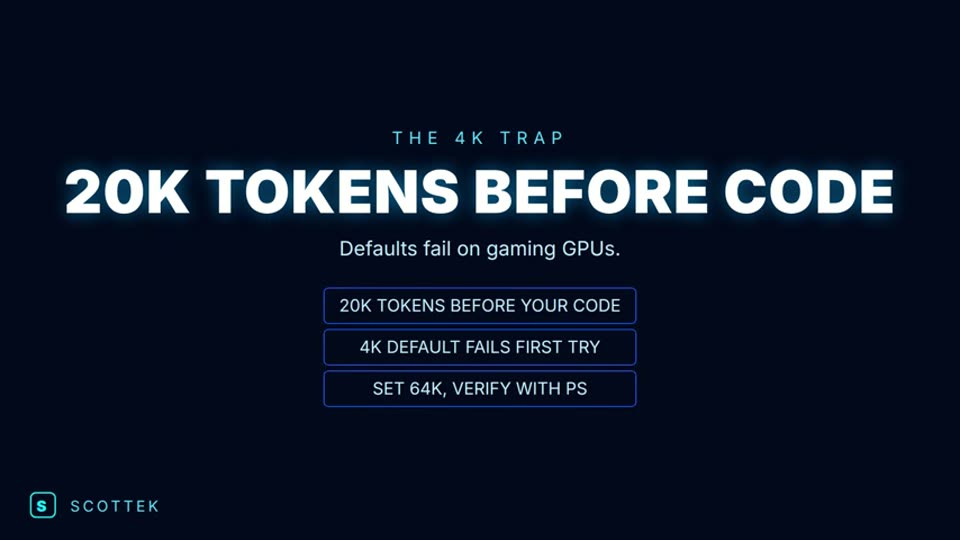
Ollama picks a default context from your GPU memory, and on a normal gaming GPU that default can be as small as 4K.
Claude Code's own system prompt plus tool definitions eat roughly 20,000 tokens before your code even shows up, so the small default dies on the very first request with a context error.
Start the server with the context length set to 64,000, which is Ollama's recommendation for coding agents, with 32K as the floor where things start working, per the context length guide.
Verify with ollama ps, where the context column has to show your number once the model loads.
If a small card is all you have, gpt-oss:20b at 32K is the video's sweet spot, while 24 GB of VRAM or more earns qwen3-coder at 64K.
Context card warning about the 20K token overhead with the 64K setting and ps check (Still from the walkthrough video.)
Wire it yourself when needed
Prefer the manual path by setting three exports, with the auth token pointed at Ollama, the API key empty, and the base URL at your local server, exactly as the manual setup docs list them.
Then run Claude Code with the --model flag naming your local model.
The same shape unlocks non-interactive use, by tacking on -p with a quoted prompt to ask one question and exit, which suits scripts.
Quote carefully across shells, since the manual variable path behaves differently in fish or PowerShell.
Schedule work with /loop
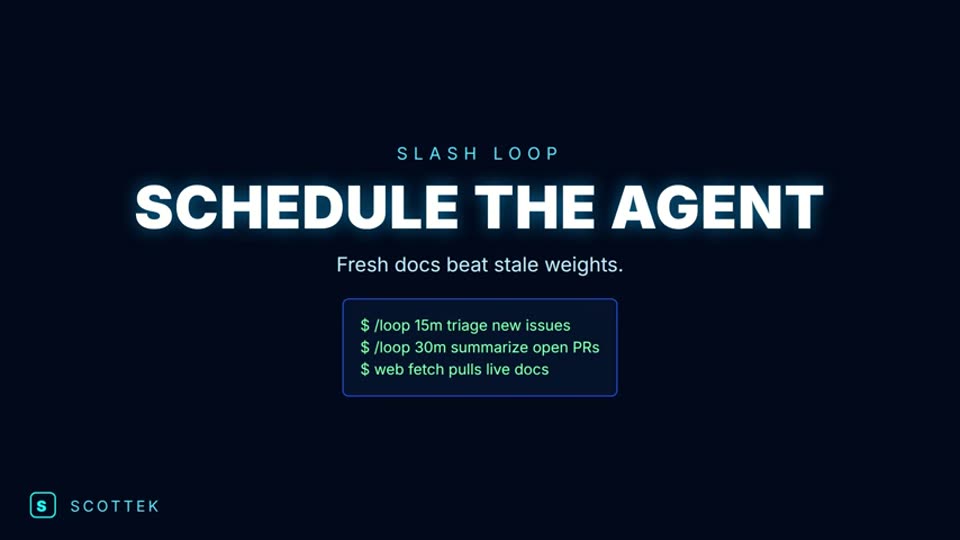
Inside Claude Code, /loop with a time interval and a prompt reruns the agent on a schedule, with documented examples like triaging issues every 15 minutes or summarizing PRs every half hour.
Web search and web fetch through Ollama let the agent pull fresh docs instead of guessing from training data.
Subagents split work across tasks, plus vision for screenshots and thinking controls on models that support them, all riding the same local endpoint.
Loop card with scheduling examples and web fetch for fresh documentation (Still from the walkthrough video.)
Limits and next steps
Ollama falls back to CPU when the model does not fit in VRAM, and coding at CPU speed is painfully slow, so match the model to your card.
There is an honest middle ground in Ollama's hosted cloud models, which carry a :cloud suffix, need no download, and get an extended 5-hour coding window per the launch blog, but your prompts leave the machine, so keep secrets in local repos.