k3s vs k0s vs MicroK8s: Homelab Kubernetes Shootout

What this guide covers
This companion guide starts from the video k3s vs k0s vs MicroK8s shootout and expands it into written steps you can follow at your own pace.
This draft is grounded in the video transcript, the Prag research notes verified same-day for this video, the official k3s quick-start docs, the official k0s install docs, and the MicroK8s release notes. Anything beyond what the video shows is marked as untested in this guide below.
The benchmark numbers come from an October 2026 same-VM shootout on fresh Ubuntu guests with all three distros on Kubernetes 1.36, plus an rHomelab verdict writeup, and they belong to their original authors rather than to independent testing for this guide.
Do you even need Kubernetes
If you run a handful of apps on one or two machines, Docker Compose is the correctly sized tool and not a beginner option to graduate out of.
- Pi-hole, Jellyfin, Vaultwarden, and a reverse proxy are single-instance apps whose availability story is restart-if-it-crashes
- Kubernetes buys one thing Compose cannot: scheduling work across a pool of machines so a dead node means rescheduling, not downtime
- One box means no pool and nothing to reschedule onto, so you would adopt a second system to maintain for capabilities you never use
- The video's honest list for when Kubernetes earns it: learning for work, genuinely redundant self-hosting across multiple physical hosts, and GitOps workflows with Argo CD or Flux
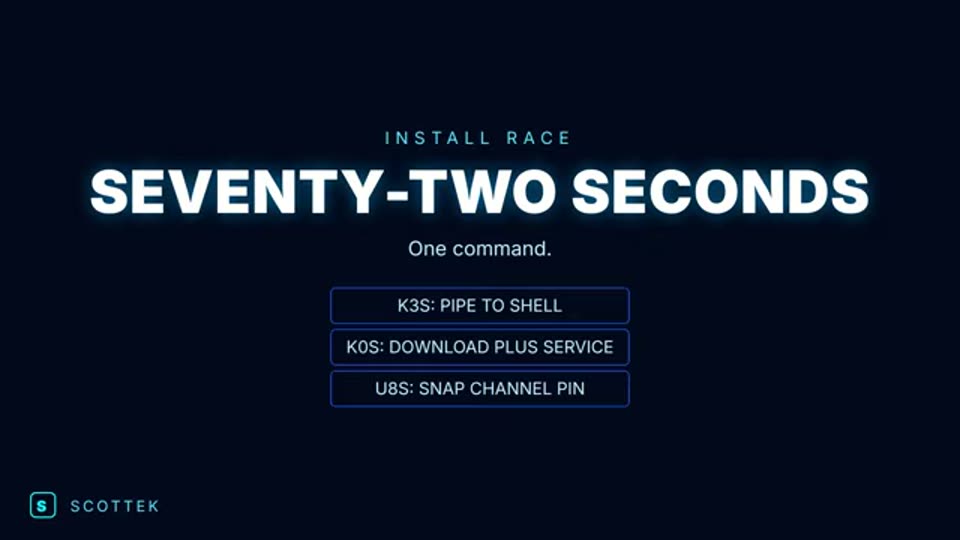
The still shows the install race result the video times on a bare virtual machine.
The three contenders and the install race
Full upstream Kubernetes through kubeadm assumes a team maintaining etcd and a cloud load balancer, while the homelab-sized options strip that down to one binary and one command.
- k3s from Rancher, built for edge boxes and Raspberry Pis, current v1.37.1+k3s1 from 30 Sep 2026
- k0s from Mirantis, the same single-binary idea with fewer opinions about what ships on top, current v1.36.4+k0s.1 from 19 Sep 2026
- MicroK8s from Canonical, the appliance-like one that installs as a snap with plug-in components, on the 1.36 track
- All three are genuinely open source under Apache 2.0 and pass the same conformance tests, so manifests and Helm charts carry over unchanged
Install commands straight from the vendor docs, shown character by character in the video's live terminal against the real releases API:
curl -sfL https://get.k3s.io | sh -installs k3s from the stable channel, timed at 72 seconds from bare VM to working cluster- Fetch via get.k0s.sh, then
sudo k0s install controller --single --startand talk to it withsudo k0s kubectl, timed at 263 seconds sudo snap install microk8s --classic --channel=1.36/stablethenmicrok8s status --wait-ready, timed at 166 seconds
The video is upfront that its bench box has no privileges to birth clusters, so the terminal shows real version checks and the documented install lines, not a faked on-camera install.
Memory: the story flips
Idle memory measured as the whole VM minus a bare baseline, with idle CPU on two virtual cores alongside.
- k0s costs about 458 MB idle, the lightest of the three, sipping 3.2 to 3.5 percent CPU
- MicroK8s sits around 527 MB idle but near 10 percent idle CPU
- k3s is heaviest at roughly 627 MB idle and 3.3 to 4.1 percent CPU, and the extra is accounted for: it is the only one shipping Traefik, a load-balancer controller, a storage provisioner, and metrics out of the box
- Disk added is the one place k3s wins: about 1159 MB against 1231 MB for k0s and 1758 MB for MicroK8s
- The spec-sheet trap: MicroK8s advertises 540 MB, yet its VM fell over at 1.5 GB and only passed at 1792 MB, while k0s survived down to a 1280 MB box and k3s needed 1536 MB
- Cold boot to CoreDNS ready after a power cut: k3s 48.3 seconds, k0s 76.0, MicroK8s 91.2
Fresh-cluster contents explain daily life better than the bench: fresh k3s gives seven pods with ingress, a free-port load balancer, a provisioner binding claims immediately, CoreDNS, and metrics, while fresh k0s gives four pods and fresh MicroK8s gives three, with storage claims and load-balancer services sitting pending until you add the pieces yourself.
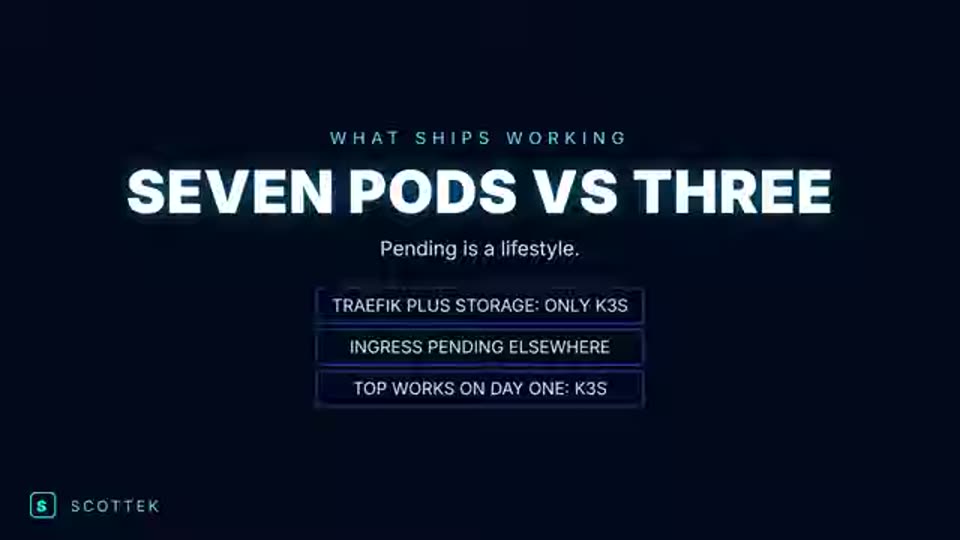
The still shows what ships working on day one, which is the RAM tradeoff behind the idle numbers.
Where to run it and the pieces everyone forgets
On Proxmox, use VMs rather than LXCs, since a container orchestrator inside a container host works until cgroup nesting ruins a midnight, and small 2 to 4 GB VMs spread across hosts give the multi-node setup that is the entire point.
- LoadBalancer services assume a cloud provider handing out external IPs, which does not exist at home, so MetalLB claims addresses from a LAN range you give it
- k3s ships a local-path provisioner that is node-local storage, fine for stateless apps and a real problem for a database whose pod just moved nodes
- Two realistic storage options: point stateful workloads at an NFS share from the NAS you already own, or run Longhorn for replicated volumes that survive a node dying, which wants real CPU and network headroom
- For homelab scale, pick NFS-backed volumes for anything stateful first and reserve Longhorn for the day you specifically need storage that outlives a node
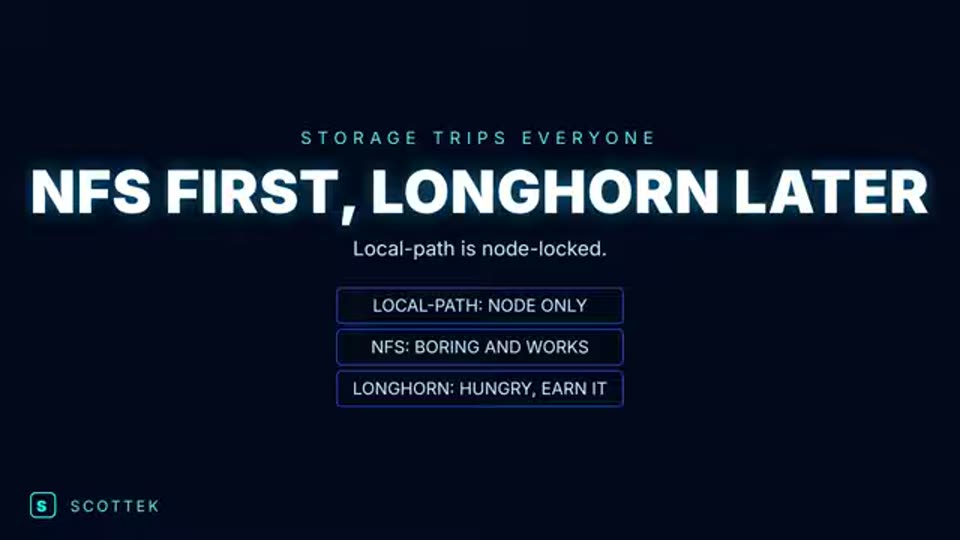
The still shows the storage lesson that trips up first clusters, seated in the section it belongs in.
The verdict: which one to pick
The rHomelab verdict from 24 Oct 2026 agrees with the video's own pick.
- First homelab cluster: k3s, and it is not close, with the biggest community, the most Helm charts tested against it, the fastest install, and a cluster usable five minutes after install
- Pick k0s when you know specifically why k3s defaults do not fit: lightest idle footprint, no bundled Traefik, an explicit say over every component, and acceptance of a smaller community when things break
- Pick MicroK8s when the whole homelab is Ubuntu and you like the snap add-on model with strict confinement, while pinning the channel so a refresh never surprises you
Related homelab guides
- Traefik 3.7.16 Ubuntu setup for the routing layer k3s ships built in
- Proxmox disk-move bug fix before trusting VM disks with stateful workloads
- OpenSSL 4.1.0 on Ubuntu for building current TLS tooling on the nodes