KDE Plasma 6.8: X11 Is Dead — Should You Upgrade?

This companion guide starts from the video KDE Plasma 6.8: X11 Is Dead — Should You Upgrade? and adds grounded detail from the official KDE announcement so a blind dist-upgrade never eats your weekend. The video is a narrated walkthrough of the release notes rather than a filmed install run, so every section below keeps In the video claims apart from Added from the sources research.
What the video covers and what this guide adds
- In the video: Plasma 6.8.0 landed 14 October 2026, exactly 30 years after the KDE project started, and it is the first release that refuses to start an X11 session, retiring the login-screen choice after 42 years of the X Window System while X11 apps keep running through the XWayland compatibility layer.
- In the video: the framing is what is new plus what breaks plus should-you-upgrade, tested against the release notes rather than the hype, with an honest verdict of upgrade now on rolling distros with AMD, Intel, or NVIDIA graphics versus wait on the 6.6 LTS line if your income depends on tablet hardware or legacy X11 tools.
- Added from the sources: the video identity is title KDE Plasma 6.8 plus X11 Is Dead plus Should You Upgrade at Watch link with upload date 2026-10-15 and duration about 690 seconds, and the transcript was fetched with auto-subs then stripped of tags and timestamps and read in full as the primary source for every In the video line below.
- Added from the sources: grounding comes from the Plasma 6.8.0 announcement plus the Heise news summary plus the Linuxiac release rundown, checked October 2026, with anything not personally tested marked untested.
What Wayland-only actually means
- In the video: KDE retired the Plasma-on-X11 session, the entry picked at the login screen, but did not retire X11 applications, which keep running inside the Wayland session through XWayland, while KDE's own apps keep X11 support for the foreseeable future and the old KWin X11 window manager simply stops being developed.
- In the video: Plasma 6.7 and the 6.6 long-term support line keep receiving fixes, and 6.6 LTS stays supported into 2029, which is the no-shame escape hatch for anyone whose drawing tablet, capture tool, or screen-sharing workflow still misbehaves under Wayland.
- Added from the sources: check your own box with
echo $XDG_SESSION_TYPE, which answers Wayland or X11, quoted from the video and untested here, and builders note the release requires Qt 6.11.0 plus KDE Frameworks 6.30.0 with six maintenance updates leading to Plasma 6.9 in late February 2027, per the announcement. - Added from the sources: the pushback is real and one-sided reporting would hide it, with artists reporting drawing-display and touchscreen bugs under Wayland that never appeared on X11, framed as community reports rather than universal fact, so pen-dependent workers should test a live USB with their exact hardware before committing.
Graphics, remote desktop, and recording get the quiet wins
- In the video: KWin now enables triple buffering by default on NVIDIA graphics after the bugs that made it unreliable were fixed, so GeForce cards get smoother frame delivery and steadier animations, while HDR gains better rendering under ICC color profiles plus HLG transfer-function support so previously wrong-looking HDR media displays as intended.
- In the video: fullscreen content also runs faster and sips less power on Intel and NVIDIA when HDR, color profiles, or Night Light are active, with the practical check of playing an HDR clip and toggling Night Light after upgrading, quoted from the video and untested here.
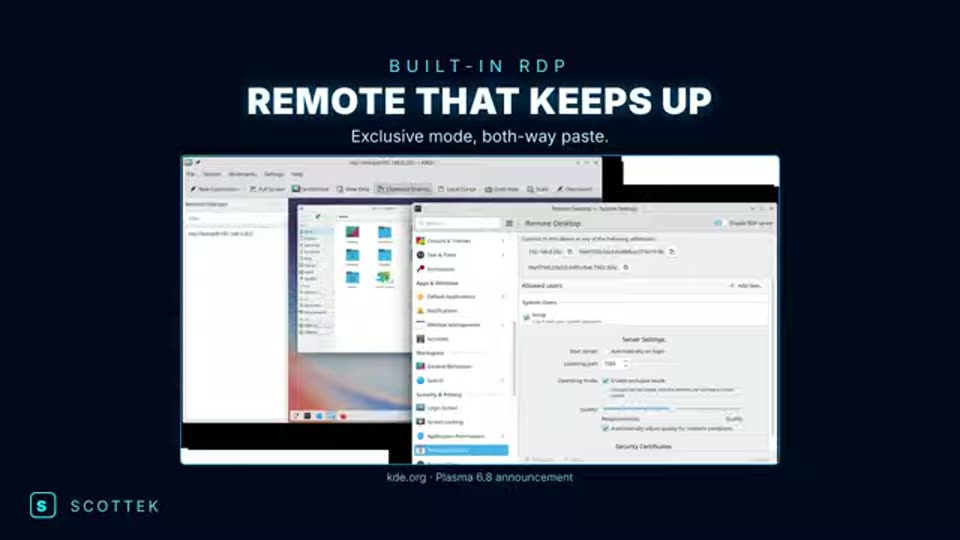
- In the video: remote desktop graduates to built-in RDP with adaptive performance-versus-quality, an exclusive mode that locks the server screen with a virtual screen matching the client window, and bidirectional clipboard, but it needs cooperating clients such as KRDC, so test from your actual RDP client before declaring anything broken.
- Added from the sources: Spectacle can now capture system audio plus microphone together in screen recordings with higher overall quality, and the screencast portal offers a virtual screen at any resolution instead of 1920x1080 only, per the announcement, which is the quality-of-life win for anyone whose desktop appears on other people's screens.
Monitor, window rules, Union, and homelab candy
- In the video: System Monitor turns into a control panel with per-process CPU affinity pinning from a right-click plus VRAM load shown as a plain percentage instead of raw megabytes, which matters on Plasma workstations running local AI models, renders, or big builds, quoted from the video and untested here.
- In the video: window rules can now add shadows, outlines, and rounded corners to apps that draw their own decorations, shipping with a ready-made Steam rule so the client sits visually inside the desktop, plus Task Manager shortcuts of Meta plus Ctrl plus Page Up or Page Down to cycle and Shift to reorder the active task.
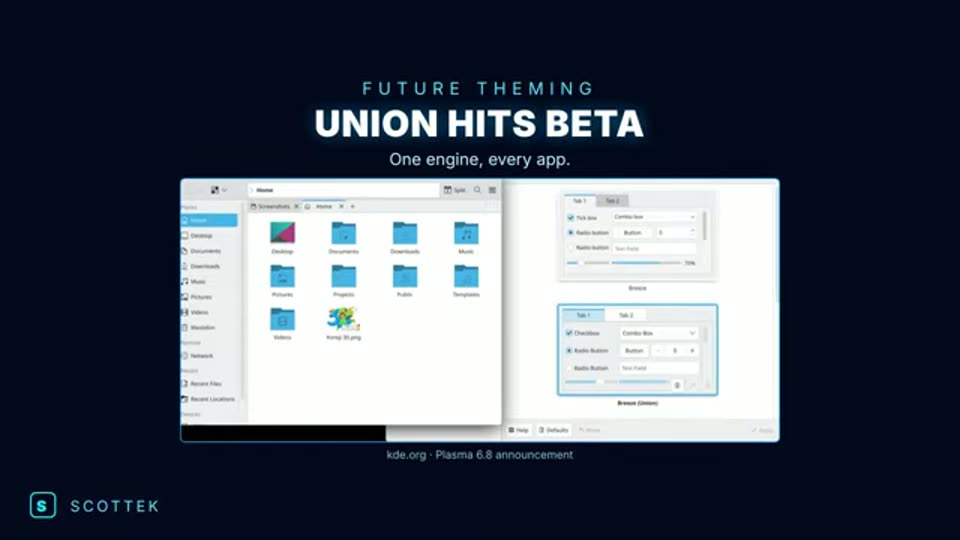
- In the video: Union, the next-generation theming engine, moves from alpha to beta and extends from Qt Quick apps to classic Qt Widgets programs such as Dolphin, Kate, and Konsole, aiming at one source of truth for all KDE styling, but it is explicitly not the default yet, so preview it via the Breeze Union application style and enjoy the demo without building a setup around it.
- Added from the sources: the homelab candy is the new
kscreenctlcommand-line display tool for scripted monitor management plus Kup backup graduating to a full Plasma member with scheduled versioned backups of the home directory, per the announcement, so configure Kup on day one of any fresh install, quoted from the docs and untested here.
How to get it, the caveats, and the verdict
- In the video: the fastest routes are KDE neon Testing Edition plus live USB images for poking plus Docker images for containerized testing, while on real hardware rolling distributions land it first and fixed-release distros follow their own schedules, so check the distro packaging notes before assuming anything.
- In the video: three honest caveats close the video, namely pen-display Wayland bugs that justify a live-USB hardware test, Union as beta preview rather than migration target, and RDP upgrades needing cooperating clients, with X11 diehards pointed at the supported 6.6 LTS stay-put option.
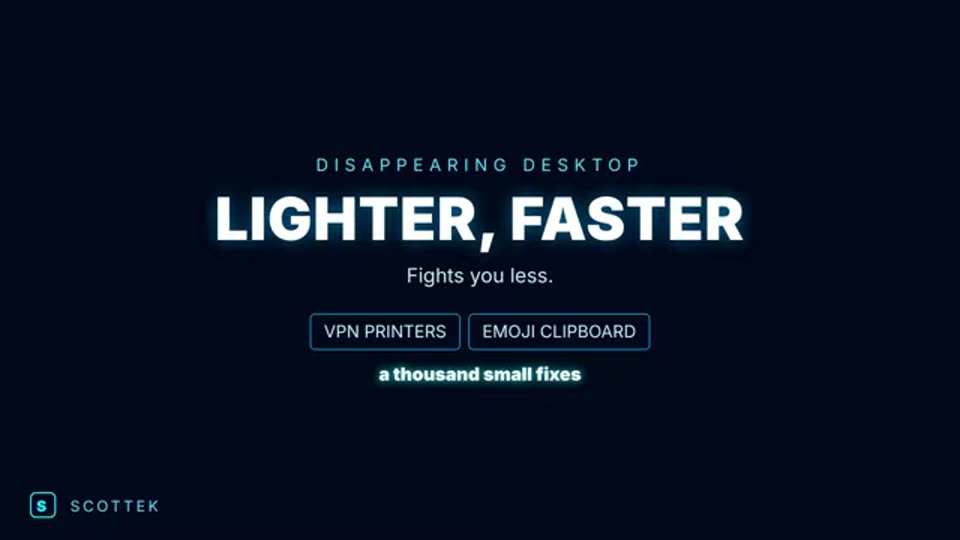
- Added from the sources: the rapid-fire round from the announcement includes StrongSwan EAP-TTLS authentication, autostart toggles, dead-printer warnings, clipboard-secret explanations, multi-size emoji, a lighter Discover notifier, faster plus lighter Plasma itself, smoother KRunner, and clearer weather tooltips, all quoted and untested here.
- Added from the sources: the five-step index card from the video is back up with Kup before touching anything plus confirm session type and list X11-only apps plus upgrade via neon, live image, or distro packages plus verify NVIDIA smoothness, HDR, and RDP from the real client plus pin heavy tasks to cores in System Monitor, and readers weighing a full distribution move should also read the safest Linux 2026 verdict plus the Ubuntu 26.10 beta guide.