Ubuntu 26.10: Install, Upgrade + Myna AI

Companion guide to the video walkthrough: Ubuntu 26.10: Install, Upgrade + Myna AI
Ubuntu 26.10 Stonking Stingray was released on 15 October 2026 with 9 months of support, until July 2027, per the official release notes and the Canonical release announcement. This guide companions the beta-era video walkthrough, which was recorded before final day, so where the video describes beta state the notes below confirm what the final release notes say. It is an interim release, not long-term support, so the homelab rule from the video stands: try it on test machines first and keep servers and anything hard to rebuild on the LTS.
Fresh install or upgrade
- Back up before either path. Copy anything precious off the box, and take a system snapshot where you can, such as a disk image on bare metal or a hypervisor snapshot for a VM. A release upgrade has no supported rollback, so the backup is the way back.
- Fresh install starts from ubuntu.com/download, with images also listed on the Ubuntu releases server. The release notes confirm TPM-backed full-disk encryption now works on machines without a hardware root of trust when a PIN or passphrase is set on the key.
- Upgrade means staging the current system first with
sudo apt update && sudo apt full-upgrade -y, confirming the starting point withlsb_release -aorcat /etc/os-release, then runningsudo do-release-upgrade. The video notes the pre-final-dflag and the-ccheck flag, and all commands here are documented flows that were untested against a live 26.10 system in this video. - One hard block to know: systems running under TPM-backed full-disk encryption could not upgrade from Ubuntu 26.04 LTS to 26.10 at release, with Canonical expecting to enable those upgrades during the 26.10 cycle, per the release notes.
- Pick the right target. Fresh ISOs suit new machines and clean starts, including the dedicated
amd64v3installer and new RISC-V desktop images. In-place upgrades suit existing test systems where reinstalling every app and config would cost more than the upgrade risk.
What is new, as the release notes confirm
- Myna on-device dictation, as an opt-in preview. Myna is early speech-to-text for the desktop where holding a configurable key dictates into the focused app and transcription runs locally with no audio sent to a network service. It is not preinstalled and its features may change before stable release, per the release notes. Treat setup steps as untested in this beta-era companion.
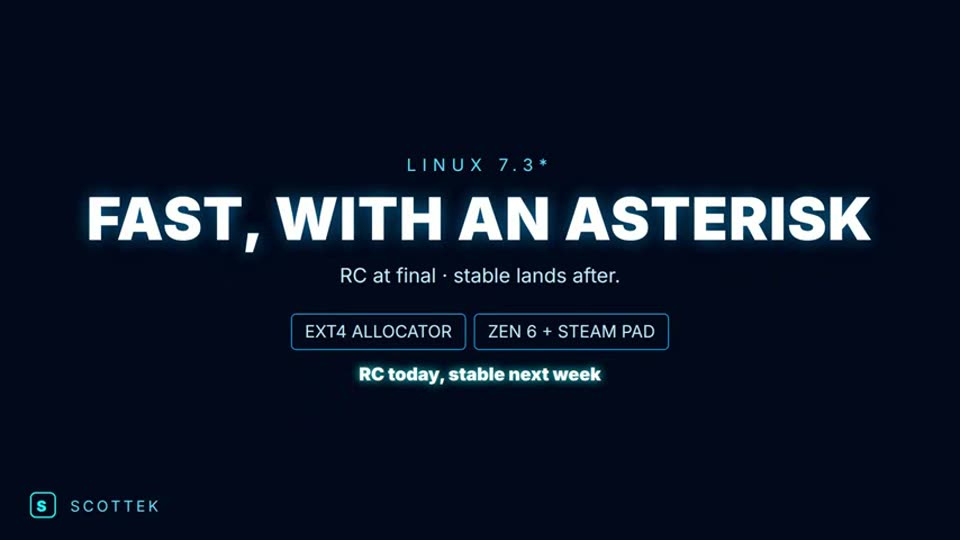
- Linux kernel 7.3, with the release-candidate asterisk resolved. The release notes state 26.10 ships kernel
7.3.0-9.9based on7.3-rc6, since final upstream 7.3 lands after GA. It enables recent silicon such as Intel Nova Lake, AMD Zen 6 client platforms, and NVIDIA 615 driver series support, plus prebuilt Lustre modules. - Rust coreutils migration complete. The default core utilities now run entirely on the Rust-based
uutilsimplementation, with the last GNU holdoutscp,mv, andrmmigrated, and a documented switch back to GNU exists, per the release notes. Check withcp --versionand look for the Rust credit line. - GNOME 51 desktop. A smoother and more responsive shell, better display handling, accessibility fixes, a unified App Center view for snaps and debs with a dedicated Drivers page, a new window-tiling popup when dragging windows, and
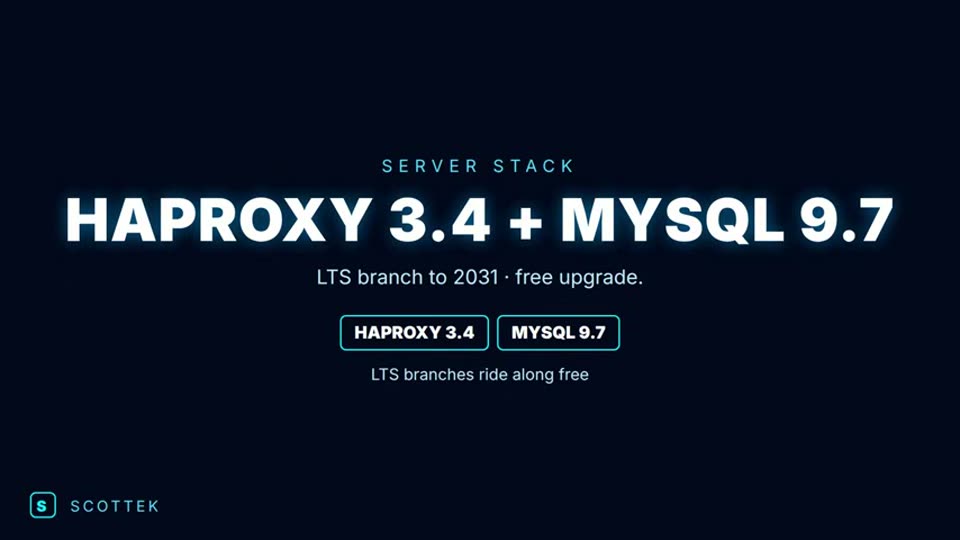
dbus-brokeras the default D-Bus implementation. - Server stack riding along. HAProxy 3.4 LTS supported upstream to 2031, MySQL updated from 8.4 to 9.7 LTS, Samba 4.24.7, and default self-signed certificates growing from 2048 to 3072 bits, per the release notes.
Verify your install or upgrade
cat /etc/os-releaseshows the 26.10 Stonking Stingray identity after either path.uname -rconfirms the booted 7.3 series kernel on the new release.gnome-shell --versionconfirms the GNOME 51 desktop on Ubuntu Desktop systems.cp --versionconfirms which coreutils implementation is active by its credit line.- For Myna, confirm the preview is installed and its hotkey is set, then dictate into a text field and confirm transcription appears with no account or cloud step. This flow is untested in this companion and follows the preview announcement.
Known risks and rollback notes
- There is no downgrade path. An interrupted or regretted upgrade is fixed by reinstalling or restoring the pre-upgrade backup, which is why the backup step is non-optional, especially on dual-boot and encrypted-disk machines.
- The kernel in the release images is built from a release candidate. Day-one quirks are possible and waiting a week past final costs nothing while the first fixes land.
- The nine-month clock is real. Support ends around July 2027, so plan the hop to 27.04 or go without security fixes after that.
- Interim releases do not belong on infrastructure. Keep NAS boxes, hypervisors, and anything the household depends on on 26.04 LTS.
- Server operators should read the OpenSSH note first. Purging an
opensshpackage left inrcstate after switching between GSSAPI and non-GSSAPI variants can break SSH configuration and lose remote access until the pending fix lands, per the release notes. - No live 26.10 install appears in the video. The bench box did not run the beta, so terminal sequences shown are the standard documented upgrade flow rather than a recorded demo.