Self-Host Your Own GitHub: Forgejo 16 Guide (2026)

This companion guide starts from the video Self-Host Your Own GitHub: Forgejo 16 Guide (2026) and adds grounded detail from the official Forgejo docs so every repo that matters lands on disks behind your own firewall. The video is a narrated walkthrough rather than a filmed terminal run, so every section below keeps In the video claims apart from Added from the sources research.
What the video covers and what this guide adds
- In the video: the pitch is that code living on somebody else's computer is fine until the bill, the terms, or an automated suspension changes, so Forgejo 16 puts a private GitHub on the homelab in about 15 minutes as one small Go binary near 100 MB that sips RAM and runs on a Pi-class box, a dusty OptiPlex, or a VPS.
- In the video: timing matters twice over, with the scary hook of the 10 September emergency fix in 16.0.4 plus 15.0.8 for a critical template vulnerability rated 9.9 out of 10, and the scheduled hook that version 16 is a short-support release going end of life on 29 October, so the video installs the patched build today and shows how updates work after.
- Added from the sources: the video identity is title Self-Host Your Own GitHub plus Forgejo 16 Guide plus 2026 at Watch link with upload date 2026-10-15 and duration about 576 seconds, and the transcript was fetched with auto-subs then stripped of tags and timestamps and read in full as the primary source for every In the video line below.
- Added from the sources: grounding comes from the Forgejo 16.0 announcement plus the Docker install docs plus the Actions admin docs plus the NVD entry for CVE-2026-89094, checked October 2026, with anything not personally tested marked untested.
Install with one compose file
- In the video: installation is one compose file straight from the official docs with image
codeberg.org/forgejo/forgejo:16, where the 16 tag floats so it always tracks the newest patch, meaning 16.0.4 with the fix baked in, two ports of 3000 for the web UI plus 222 mapped to the container SSH, and one volume holding the data directory. - In the video: the number-one gotcha is that the data volume must be owned by user and group 1000 or the container refuses to start, so set ownership before bringing it up, then run compose up and finish onboarding at port 3000 on the host, quoted from the video and untested here.
- Added from the sources: the Docker install docs confirm the SQLite default with no database container needed for a homelab, the 3000 plus 222 port mapping, and onboarding at the host port 3000, while configuration runs through environment variables of the form FORGEJO section key pairs, with ready-made Postgres and MySQL compose variants for larger installs, all quoted from the docs and untested here.
- Added from the sources: governance context from the announcement is that Forgejo is a community-run fork of Gitea held under a non-profit foundation so nobody can take it private, and the support clock is real with version 16 end of life on 29 October 2026, so track the releases and be ready for the version 17 upgrade path with a backup first.
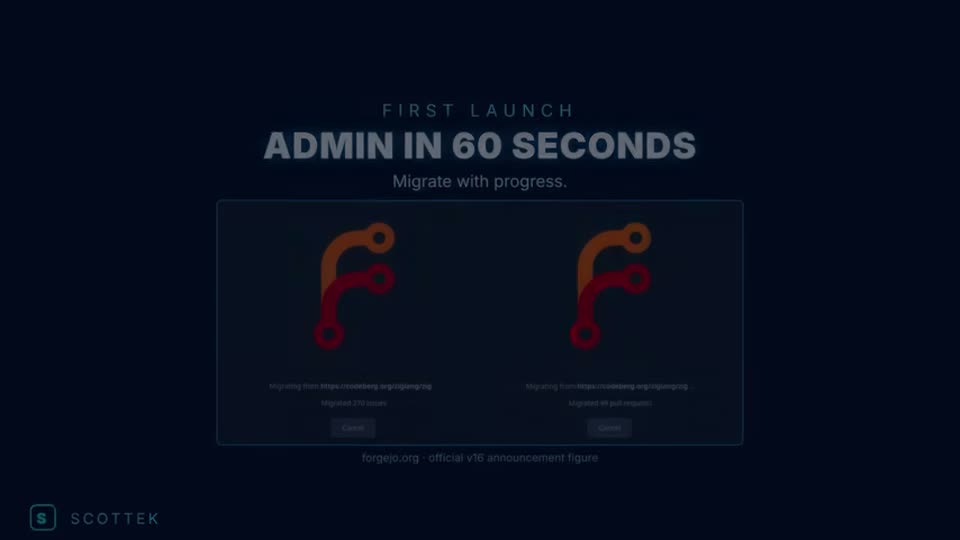
First repo, SSH keys, and the version 16 quality of life
- In the video: Forgejo speaks SSH on the mapped 222, so add the public key under profile settings, point a local repo at the forge, push, and commits land on the owned disk, with the docs sanity check of SSHing the git user at port 222 and getting an answer, quoted from the video and untested here.
- In the video: two version 16 wins to steal immediately are granular watch settings with per-repo toggles for issues, pull requests, and releases instead of the all-or-nothing firehose, plus adding organization members in one dialog by typing the user and ticking teams, paired with downsized avatars that cut page weight.
- Added from the sources: code review in 16 gains multi-line comments by holding Shift with the plus button and dragging a range, and comment placement now follows moved lines through reverse blame instead of dying on stale line numbers, per the announcement, quoted and untested here.
- Added from the sources: from here every project that matters, dotfiles, compose stacks, notes, and half-finished automation, gets versioned on owned hardware, and readers building the full identity layer should pair this with the Authentik SSO guide plus keep the forge off the raw internet per the Tailscale versus Cloudflare Tunnel guide.

Actions CI runs on a separate runner
- In the video: a forge without CI is just a shelf, so Forgejo Actions runs tests and builds from workflow files in
.forgejo/workflowsusing familiar GitHub-style YAML, but beginners miss the catch that the server never executes jobs itself and a separate runner piece, binary, container, or distro package, must be installed, registered against the instance, and handed a label such as Docker. - In the video: the first pipeline of lint the repo plus build the container plus push to a local registry is about 15 lines of YAML with zero cloud minutes burned, quoted from the video and untested here.
- Added from the sources: the Actions admin docs confirm Actions are enabled by default, the runner is remote code execution so the securing guide deserves a read, Docker-in-workflows needs extra configuration, logs default to 365 days with artifacts at 90 days, and scheduled workflows now understand time zones, all quoted from the docs and untested here.
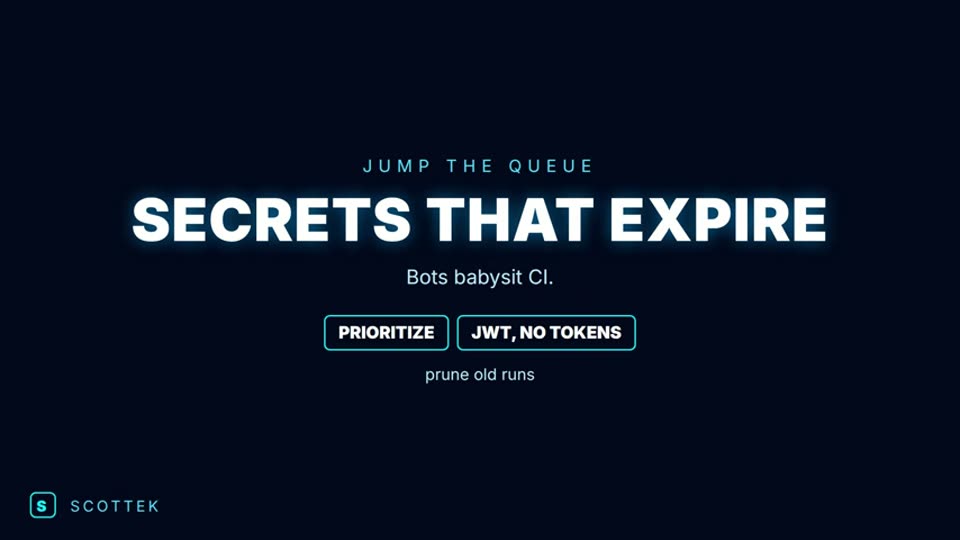
- Added from the sources: version 16 levels up Actions with manually prioritized queued runs, authorized integrations replacing static tokens with short-lived JWTs, deletion of old runs with logs and artifacts from the UI, and a proper API for logs, artifacts, and canceling stuck runs that outside automation such as the n8n homelab guide can drive, per the announcement, quoted and untested here.
Security homework, breaking changes, and the index card
- In the video: production talk puts the forge behind a reverse proxy with HTTPS or, better, keeps it on Tailscale or the LAN with the tunnel as the front door, and backs up the single data volume plus database on a schedule with a tested restore, because the whole code universe sits in that one volume.
- In the video: the honest caveats are that there is no hosted-Copilot scale, a smaller Actions marketplace, and no infinite free runners, and that self-hosting makes the viewer the SRE, so watch releases, patch fast, and keep backups boring.
- Added from the sources: the September template RCE is CVE-2026-89094 at CVSS 9.9, where a crafted template repository could plant files and execute code, fixed in 16.0.4 plus 15.0.8, so anything on 16.0.3 or earlier must update, and the version 16 breaking changes include SSRF-hardened mirrors that error on renamed redirecting remotes, removed avatar EXIF stripping over a licensing mistake so scrub sensitive photos before uploading, and container images no longer trusting every reverse proxy by default so set the trusted-proxies list explicitly, all quoted from the docs and announcement and untested here.
- Added from the sources: the five-step index card from the video is write the compose file with the 16 tag and set data ownership to 1000, bring it up and finish onboarding on port 3000 with an organization created, migrate or push the first repo and verify SSH on 222, install a runner with a label and ship one green workflow, then proxy it, back up the volume, and patch the day releases drop.