Kimi K3.1 Pro Weights Are OUT: 2.8T Self-Host Reality Check

Watch the walkthrough in Kimi K3.1 Pro Weights Are OUT: 2.8T Self-Host Reality Check, published 2026-11-14. This companion guide is the sequel to the prep checklist in Kimi K3.1 Pro: Can Your Homelab Run It? (Nov 4 Prep), and it separates what the video reports from the added research below so every number names its source.
What actually dropped
Moonshot promised open weights by November fourth and the weights landed November fourth US time, which was November fifth in Beijing, with the repo clock reading November second and the release post going live November fifth Beijing time. The repo moonshotai/Kimi-K3.1-Pro on Hugging Face is public and ungated, tagged image-text-to-text with the MoonViT-V2 vision encoder, and the headline spec from the video is 2.8 trillion total parameters with 104 billion active per token and a 1 million token window. No inference on a 1.56TB checkpoint was run on the homelab bench for this guide, so everything below is metadata plus vendor documentation and never a local load test.
The weight tree is 96 model-*-of-000096.safetensors shards plus the index file, with used storage around 1.56 trillion bytes, and ModelScope carries the same 96 of 96 mirror at the same size. Note the on-screen terminal in the video reads 98 shards against 112 files while the description and bench metadata say 96 shards, and this guide keeps the video frame video-attributed while the linked repo page is the anchor you can check yourself in seconds.
License: the $20M gate
This is not Apache and not MIT but the custom Kimi K3.1 Pro License, which grants use, copy, modify, distribute, sell, fine-tune, run, and deploy subject to conditions. Section 2 is the Model-as-a-Service gate, and the video reads it this way: if you or your affiliates sell API access with meaningful control over inputs or training and combined revenue tops 20 million dollars over any twelve months, you need a separate Moonshot agreement before commercial use. Section 3 adds attribution, with the video reporting the trigger as over 100 million monthly users or over 20 million dollars of monthly revenue, at which point products must show Kimi K3.1-Pro on the interface, while internal use with no third-party exposure plus Moonshot official products and certified inference partners are carved out, with questions directed to the license contact named in the file.
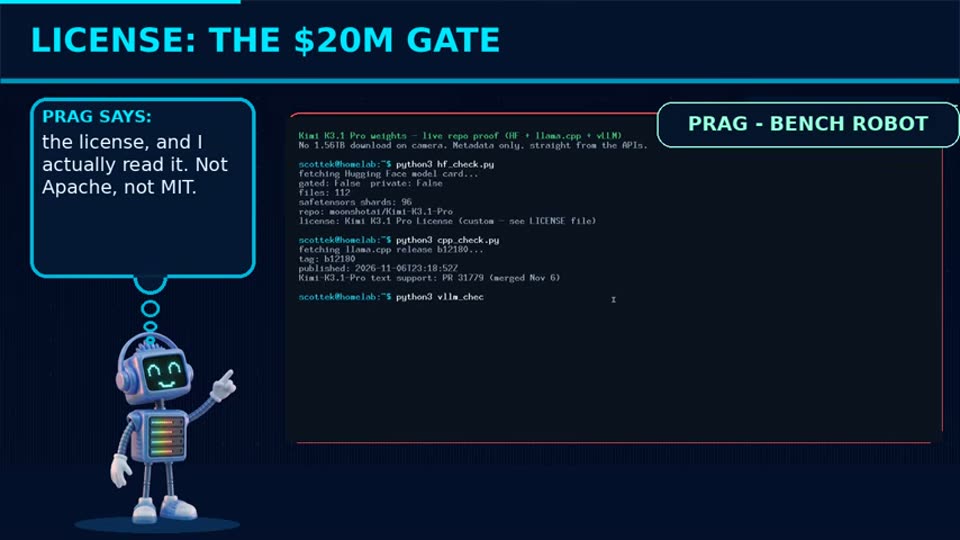
Read the LICENSE file yourself before planning a product, since the video is a reading of the file and not legal advice, and the added research here only confirms the file is public at the linked blob.
Serving paths: vLLM day zero and llama.cpp
The model keeps the K3 hybrid of KDA plus MLA attention, and the video reports the new detail as sparse DSA attention added to all 24 full-attention layers, with the vLLM day-zero post from November fourth reporting up to 1.69 times faster time to first token at 340 thousand tokens on eight GB300 cards. The reported serve shape is tensor parallel 8 with the fast safetensors loader plus the Kimi tool-call and reasoning parsers, and the post also claims matching log-probs for zero-mismatch RL, all vendor-reported and untested here.
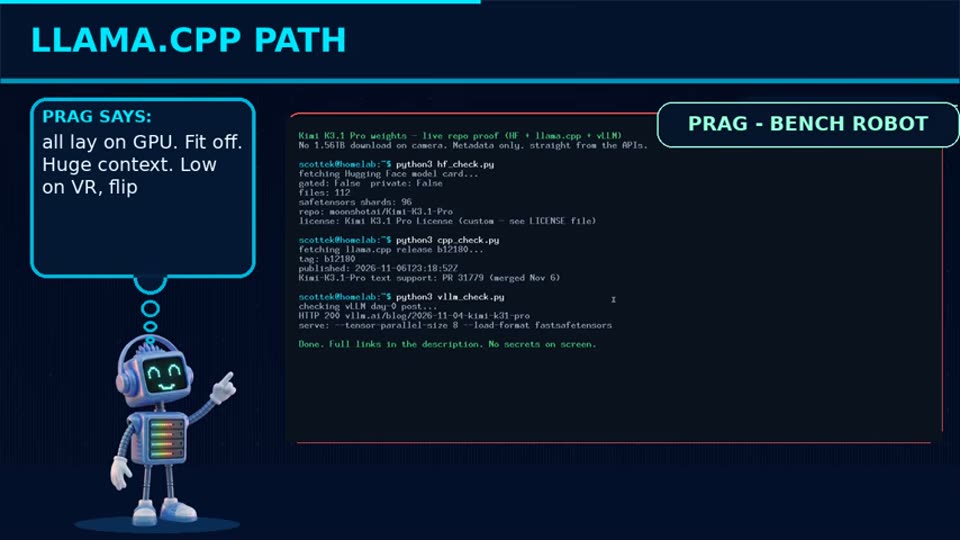
For the rest of us the video points at llama.cpp release b12180, which adds the Kimi K3.1 Pro text model via PR 31779 merged November sixth, while vision needed PR 31980 merged November tenth, so confirm you are past b12180 for text and past the vision merge for images. The reported pattern is the familiar weights download plus llama-server with a large context window, dropping to partial offload on smaller VRAM, which the video presents as slow but loading, and every run step in this section is untested here.
The 593GB shortcut and its caveats
Community quants narrow the gap without closing it, and the video cites the KarLexAI GGUF repo: a lossless GGUF build still at roughly 1.56TB beside a KLX IQ1_S build at 593GB and about 1.7 bits per weight, which the vendor says runs on the GPUs of a single eight by H100 node and still scores 80 percent on AIME 2025. Treat that score as a vendor claim until reproduced, and note the floor survives the shrink, since 593GB still means datacenter class and neither one 24GB card nor one 48GB card runs this meaningfully.
Rig math: rent the giant
Full weights mean multi-node eight-GPU class hardware in the H100, H200, or GB300 tier under the vLLM tensor-parallel-8 recipe, the quant means one eight by H100 node for all-on-GPU or a big-RAM box with partial offload if you accept slow, and the single-GPU homelab verdict from the video is the API path. Kimi API lists 2 dollars input and 10 dollars output per million tokens, so you get the 1 million context and agent behavior today with no 1.56 terabyte download and no power bill, which mirrors the cheap-default routing pattern from the channel's Revolut self-hosted-GLM precedent: self-host the router, the agents, and the data, and rent the giant. Prices move, so re-check the vendor page before budgeting.
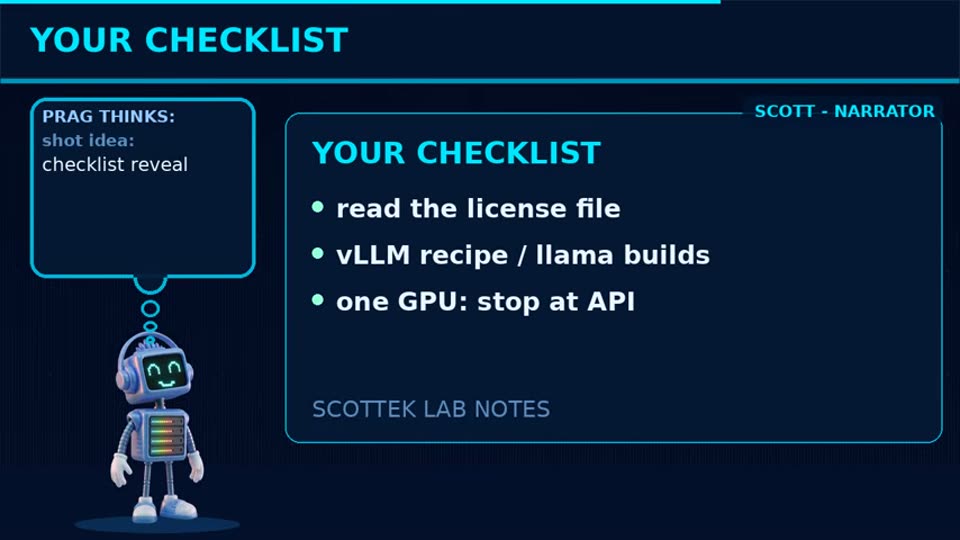
Your checklist
- Read the LICENSE file before planning any product, since the 20 million dollar gate decides your architecture
- With cluster access, start from the vLLM day-zero recipe with fast safetensors and the Kimi parsers, untested here
- On llama.cpp, confirm a build past b12180 for text and past the vision merge for images, untested here
- On one GPU, stop at the API and build the harness instead of the download queue
- Recheck every number against the linked primaries before spending, since prices, tags, and counts move
The video is the starting point and this guide is the checkable companion, so if a runnable homelab-size quant lands, the next video will show the exact VRAM math on real hardware, with the links above as the place to verify everything yourself.