Mellum 2.1: Local AI Coding Agent on One GPU (2026 Guide)

This companion guide starts from the video Mellum 2.1: Local AI Coding Agent on One GPU (2026 Guide) and adds grounded detail from the official model card and the JetBrains announcement so you can size the download and pick a run path. The video is an explainer walkthrough rather than an on-camera GPU burn-in, and the presenter says so directly, so every section below keeps In the video claims apart from Added from the sources research.
What the video sets up and what this guide adds
- In the video: the presenter frames JetBrains, the company behind IntelliJ and PyCharm, as giving home labs a coding agent with the October 8 release of Mellum 2.1 Thinking, describes Apache 2.0 open weights with an 8.1 GB recommended download that fits a 16 GB Mac or a single 12 GB GPU, and promises what the model is, what the numbers say, and the two commands that run it locally.
- In the video: the through-line is that this is no chatbot but a fast worker trained to live inside a repository, explore code, edit files, and check its own work, with a closing five-step index card and an explicit note that no GPU burn-in was filmed on camera.
- Added from the sources: the release post is Mellum2.1 Gets to Work: A Fast Open Model for Coding Agents dated 2026-10-08, the runnable builds live on the official GGUF card, and the video itself runs about 585 seconds with a 2026-10-14 upload date.
Model snapshot with architecture, license, and download sizes
- In the video: the model is a mixture-of-experts design with 12 billion parameters in total but only 2.5 billion active per token, 64 specialist experts with eight awake per token, 28 layers, a 131000-token context with room for a real codebase plus the conversation, and a thinking style that writes its chain of thought in
thinkblocks before the final answer. - In the video: the architecture is unchanged from Mellum 2, open-sourced back in June, with every gain coming from post-training reinforcement learning across millions of sandboxed runs, and the pitch is a fast worker for coding agents rather than a trophy leaderboard model.
- Added from the sources: the official GGUF card lists
BF16at 24.3 GB,Q8_0at 12.9 GB,Q6_Kat 10.9 GB,Q4_K_Mat 8.1 GB as the recommended balanced build, andMXFP4_MOEat 7.0 GB as the smallest, withQ4_K_Mkeeping 88.0 percent top-token agreement with full precision, and the license is Apache 2.0 per the same card. - Added from the sources: community walkthroughs put the practical floor at 16 GB unified memory for the
Q4_K_Mfile, 16 GB of VRAM forQ6_K, and 32 GB or more forBF16, so most home labs should start with the 8.1 GB file, a documented step that remains untested here on our own hardware.
Scores and speed with the honest label attached
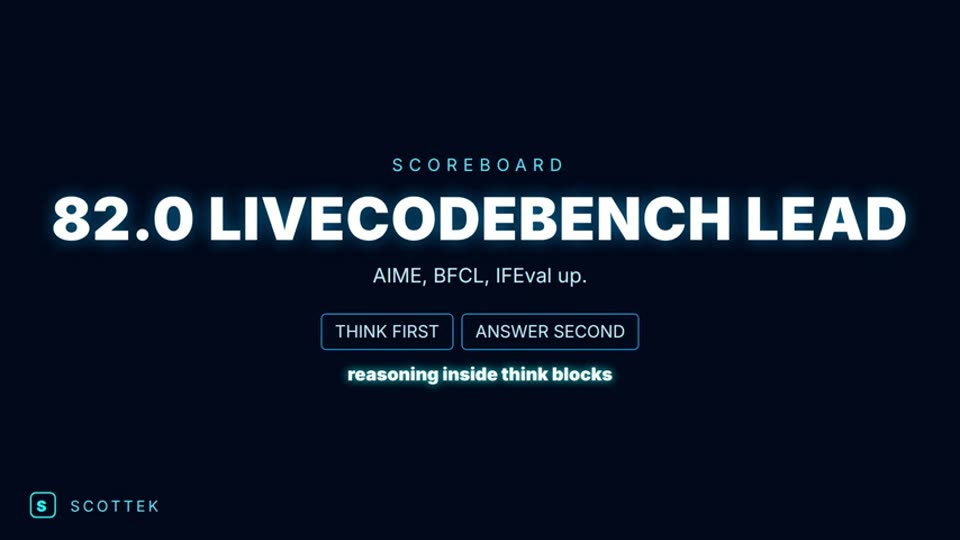
- In the video: all numbers carry one honest label, namely the vendor-reported results JetBrains measured in its own harness, with SWE-bench Verified rising from about two to forty-seven, LiveCodeBench climbing from 69.4 to 82 as the best of the four models tested, and math, tool-calling, and instruction-following scores all up.
- In the video: the presenter adds the context JetBrains includes to its credit, which is that Qwen3.5-9B still wins SWE-bench fifty to forty-seven with a wider lead on the harder Pro set, so Qwen is the stronger solver while Mellum is the faster one at nearly twice the heavy-load throughput, roughly eight thousand tokens per second against forty-three hundred, plus about 1.6 times faster on single requests through its multi-token prediction head.
- Added from the sources: the vendor-reported scoreboard reads SWE-bench Verified 47.0, LiveCodeBench v6 82.0, AIME 25/26 83.3, BFCL v4 62.3, and IFEval 90.6, every one of them vendor-reported from the same company harness, with independent testers already flagging one mixed result on the model card, so treat the table as a vendor claim rather than a verified lab result.
- Added from the sources: the vendor-reported efficiency claims are about 7969 tokens per second against about 4347 under heavy load and a KV cache of 1.68 GB against 3.79 GB at 114K tokens, both vendor-reported and both consistent with the video framing of best model per watt of waiting.
Run path one with Ollama from Hugging Face
- In the video: there is exactly one gotcha, which is that Mellum 2.1 is not in the Ollama library, so you pull it straight from Hugging Face with one
ollama runcommand against thehf.corepo andQ4_K_Mtag, after updating Ollama so the bundled build understands the brand-new architecture. - In the video: the second warning is to raise the context before serving, because the small default context starves a thinking model, with thirty-two thousand set as the floor so the reasoning has room to stretch.
- Added from the sources: the documented pull is
ollama run hf.co/JetBrains/Mellum2.1-12B-A2.5B-Thinking-GGUF:Q4_K_Mand the documented context raise isOLLAMA_CONTEXT_LENGTH=32768 ollama serve, both quoted from community walkthroughs rather than executed for this guide, so both steps remain untested here until a local run confirms them. - Added from the sources: if you are new to Ollama, start with the Ollama plus Qwen3 setup guide and then read the Ollama 0.40 rundown so the update-first requirement makes sense before you pull a new architecture.
Run path two with llama-server plus agent wiring
- In the video: the presenter prefers
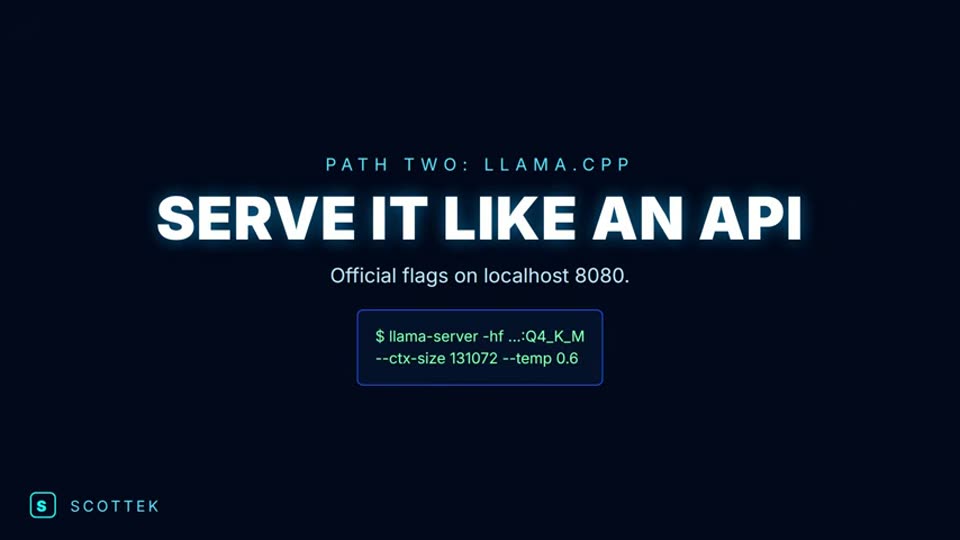
llama-serverfor a home lab box, with one command naming the same Hugging Face repo and tag, a context size of 131072, and sampling of temp 0.6 with top-p 0.95 and top-k 20 taken straight from the official card, plus a one-shotllama-clivariant with the same flags and a prompt for single answers. - In the video: the server exposes an OpenAI-compatible API on
http://localhost:8080/v1, so anything that speaks OpenAI can talk to the local coder, while LM Studio takes the same GGUF as a desktop option and vLLM with its multi-token prediction head plus SGLang cover server-grade serving with theqwen3reasoning parser and thehermestool-call parser. - Added from the sources: the card-verbatim serve form is
llama-server -hf JetBrains/Mellum2.1-12B-A2.5B-Thinking-GGUF:Q4_K_M --ctx-size 131072 --temp 0.6 --top-p 0.95 --top-k 20, the vLLM serving recipe adds--reasoning-parser qwen3with--enable-auto-tool-choice --tool-call-parser hermes, and both are documented steps that are still untested here without a local GPU run. - Added from the sources: the working pattern is two-tier, with a frontier model planning and Mellum executing file edits, test runs, and lookups through any harness with a base-URL field, which matches the agent-harness idea in the Bolt agent guide, pointed at your own box so private code never leaves the building under the Apache 2.0 license.
Limits, checks, and who should grab it
- In the video: three cautions close the show, starting with reasoning tokens eating the context window, which is why thirty-two thousand is the floor and the full 131072 exists on
llama-server, continuing with keeping the sampling recipe since thinking models get strange when creativity is cranked, and ending with verifying tool support throughollama showbecause a model that cannot call tools cannot be an agent. - In the video: the honest limits are that benchmarks are vendor-reported in the vendor harness, Qwen still outsells it on the hardest agentic tests while Mellum wins on speed, memory, and license, there is no Ollama library tag yet so you pull from Hugging Face directly, and every command is quoted from the official card and two independent walkthroughs rather than filmed as a bench run.
- Added from the sources: the people this fits are home coding-agent runners tired of metering tokens, anyone whose code cannot leave the network, students on a 16 GB Mac wanting a real agent worker without renting a GPU, and viewers of the Ollama setup and release guides looking for the next install, per the Ollama plus Qwen3 setup guide and the Ollama 0.40 rundown.
- Added from the sources: the closing checklist is update Ollama or llama-cpp to a current build, pull the
Q4_K_M8.1 GB quant, raise context to a thirty-two thousand minimum, serve it and point your harness at localhost, then keep the sampling recipe and verify tool calling first, with each hands-on step still untested here and awaiting a real single-GPU confirmation.