Share AI Across Your Homelab: NVIDIA PAIR 1.0 Guide (2026)

This companion guide starts from the video Share AI Across Your Homelab: NVIDIA PAIR 1.0 Guide (2026) and adds grounded detail from the NVIDIA release notes plus the official playbook so the cluster decision rests on documented behavior. The video is a narrated walkthrough rather than a filmed multi-node bench run, so every section below keeps In the video claims apart from Added from the sources research.
What the video covers and what this guide adds
- In the video: the problem is the homelab paradox of a gaming PC with an RTX card, a Linux box in the closet, and a Mac on the desk where one machine chokes on a local AI agent while the others sit idle, and on 13 October the Personal AI Router, PAIR, left beta with version 1.0 to fix exactly that.
- In the video: the one-sentence idea is installing PAIR on each machine so they find each other on the local network, after which agents send every request to one address while PAIR routes each request to the freest node holding the model, with no cables, no rack, and no cluster software to babysit.
- Added from the sources: the video identity is title Share AI Across Your Homelab plus NVIDIA PAIR 1.0 Guide plus 2026 at Watch link with upload date 2026-10-15 and duration about 664 seconds, and the transcript was fetched with auto-subs then stripped of tags and timestamps and read in full as the primary source for every In the video line below.
- Added from the sources: grounding comes from the PAIR 1.0.0 release notes plus the official playbook plus the NVIDIA launch-week post, checked October 2026, with anything not personally tested marked untested.
What it is not, and what is new in 1.0
- In the video: the honest framing matters most because PAIR never adds VRAM together, so two 8 GB cards never become 16 GB, and it never splits one model or one request across machines since each request goes to exactly one computer whole.
- Added from the sources: the playbook states the same non-goals explicitly with PAIR presenting Ollama-compatible plus OpenAI-compatible proxy endpoints and routing each independent request to one eligible system by engine availability, model availability, and current workload, built for multi-agent apps, per the playbook.
- In the video: what arrives instead is parallelism where five agents asking at once spread across five machines instead of queuing on one, which suits multi-agent workflows, Open WebUI, n8n flows, and coding agents far better than a single chatbot.
- In the video: version 1.0 brings four things with llama.cpp install plus management plus Hugging Face GGUF downloads, engine launch options for custom startup flags and environment variables like context size on any node, validated RTX Spark support with llama.cpp plus CUDA on the new ARM hardware, and a redesigned terminal interface with a Jobs tab so headless boxes match the desktop app.
- Added from the sources: the 1.0.0 tag is v1.0.0 at commit 85f523d released 13 October 2026 following the August beta window, with over ten community-contributed fixes and features in the first month including Anthropic Messages API routing through Ollama and LM Studio so clients like Claude Code ride the same model-aware routing and failover, per the release notes.
- Added from the sources: readers sizing the models to route should check the Bolt 74B guide for the agent model that dropped the same week plus the Open WebUI guide and the n8n guide for the clients that benefit most.
Engines, model IDs, and the memory math
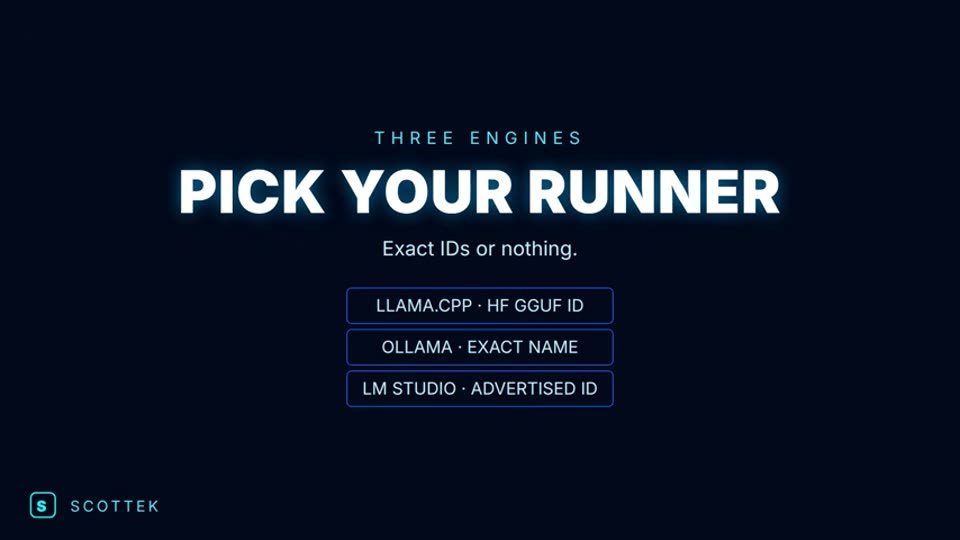
- In the video: the three engines each name models differently with llama.cpp using the exact Hugging Face GGUF identifier such as
ggml-org/gemma-3-1b-it-GGUF:Q4_K_M, Ollama using the exact model name likellama3.2, and LM Studio using whatever model ID it advertises. - In the video: the hour-saving gotcha is never substituting a local filename or display name but copying the exact ID PAIR shows or the one its
/v1/modelsendpoint returns, since one wrong character leaves the request nowhere to go. - Added from the sources: the validated hardware spans GeForce RTX 20 series and newer, RTX PRO from Turing up, DGX Spark, the new RTX Spark, and Macs back to M1, with Windows 11, Ubuntu 24.04, DGX OS, and macOS installers as
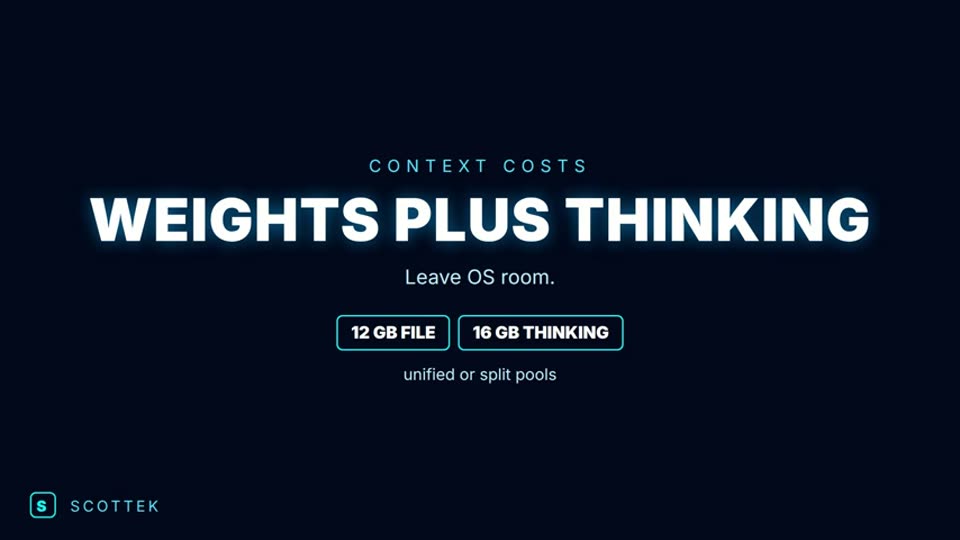
.exe,.deb, and.dmgin x64 plus ARM64 flavors and mixed-OS clusters supported, per the landing page and playbook, quoted and untested here. - In the video: the memory math must stay honest because each serving machine needs room for weights plus context window plus engine runtime overhead, where a 12 GB download can easily want 16 GB once thinking, with unified-memory boxes sharing one pool and discrete-GPU boxes keeping VRAM and system RAM as separate budgets.
- In the video: the golden rule is sizing for the smallest node rather than the biggest since pairing never pools memory and every model must fit on at least one machine by itself, so a giant model exceeding every single box stays out of reach.
- Added from the sources: minimums are humble at 4 GB of RAM plus about 500 MB of disk before models, no internet is needed to operate beyond downloads, prompts stay on the LAN when app, model source, engine, and nodes are all local, and the playbook prices setup at about ten minutes plus downloads, per the playbook, quoted and untested here.
Pairing, first request, and the Windows sidebar
- In the video: pairing needs every box on the same trusted local network with trust emphasized because the project security policy deserves a read before shared or untrusted networks, and the six-digit PIN is a short-lived setup code rather than a long-term credential, with cluster trust turning cryptographic afterward.
- In the video: discovery then runs itself with machines joining or leaving picked up automatically, which suits gaming PCs that dual-boot and laptops whose lids close, while headless servers get the terminal interface over SSH with engine management, model downloads, device pairing, the Jobs tab, and an inference demo proving routing works.
- In the video: the one big rule is never running the desktop app and the terminal interface on the same machine since they compete over ports, engines, and settings, so each box picks one interface and sticks with it.
- In the video: the first request points any OpenAI-compatible client at the local endpoint or uses the Ollama-native style, lists routable models with a GET to
/v1/models, then posts prompts like any chat API with the exact model identifier from setup while PAIR picks the node invisibly. - In the video: the Windows sidebar matters because the same week brought Llama Windows, a free Windows 11 tray app downloading and running open models in one click with recommended Hugging Face models included, no command line, built with Hugging Face and tuned for RTX Spark, turning any Windows box into a zero-friction serving node.
- Added from the sources: every pairing and request flow above is quoted from the video plus the playbook and untested here, and rollback per the playbook is unpair, uninstall, and remove engines plus models.
Upgrade gotchas and the verdict
- In the video: three real and fixable caveats come straight from the release notes with browser-based clients breaking after upgrade fixed by setting
OLLAMA_ORIGINSin that engine launch options since endpoints now follow each engine CORS policy, the new NVIDIA PAIR app installing beside the old one on Mac so the old one goes manually with settings carrying over, and beta-installed LM Studio never auto-removing so~/.lmstudiogets cleaned by hand. - Added from the sources: the good news in the same notes is uninstalling no longer eats downloads with models staying put under
~/.llamacpp,~/.ollama, and~/.lmstudio/models, and beta testers should read the upgrade guide before jumping, per the release notes. - In the video: the verdict targets homelabs with two or more GPU-capable machines running agents, with the starter recipe of a gaming PC plus one server on llama.cpp with a small GGUF each and the Mac or laptop joining later.
- In the video: timing lines up with the Bolt 74B agent model dropping 15 October and RTX Spark laptops going on sale 16 October, so the cluster story and the hardware story collide at once.
- Added from the sources: the launch-week backdrop is local LLM downloads running at five times all of last year, per the NVIDIA launch-week post, quoted and untested here.
- Added from the sources: the index card from the video is download 1.0.0 per OS and architecture and sanity-check against the GitHub releases page, choose the engine and do the memory math for the smallest node, pair on the trusted LAN with the short-lived PIN, prove routing with the inference demo plus
/v1/models, then point one existing agent at the single endpoint and watch the Jobs tab.