Five Small Models Beat a Frontier Model — Install Memdoor

Companion to the video
This guide is a companion to the video and starts from it. Watch the video for the full walkthrough.
In the video: the Memdoor install flow on Ubuntu 24.04, from the one-line installer through the version check, doctor, connect, and a first run in a project folder.
Added from the sources: the exact command order below, the requirements, and the local-runtime options, grounded in the video description and the official Memdoor docs.
Auto-subtitles for the video were unavailable at draft time, so the video description plus the official docs ground every step here. The terminal frames shown in the video are labeled there as simulated recreations from a real sandboxed test run, so treat the commands as the record, not screenshots of a live session.
What Memdoor is
Memdoor is an open-source coding-agent harness under Apache 2.0, shipped as one binary with no Docker or Python needed, per the project homepage. Its headline claim is a workflow one: five small Qwen3.8-27B agents run as a Memdoor workflow scored a mean of 9.8 of 10 on the first ten problems of a LiveCodeBench Hard list over five passes, against 8.0 for a frontier model in a single call, per the project's team-solve writeup. That benchmark is the project's own published result, untested here.
Before you start
- 64-bit Ubuntu 24.04
curlandbashinstalled- About 50MB of free disk
- No sudo needed
- A provider key or a local runtime is only needed for live model turns, not for the install itself
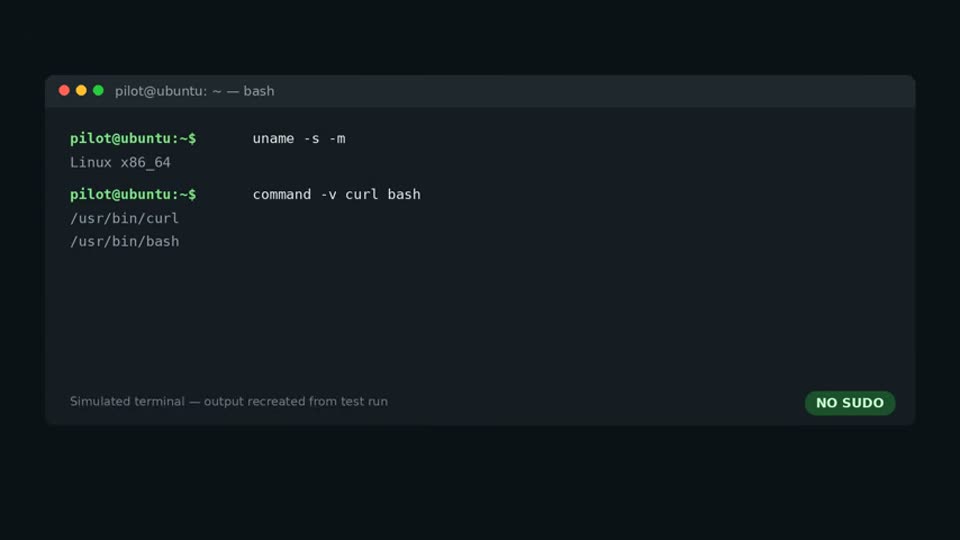
Check the platform and tools with one line each. uname -s -m should return Linux x86_64, and command -v curl bash should print both paths.
Install it
Caution: the installer is a curl-pipe-to-bash one-liner, so review what it fetches first at https://memdoor.ai/install.sh before running it.
- Run the installer from the video description and the getting-started guide:
curl -fsSL https://memdoor.ai/install.sh | bash
- Make sure the binary is on your
PATH:
export PATH="$HOME/.local/bin:$PATH"
The installer places one binary at ~/.local/bin/memdoor with no sudo, no Docker, and no Python. This install step was untested here.
Verify the install
- Print the installed version:
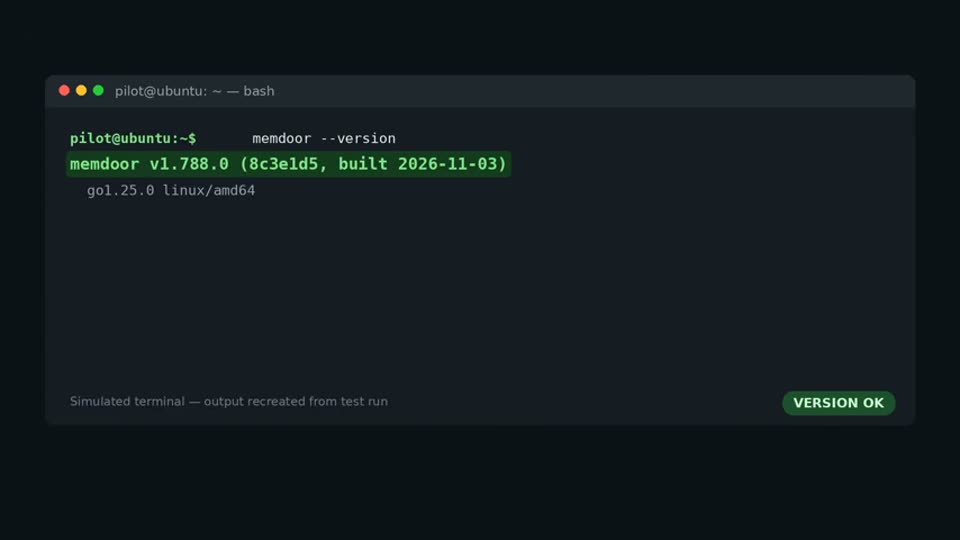
memdoor --version
- The video installs Memdoor 1.788.0, and the version frame shows
memdoor v1.788.0built withgo1.25.8forlinux/amd64.
- Run the health check given in the video description:
memdoor doctor
Both checks were untested here.
Connect a model with a key or a local runtime
- List what
connectsupports:
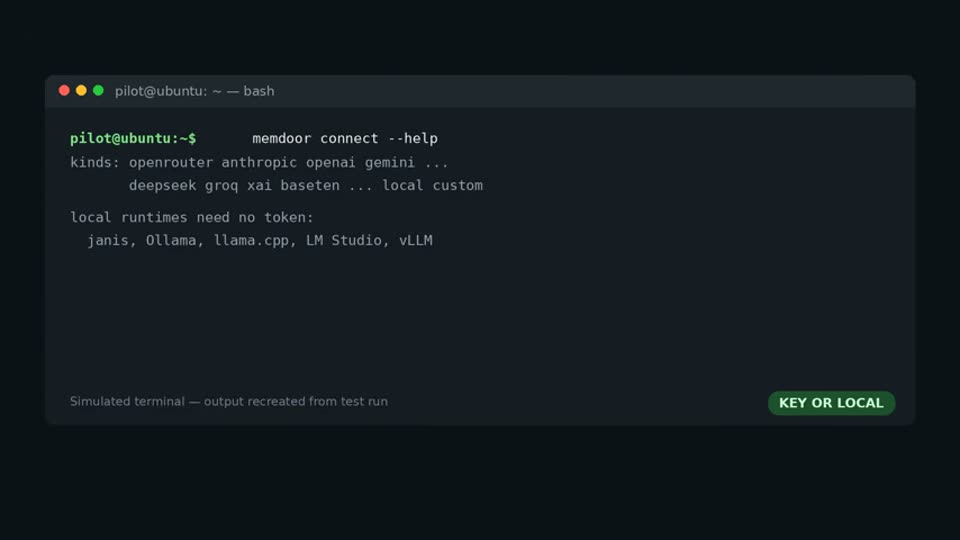
memdoor connect --help
- With a provider key, export the placeholder key from the video description with your own real value, never the literal placeholder:
export OPENROUTER_API_KEY=sk-or-...
- With no key at all, point Memdoor at a model already running on the machine:
memdoor connect local
Local runtimes that need no token include janis, Ollama, llama.cpp, and LM Studio, per the open-weight guide. Connecting with a key or a local runtime was untested here.
Run it in your project
- Change into a project folder and start Memdoor:
cd ~/myapp && memdoor
The agent works on the launch directory, so start it at the project root. This first run was untested here.
Keep going with local AI
- Install Prospero 0.10.0 on Ubuntu, a lean AI coding harness
- Free local AI coding with Claude Code and Ollama
- Install llama.cpp 0.8 on Ubuntu for a local AI server